33
7. Other Applications
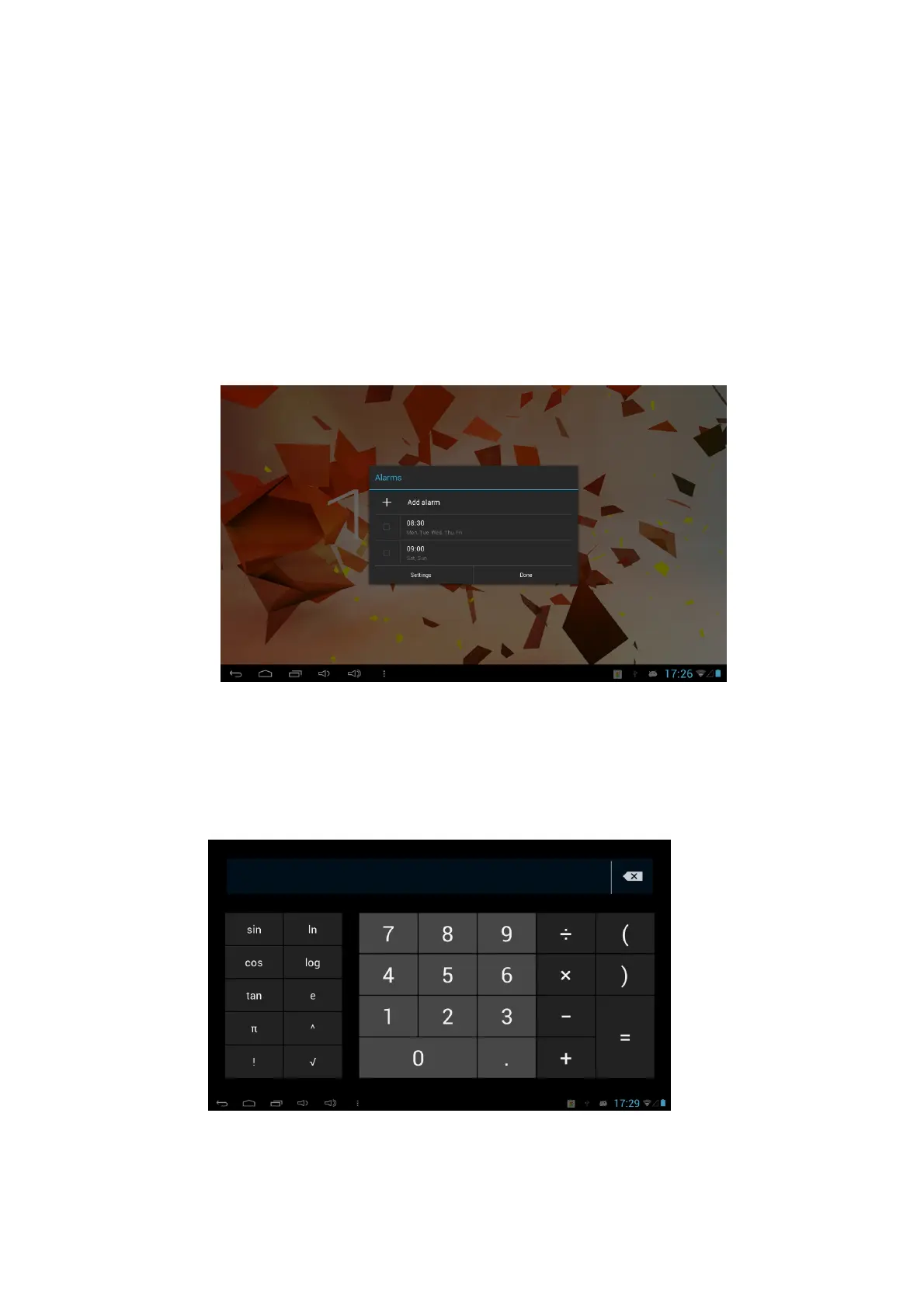
7.1 Alarm clock
1. Click the clock icon in the apps menu.
2. Click set alarms.
3. Click the time periods or settings to set up the alarm..
4. After setup, click Done on the corresponding clock.
5. Set the right date & time in system setting before using the Alarm clock.
7.2 Calculator
1. Click Calculator from the apps menu.
2. Enter the basic operations of the calculator to operate.



 To Next Page