18
Add a widget to the desktop
On the application menu, click “WIDGETS”button and enter into the interface. The
icon and name for added WIDGETS can appear on this interface, such as: music,
photo frame, clock and searching. Press and hold the selected widget and drag to the
desktop.
Switch the Input Language
When the keyboard screen is in use, press the sub-menu key at the bottom left and
enter language options.
Rapidly shut off the procedure
Click the Back Key to return to the previous interface, or click the Homepage key to
return to the homepage interface.
Factory Default
When your Tablet produces a major error, the Factory Default can be employed to
return to the ex-factory status. There are two kinds of methods of setting the Factory
Default:
1. On the homepage interface, click the menu key and pop up the setting menu.
2. Click and select Settings
3. Click and select the Backup and Reset
4. Click and select the Factory data reset
5. Click and select the Reset tablet
6. Press the Erase everything to confirm
7. Wait for system resetting
Note: For a full reset you can also check the box “erase storage” before pressing
“Reset tablet”. The files will be erased completely if you select this function.
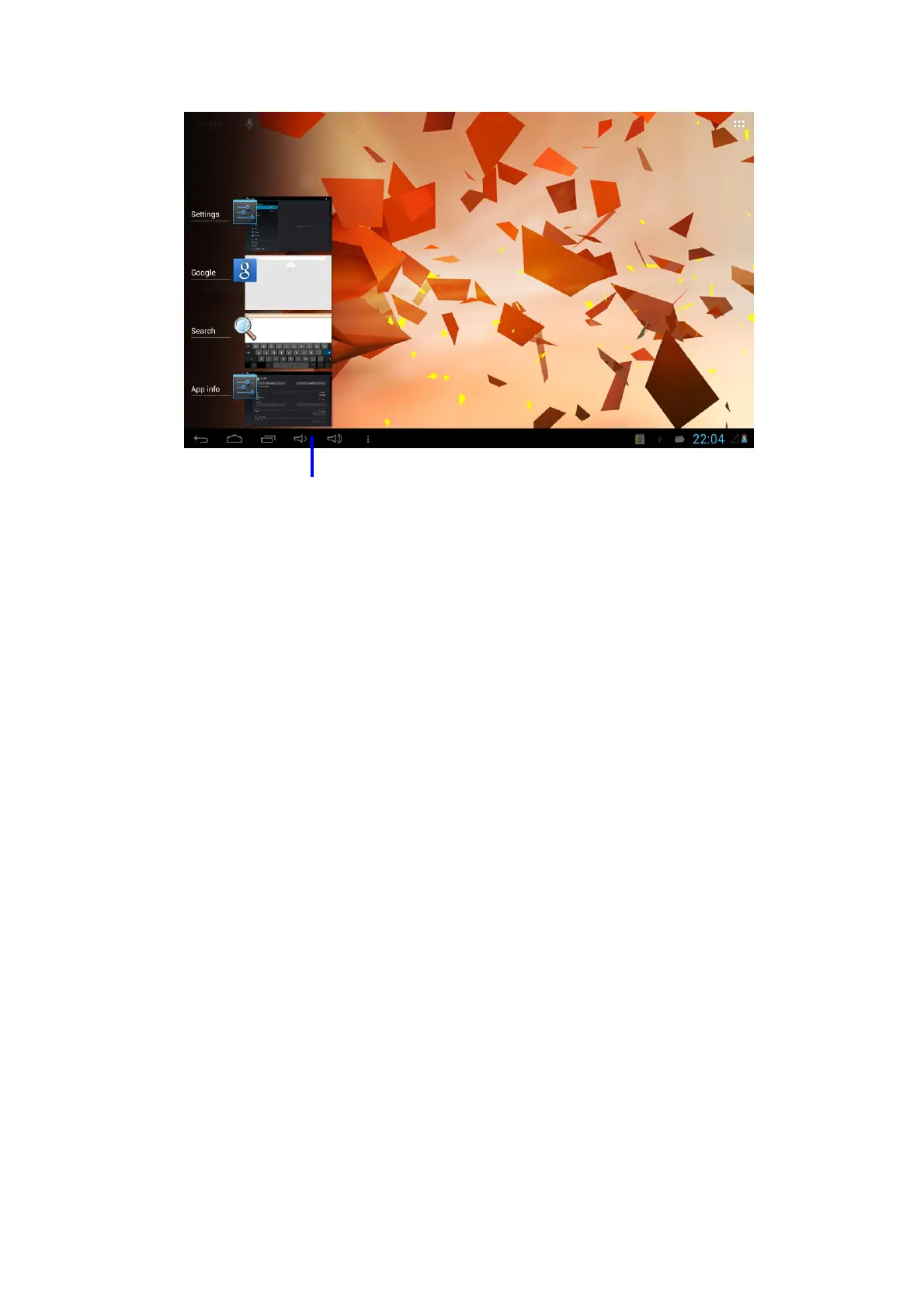
Application procedure used
recently



 To Next Page