12
Custom homepage interface
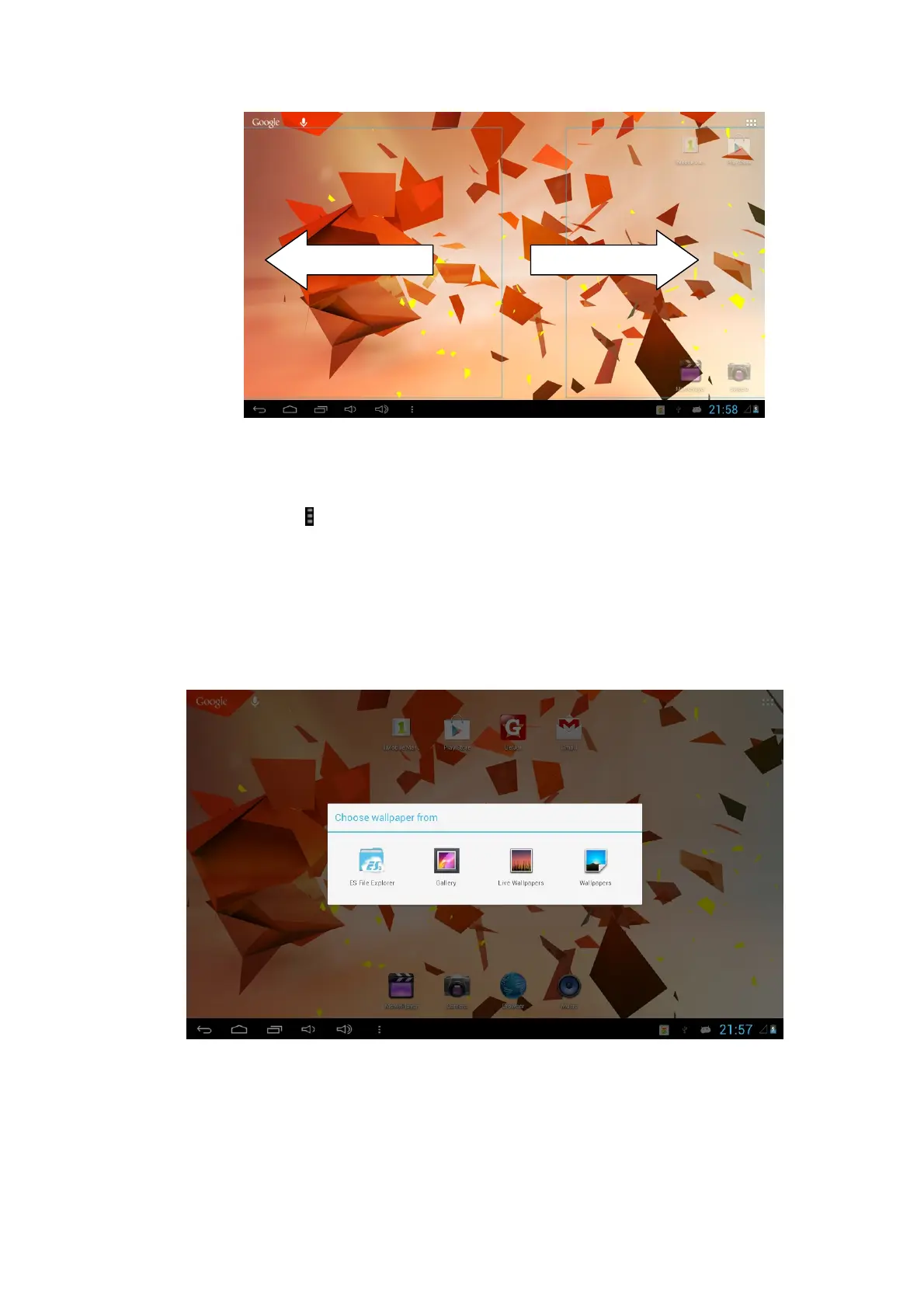
Change desktop wallpaper
1. Tap the icon in the homepage interface to pop up the submenu Wallpaper,
Mange Apps and System settings. You can also select the wallpaper setting in
system setting.
2. When the menu pops up, choose the source of the wallpaper you want to
change.
3. After clicking the source of the wallpaper, click the picture you want, and then
select “set wallpaper”.
Add widgets
1. Please click the application program menu.
2. After entering the application program menu, click the “WIDGETS” button on the
top left of interface.



 To Next Page