24
10. Click “ Send”, send out the E-mail.
Notice: If you have more than one account and hope to send out a E-mail in a
certain account, prior to clicking the main menu and composing the
E-mail, click that account name in advance.
Learn to send or view email messages via the Google Mail™ webmail service.
- This feature may be unavailable depending on your region or service provider.
- This feature may be labeled differently depending on your region or service
provider.
Send E-mail by Gmail:
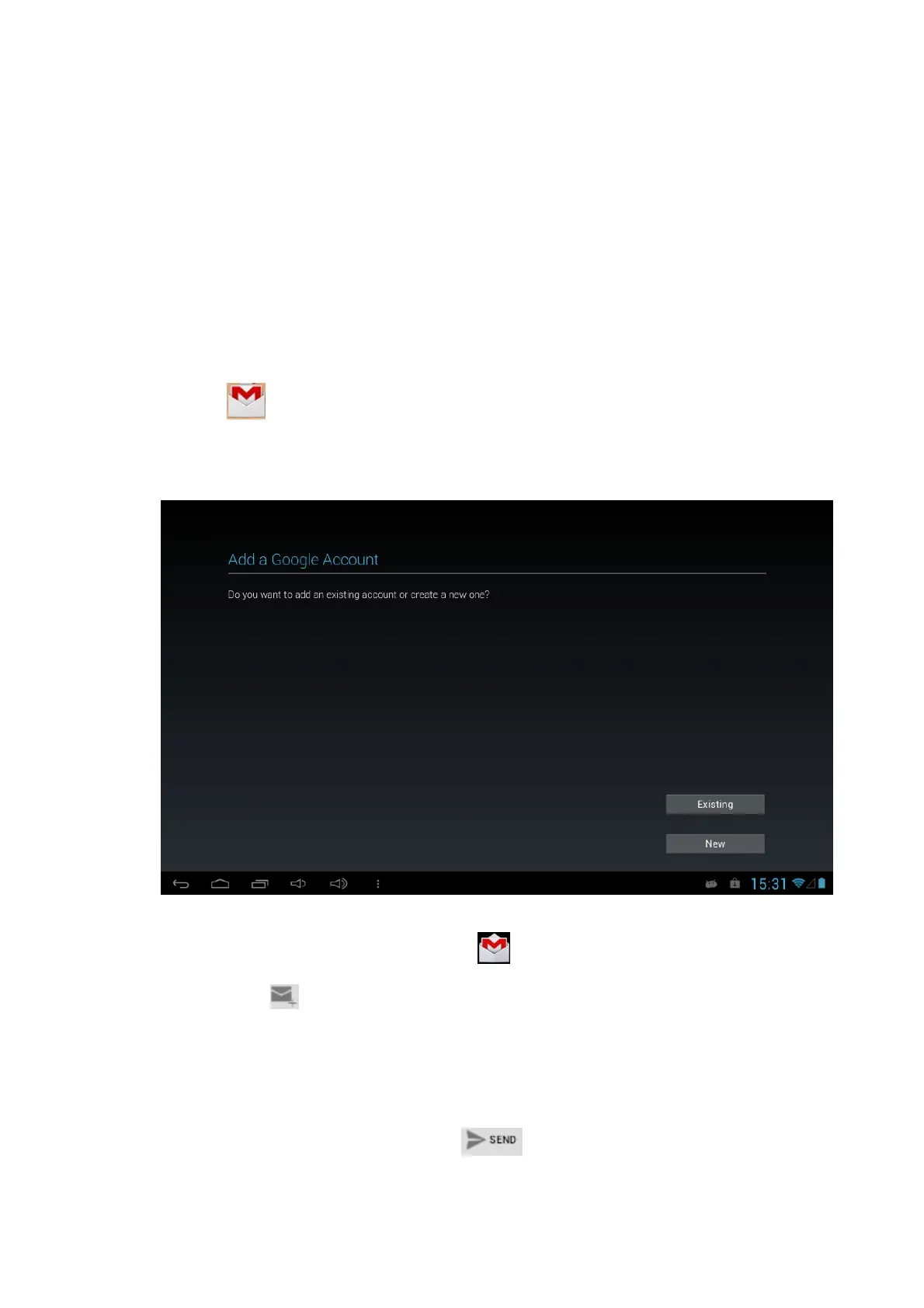
1. Click to select Gmail function in the application list
2. Enter Existing Google Account username and password if you have, otherwise
press the New to create a Google account.
3. After confirm the Terms & Conditions, you can start to use the Gmail to send email.
Send an email message
1. In the application list, select Gmail → .
2. Click the to compose a email
2. Select the recipient field and enter an email address.
3. Select the subject field and enter a subject.
4. Select the text field and enter your email text.
5. Select and attach a file.
6. To send the message, select SEND.



 To Next Page