38
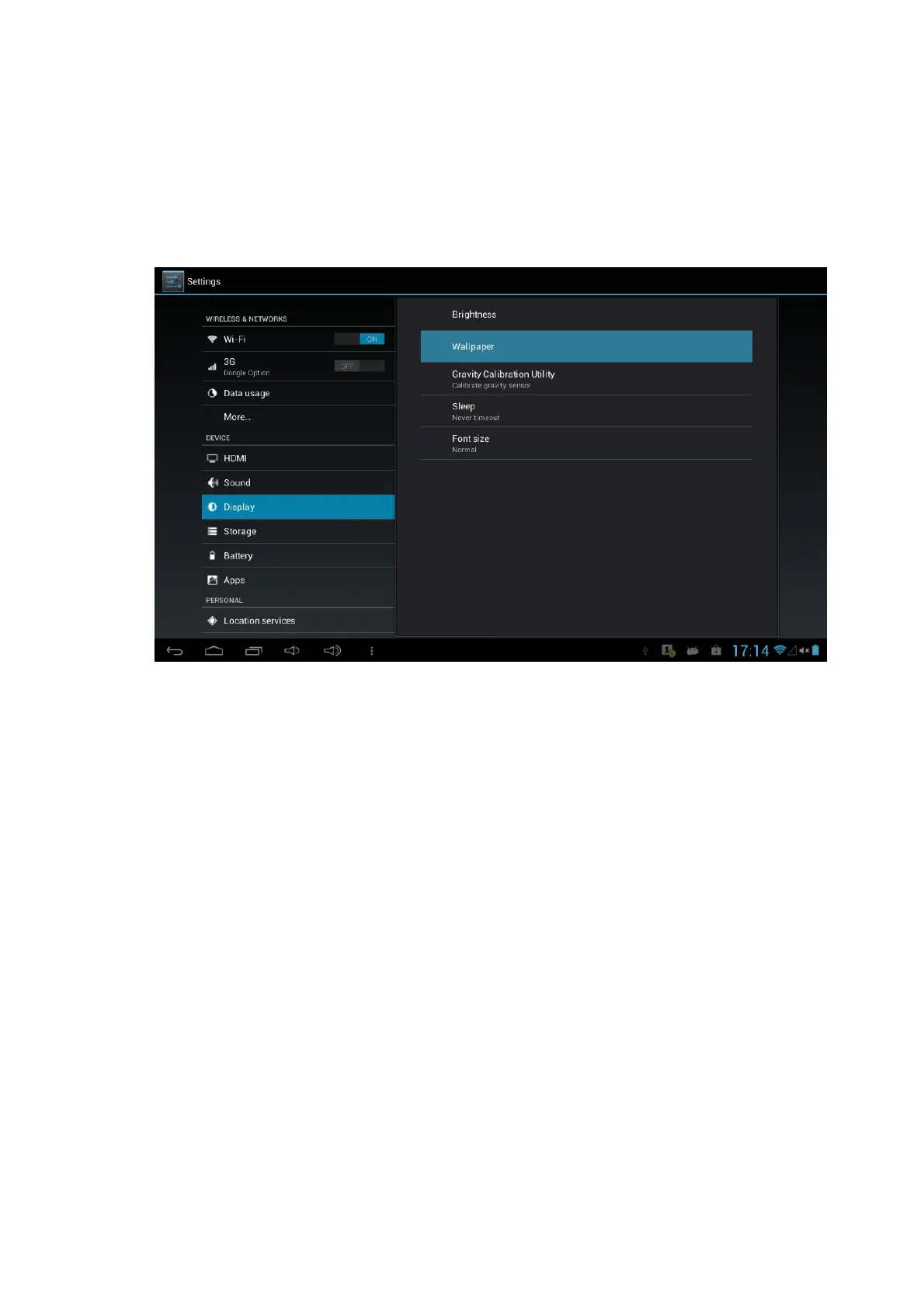
l Set Wallpaper
1. Click the Wallpaper under the Display setting,
2. Select the Wallpaper souce, It will shows the available wallpaper
3. Click the desired wallpaper, it will preview the related wallpaper
4. Click the Set Wallpaper to confirm to use the selected wallpaper
l Gravity Calibration Utility
Select this utility if reset or calibrate the Gravity is needed.
l Adjust screen standby time
1. Click the application icon to enter the settings application on the Homepage.
2. Click Display.
3. Scroll down the screen and then click Sleep.
4. Pop up screen standby time settings and choose the standby time you want.
l Font size
Select the Font size from this setting, default setting is Normal



 To Next Page