1 SpeedTouch™ Installation
E-SIT-CTC-20030306-0003 v3.0
9
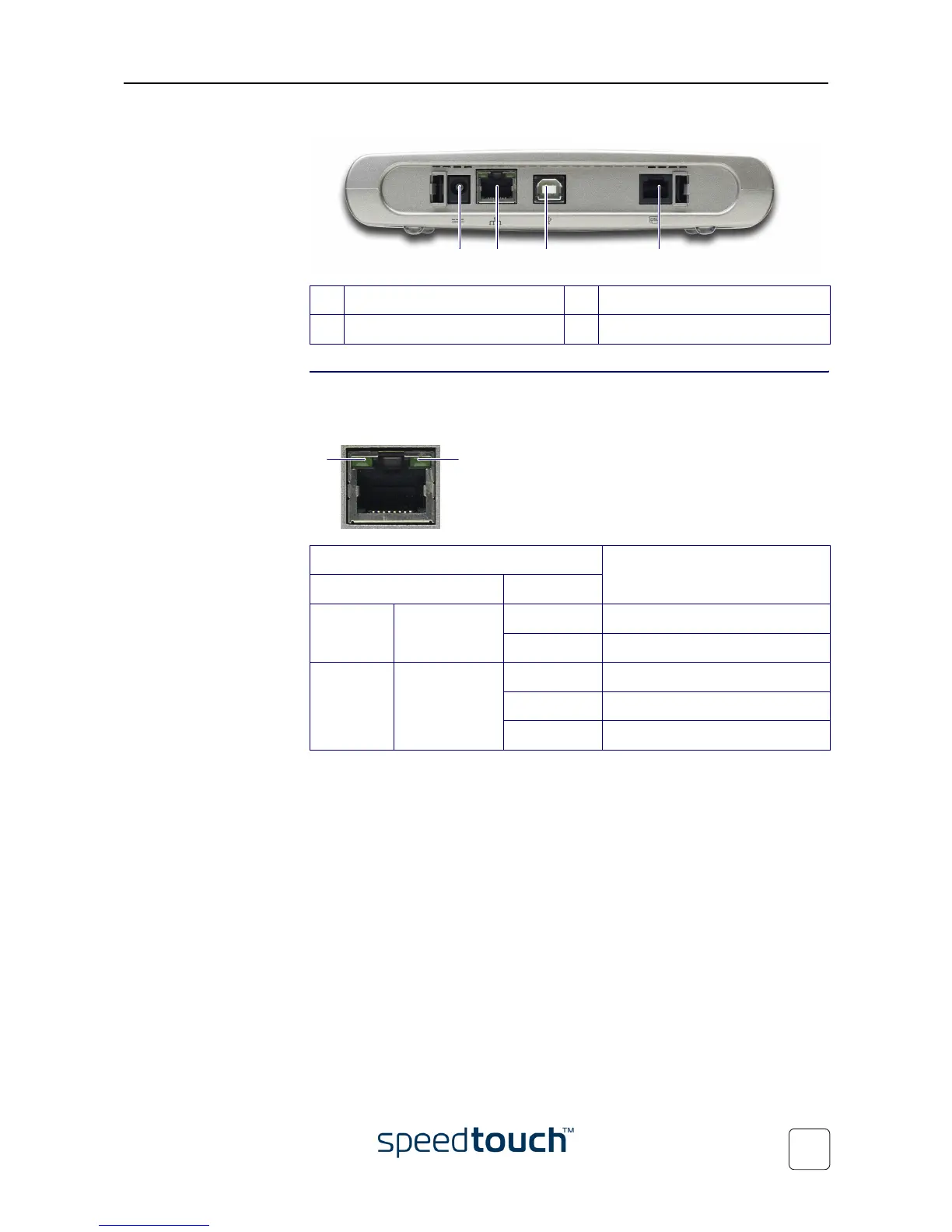
• A single 10/100Base-T Ethernet port and a USB port:
Ethernet port(s) LED
functionality
Each Ethernet port on the rear panel has one LED to indicate the connection integrity
(activity). Depending on the SpeedTouch™ variant you are using, a second LED may be
provided to indicate the 10/100Base-T selection:
A Power inlet C USB port
B 10/100Base-T Ethernet port D DSL line port
A B DC
Indicator Description
Name LED Status
A
(Optional)
10/100Base-T Off 10Base-T Ethernet connection.
On 100Base-T Ethernet connection.
BIntegrity
(Activity)
Off No connection on this port.
On Ethernet link up.
Flashing Data is flowing from/to this port.
BA















 To Next Page