1 SpeedTouch™ Installation
E-SIT-CTC-20030306-0003 v3.0
19
10 Your system restarts.
11 On the Apple menu, click System Preferences.
12 In the System Preferences window, click the Network icon.
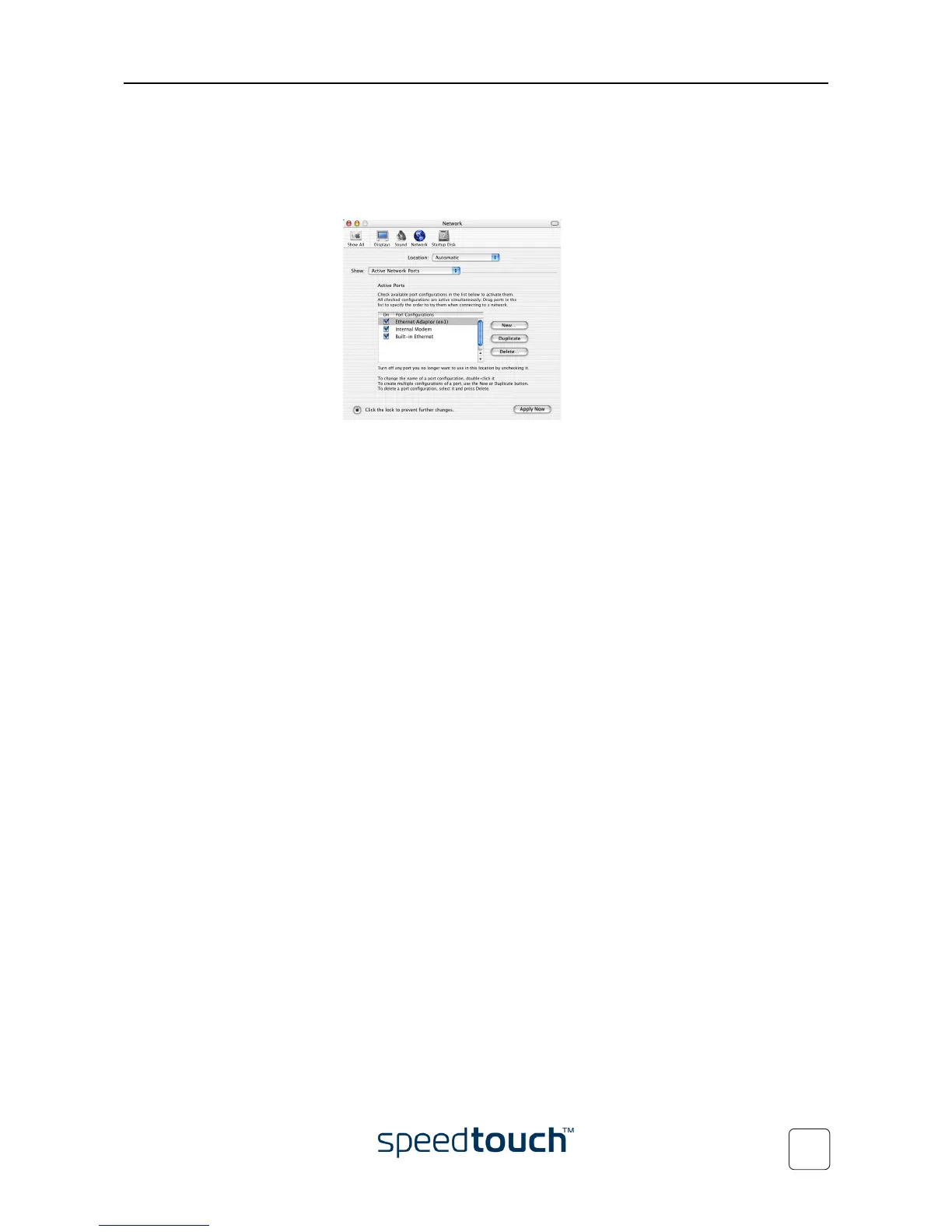
13 The Network window appears:
In the Show list click Active Network Ports, and drag Ethernet Adaptor (en_x)
to the top of the list. If you do not intend to use the other interfaces, clear the
corresponding check boxes.
Click Apply Now to confirm the modifications to the network settings.
As a result your SpeedTouch™ USB connection is installed and ready for use. Option-
ally you can connect another computer, using its Ethernet port, before continuing with
the SpeedTouch™ Configuration Setup described in “1.3 SpeedTouch™ Configuration
Setup” on page 20.















 To Next Page