1 SpeedTouch™ Installation
E-SIT-CTC-20030306-0003 v3.0
23
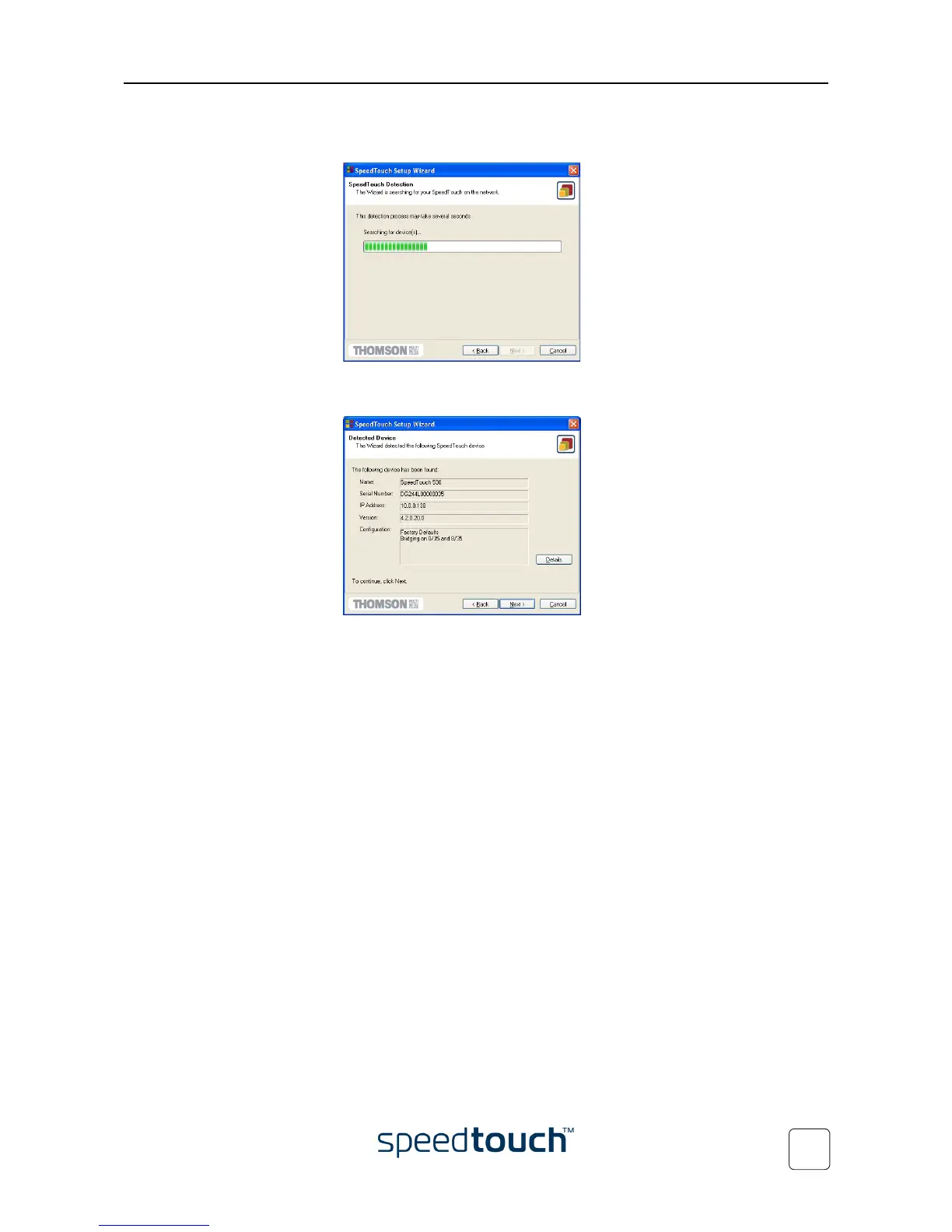
7 The Setup wizard will continue to search for the SpeedTouch™ on the network.
The following window shows the detection progress:
8 The Setup wizard should find your SpeedTouch™ device on the local network.
This is indicated by the following window:
In case more than one SpeedTouch™ device is found, a listing is provided from
which you can select your SpeedTouch™.
Note If the Setup wizard does not find any SpeedTouch™ on the network an
error window pops up. In this case check:
• Whether the SpeedTouch™ is turned on and fully initialized.
• Whether your PC is correctly connected to the SpeedTouch™
(Ethernet or USB).
• Whether no dedicated firewall device or router is placed
between your PC and the SpeedTouch™ and whether no
personal firewall software is running on your PC (in case of
Ethernet connectivity).
• Whether the SpeedTouch™ USB drivers are correctly and fully
installed (in case of USB connectivity).
To repeat the search for the SpeedTouch™, click Back and proceed with step 7 of
this procedure.
9 To continue with the configuration of your SpeedTouch™ and your PC, proceed
with the configuration procedure described below.















 To Next Page