1 SpeedTouch™ Installation
E-SIT-CTC-20030306-0003 v3.0
30
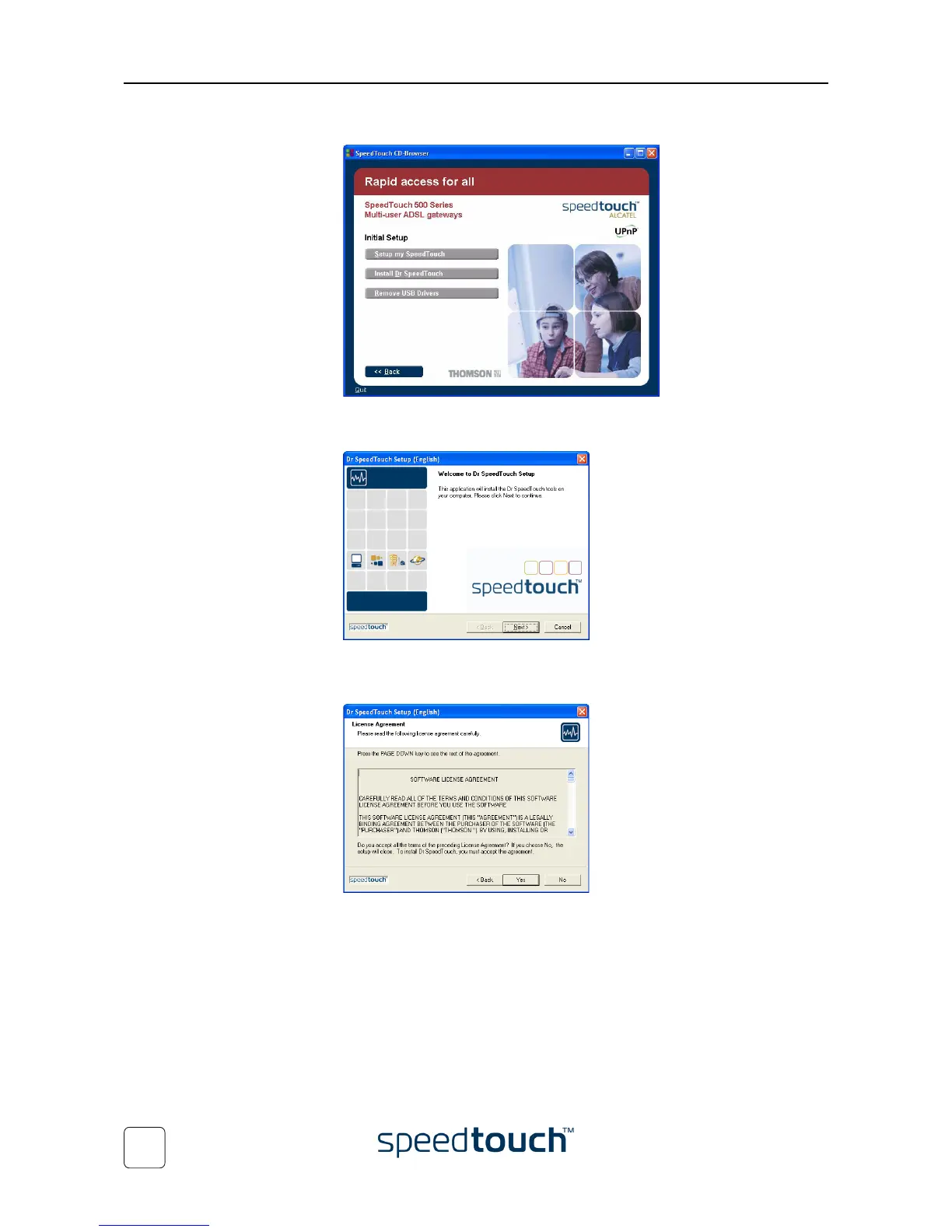
4 The Setup and Installation window appears:
To start the Dr SpeedTouch™ Setup wizard, click Install Dr SpeedTouch™.
5 The Dr SpeedTouch™ Setup wizard appears:
Click Next to continue.
6 The Software License Agreement appears:
You must accept before continuing. Therefor click Yes to accept.















 To Next Page