1 SpeedTouch™ Installation
E-SIT-CTC-20030306-0003 v3.0
31
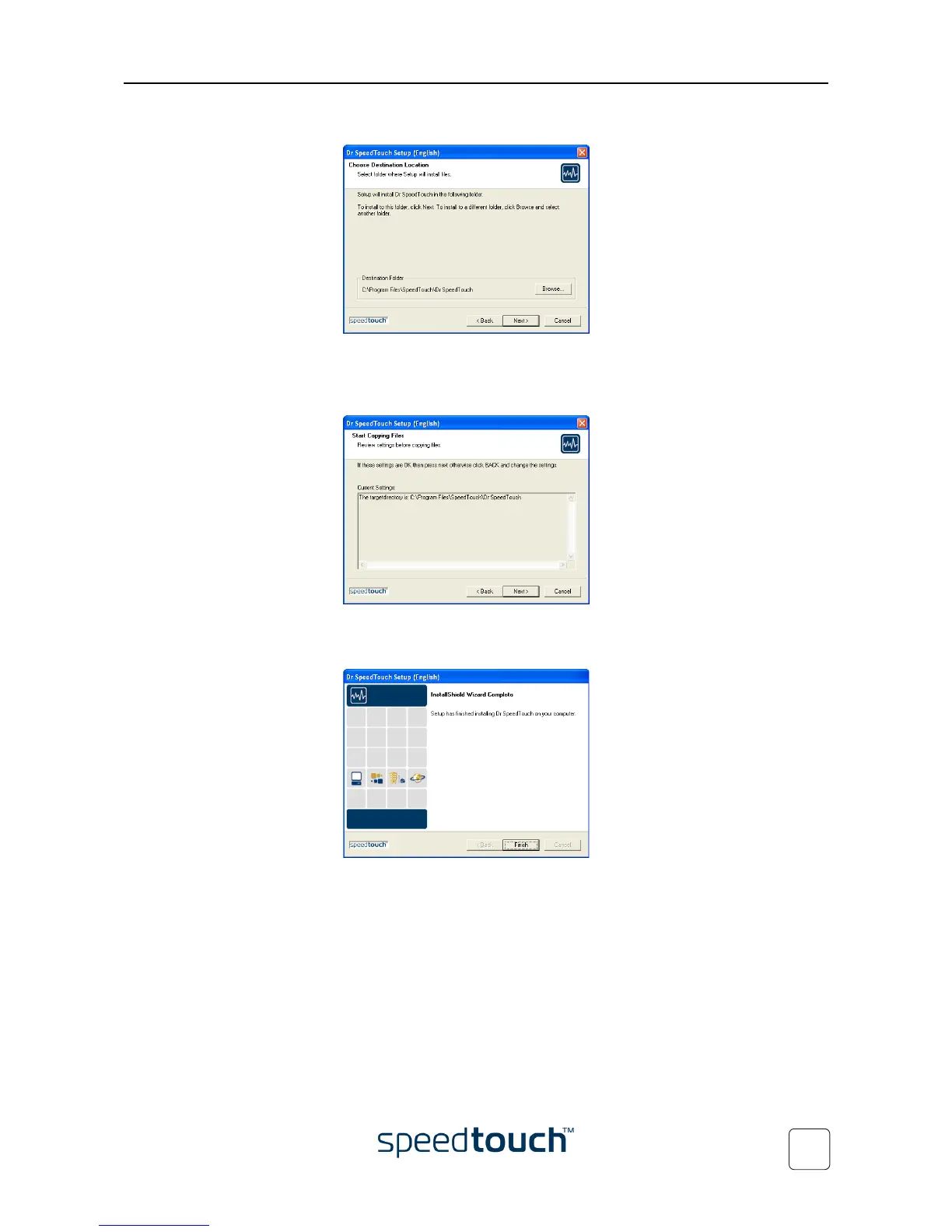
7 The Dr SpeedTouch™ Setup wizard asks you to select a destination folder:
Click Next to install Dr SpeedTouch™ to the default folder. To select a different
folder, click Browse.
8 The following screen appears:
Click Next to continue.
9 At the end of the procedure the following window appears:
Click Finish to complete the installation.















 To Next Page