1 SpeedTouch™ Installation
E-SIT-CTC-20030306-0003 v3.0
32
Starting Dr
SpeedTouch™
To s t a r t D r S p e e d To u c h ™ :
1 Double-click in the status area.
2 Dr SpeedTouch™ searches your network for SpeedTouch™ devices. If more than
one device is found, a list of available devices will be provided. If this is the case,
select the SpeedTouch™ of your choice and click OK.
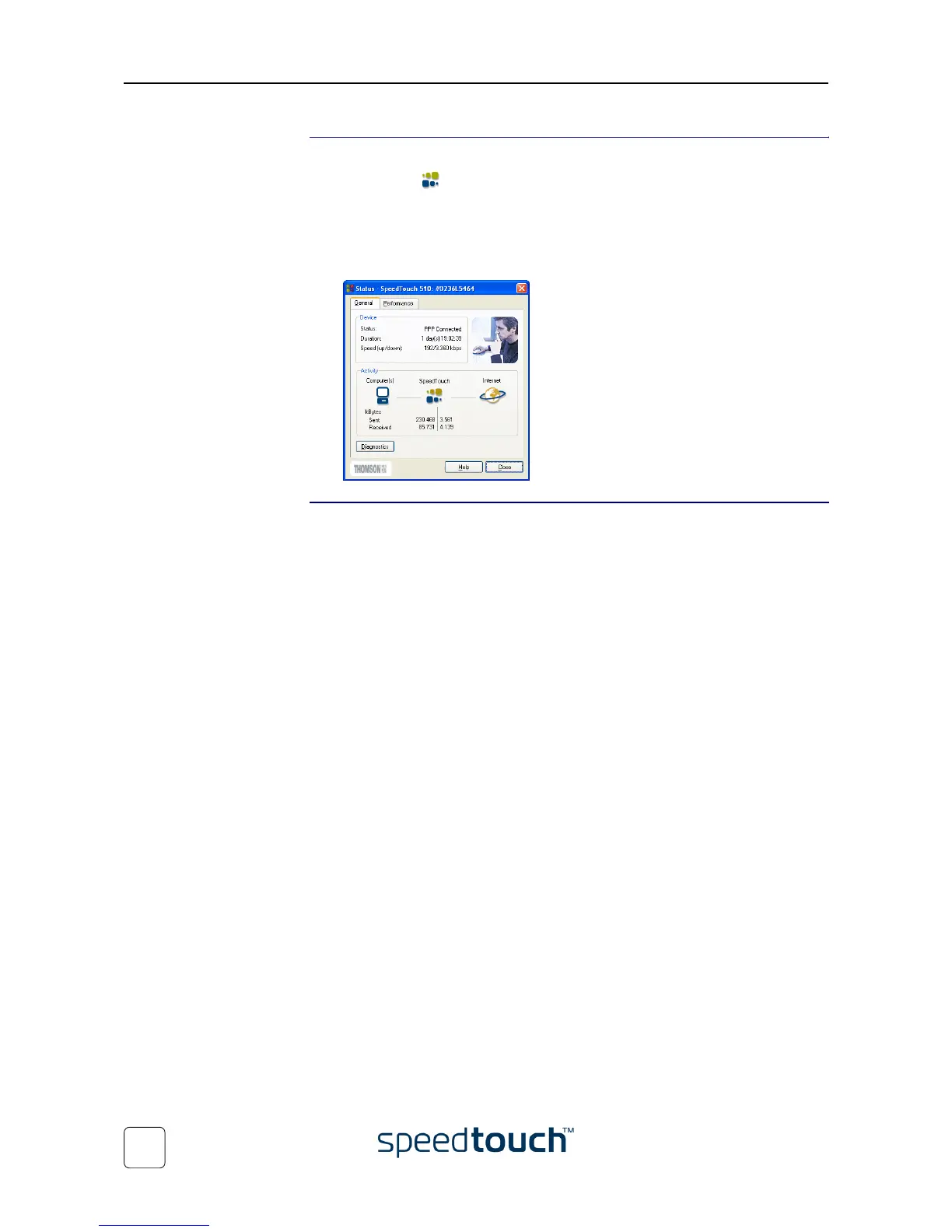
3 The Dr SpeedTouch™ window appears:
Dr SpeedTouch™
features
Dr SpeedTouch™ allows you to:
• View the SpeedTouch™ device information.
• View the SpeedTouch™ activity.
• Test the connectivity of your computer and the SpeedTouch™ device via the
Diagnostics wizard.
• Monitor the SpeedTouch™ performance.
Note For more information on Dr SpeedTouch™ please click Help.















 To Next Page