1 SpeedTouch™ Installation
E-DOC-CTC-20030814-0001 v1.0
13
Detection of the
SpeedTouch™
Proceed as follows:
1 Insert the SpeedTouch™ Setup CD-ROM in your PC's CD-ROM drive. The
SpeedTouch™ CD Browser will start automatically.
Note If the SpeedTouch™ CD Browser window does not appear automati-
cally, open a Run window via Start > Run from the Start menu and
enter the following path: D:\Menu.exe, where D stands for the drive
letter of your CD-ROM drive.
2 The Choose Language window prompts you to select a language:
Select the language of your choice and click OK.
Note The selected language will also be used as default language in the
SpeedTouch™ web pages. See “ Language” on page 66 for more infor-
mation on how to change the web page language.
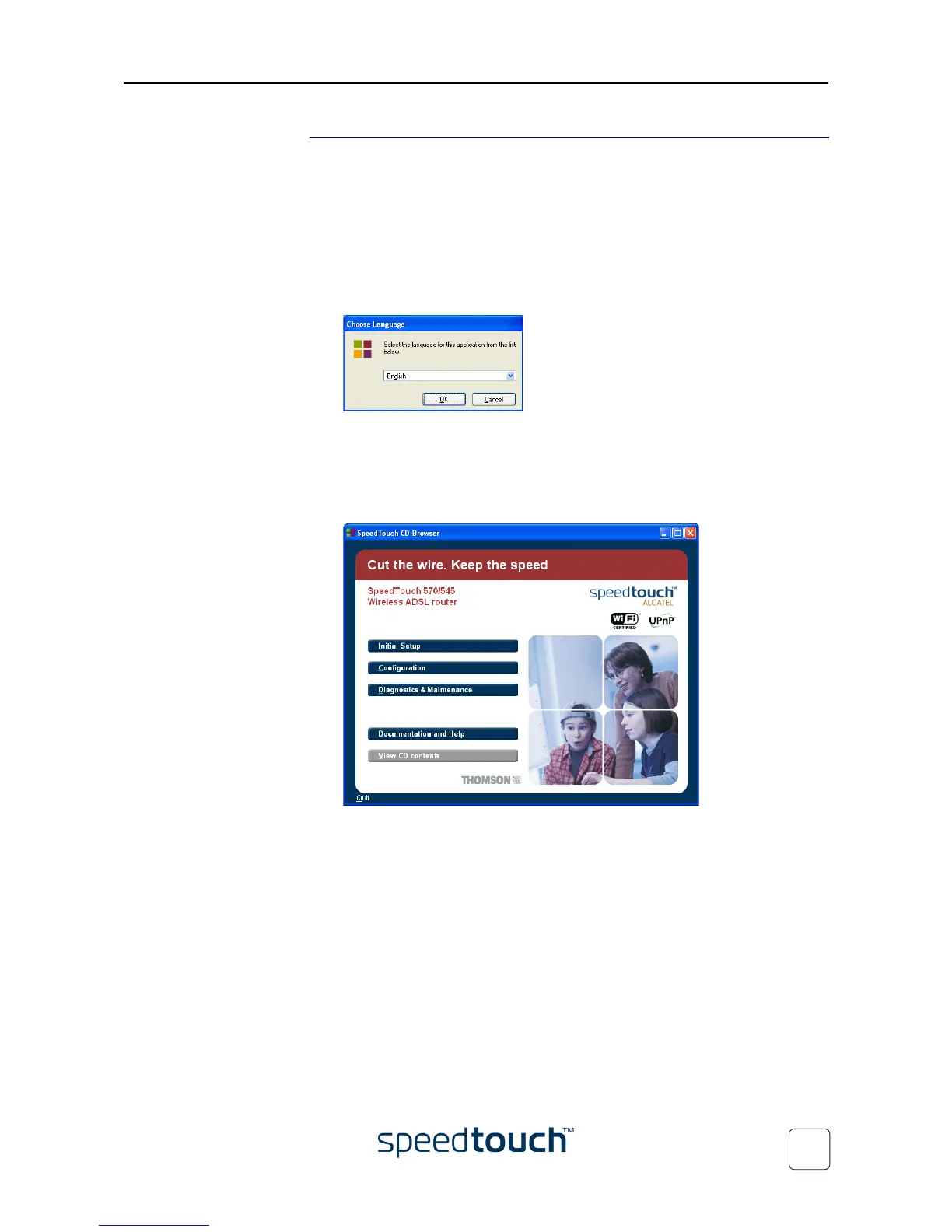
3 The SpeedTouch™ CD Browser menu appears:
Click Initial Setup.















 To Next Page