3 Dr SpeedTouch™
E-DOC-CTC-20030814-0001 v1.0
37
3 Dr SpeedTouch™
Introduction The Dr SpeedTouch™ application allows you to monitor, diagnose and troubleshoot
your SpeedTouch™ device.
With Dr SpeedTouch™you can:
• Monitor the status and performance of the SpeedTouch™ device.
• Run a Diagnostics program to locate a connectivity problem.
• Run a Troubleshooter to help you solve a connectivity problem.
Supported Operating
Systems
Installing and using Dr SpeedTouch™ is only supported for following Microsoft
Windows Operating Systems:
• MS Windows 98
• MS Windows 98SE
• MS Windows ME
• MS Windows NT4.0 SP6
• MS Windows 2000
• MS Windows XP
Installation Proceed as follows:
1 Insert the SpeedTouch™ Setup CD-ROM in your PC's CD-ROM drive. The
SpeedTouch™ CD Browser will start automatically. Choose your language and
browse to Initial Setup > Install Dr SpeedTouch™.
Note If the SpeedTouch™ CD Browser window does not appear automati-
cally, open a Run window via Start > Run from the Start menu and
enter the following path: D:\Menu.exe, where D stands for the drive
letter of your CD-ROM drive.
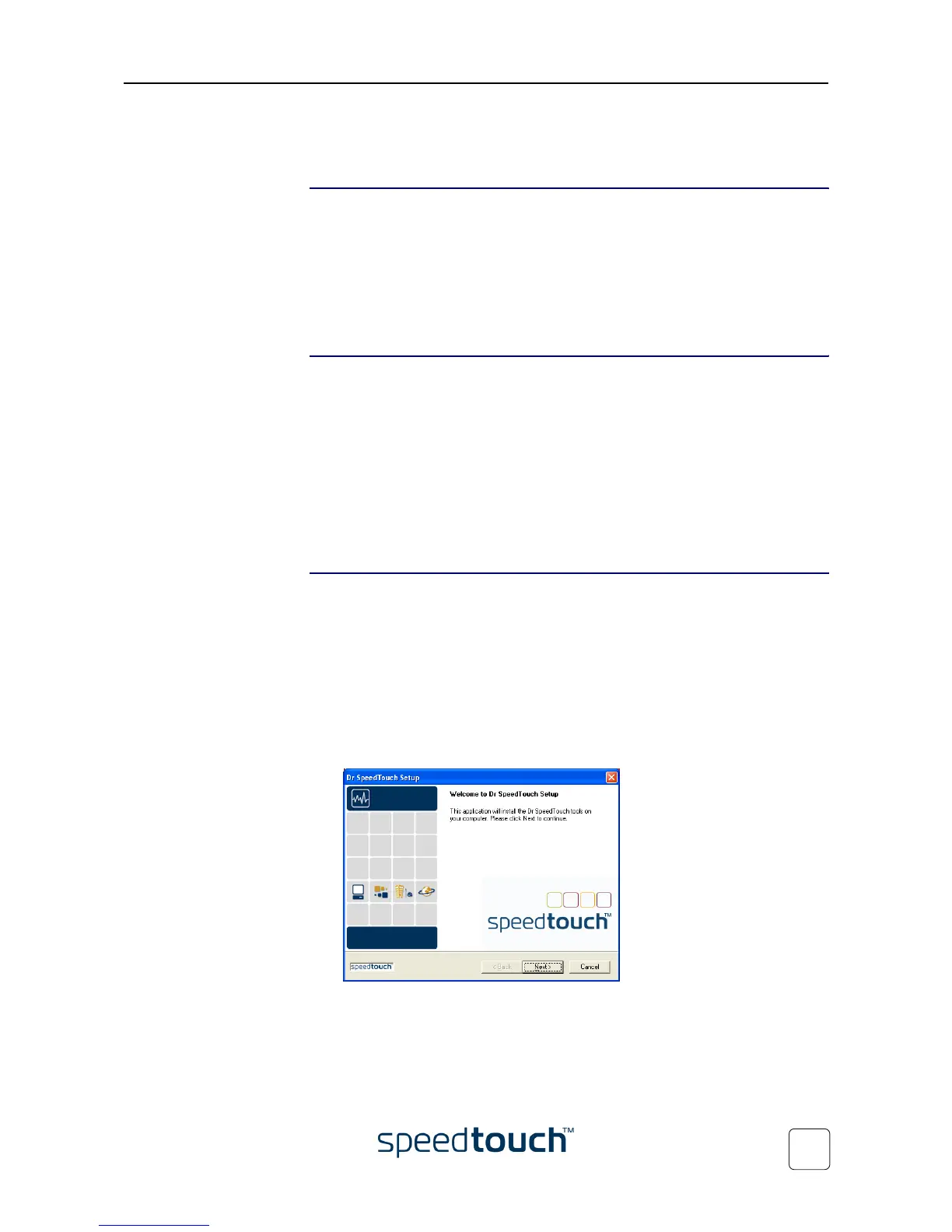
2 The Dr SpeedTouch™ Setup wizard appears:
Click Next to continue.
3 Subsequent screens will guide you through the installation. Follow the provided
instructions and click Next whenever requested.
4 After installation, Dr SpeedTouch™ is started automatically.















 To Next Page