7 Support
E-DOC-CTC-20030814-0001 v1.0
88
7.4 SpeedTouch™ Default Configuration
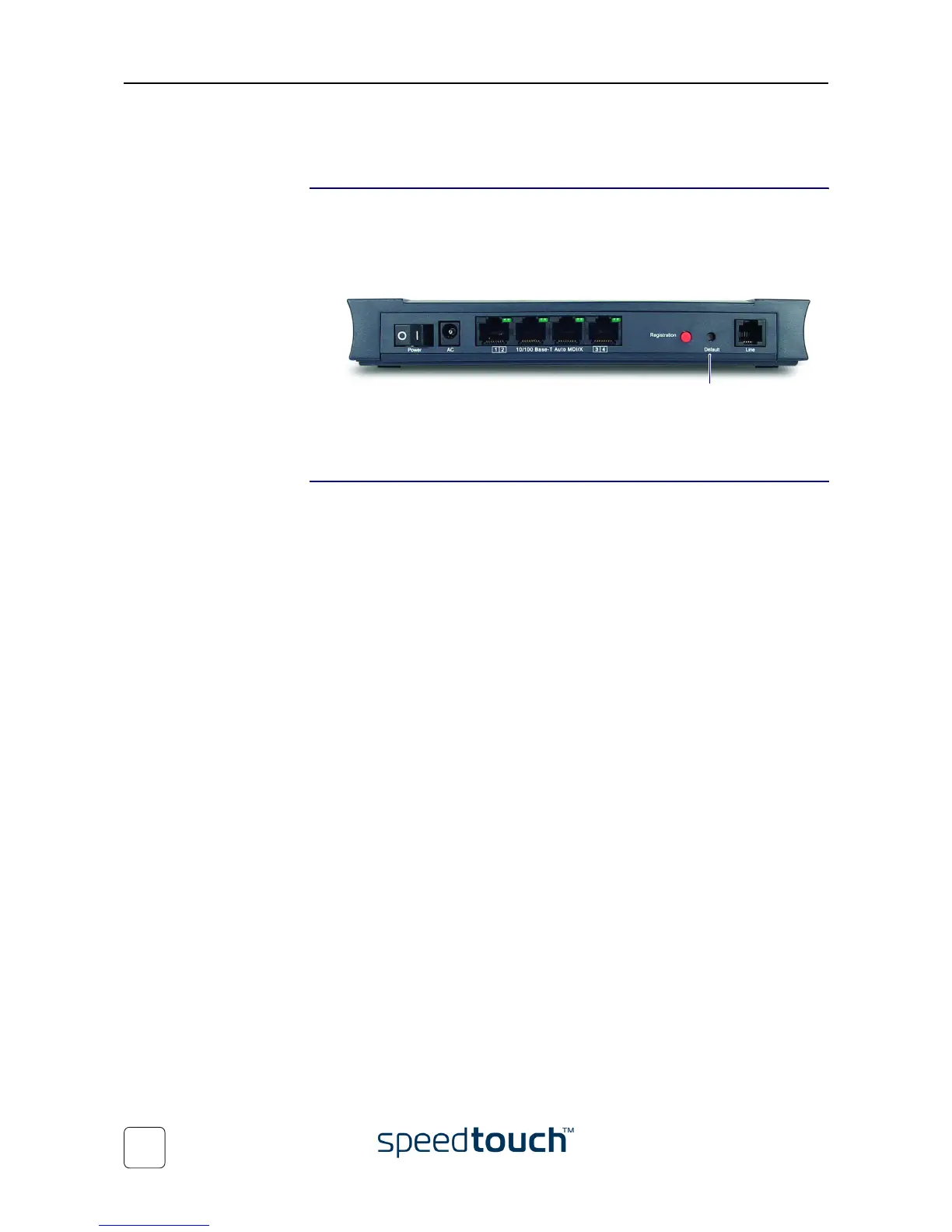
Reset to default
configuration
Proceed as follows:
1 Make sure the SpeedTouch™ is powered on.
2 Use a pencil to press the Default button at the SpeedTouch™ until all the LEDs on
the front panel start flashing.
3 Release the button.
The SpeedTouch™ reboots and will come online again with factory settings.
WLAN clients You will need to re-associate and register your WLAN clients, using the factory defaults
WLAN settings. See “4.1 First-time Wireless Client Association” on page 43.
Default button















 To Next Page