2 SpeedTouch™ Internet Connectivity
E-DOC-CTC-20030814-0001 v1.0
27
2.1.2 Using the SpeedTouch™ Web Pages
Introduction As the SpeedTouch™ web pages are controllable from any Operating System with
installed web browser, the method to establish PPP sessions described below can be
used by any computer system.
Starting an Internet
session
Proceed as follows:
1 Open a web browser on your computer and browse to the SpeedTouch™ web
pages (see “ Access to the SpeedTouch™ web interface” on page 47 for more
information):
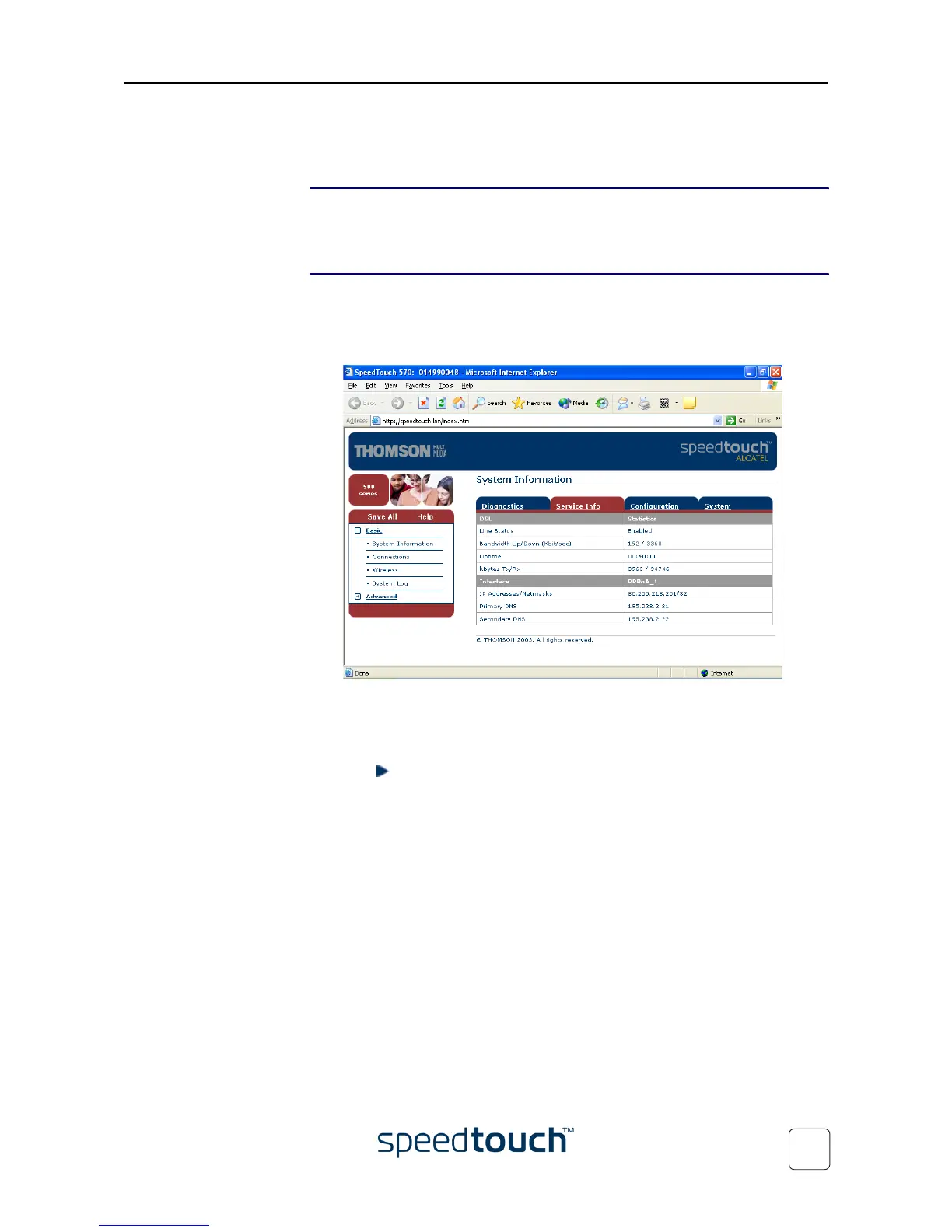
By default the SpeedTouch™ shows you the System Information page.
2 In the Basic menu, click Connections to open the Connections page that allows you
to establish dial in-in connections.
3 Click next to the connection entry you want to establish a connection with. As
a result the entry will be highlighted.
4 Enter your user name and password in the appropriate fields. If you want the
SpeedTouch™ to remember your credentials, select the Save this password.
5 Click Connect.
As a result SpeedTouch™’s embedded PPP dial-in client establishes the Internet connec-
tion.
During session-establishment the State column will display Tr ying. As soon as the PPP
session is started successfully the field displays up and your PC is online.
You can open a web browser and surf the Internet.















 To Next Page