7 Support
E-DOC-CTC-20030814-0001 v1.0
86
7.3.4 Upgrade via the SpeedTouch™ Web Pages
Upgrade Procedure Proceed as follows:
1 Open a web browser and go the SpeedTouch™ web pages.
2 If needed, click Save All to save the current configuration.
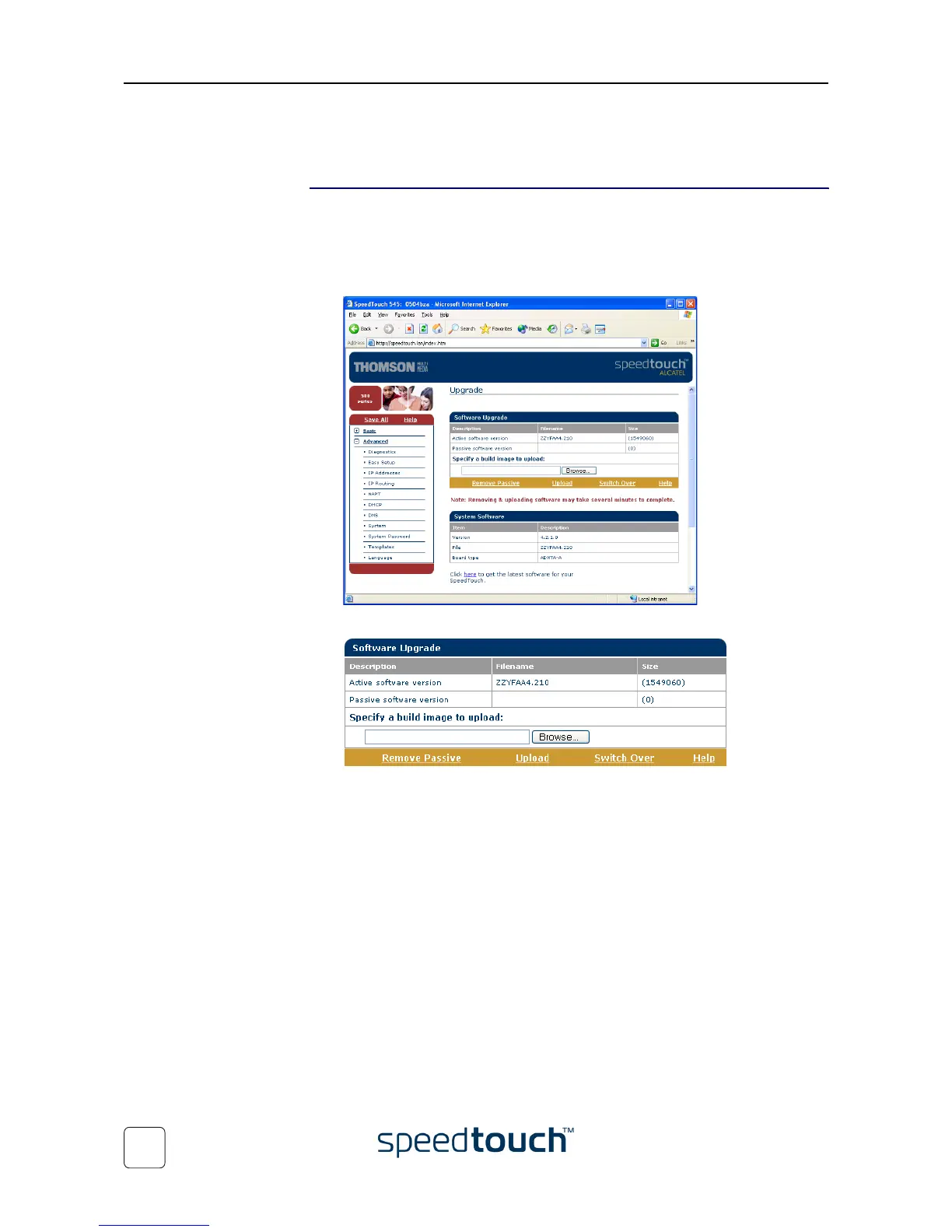
3 Open the Upgrade page via Advanced > System:
4 On this page you can find the Software Upgrade box:
Tw o f i e l d s a r e s h o w n :
• Active software version displays the SpeedTouch™ system software currently
running.
• Passive software version displays shows the dormant system software version.















 To Next Page