1 SpeedTouch™ Installation
E-DOC-CTC-20030814-0001 v1.0
21
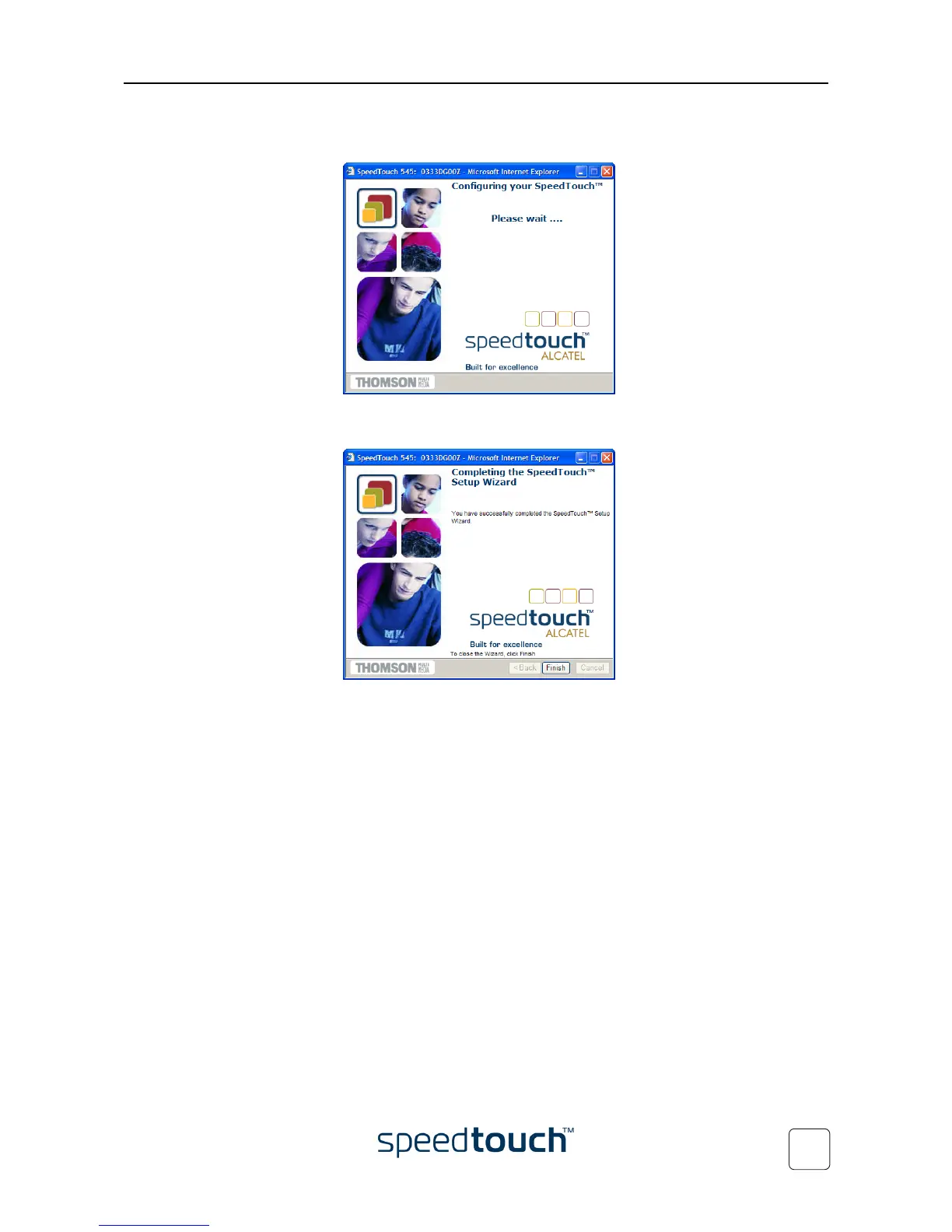
5 Easy Setup will update the SpeedTouch™ configuration according to the Service
profile. You can follow the configuration progress in following window:
6 As soon as Easy Setup completed the update of the SpeedTouch™ configuration,
following window will appear:
Click Finish to close the wizard.
Note Due to the reconfiguration the SpeedTouch™’s IP configuration or
wireless Access Point settings may have been changed. If this is the
case, the last window of Easy Setup will not be shown. If so, refer to
the Service Provider’s instructions for more information.















 To Next Page