2 SpeedTouch™ Internet Connectivity
E-DOC-CTC-20030814-0001 v1.0
31
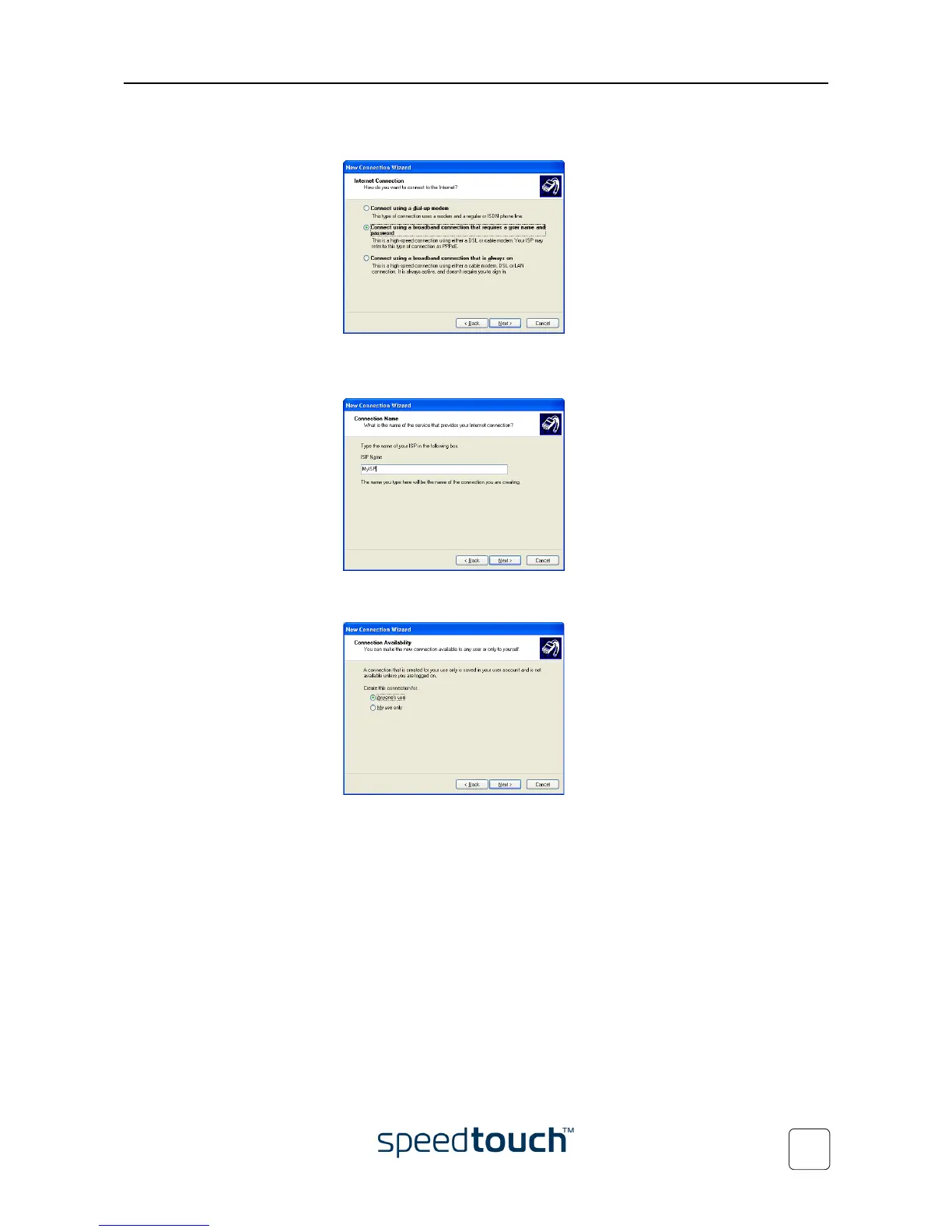
6 In the next window, select Connect using a broadband connection that requires a user
name and password:
Click Next to continue.
7 In the next window, give a name to the connection you are creating, e.g. MyISP:
8 In the next window, select whether the connection is available to any user or only
to yourself:
Note If you want to share this connection with other users you must select
Anyone’s use.















 To Next Page