2 SpeedTouch™ Internet Connectivity
E-DOC-CTC-20030814-0001 v1.0
33
5 As soon as the connection is established, the connection message box and dial-up
window are minimized into a DUN icon in the system tray:
You can open your web browser and surf the Internet.
Terminating a
broadband Internet
session
Proceed as follows:
1 On the Start menu, point Connect To and click the name of the connection you’ve
created e.g. MyISP.
Note If you are using the classic Start menu go to Start > Settings >
Network (and Dial-up) connections > MyISP.
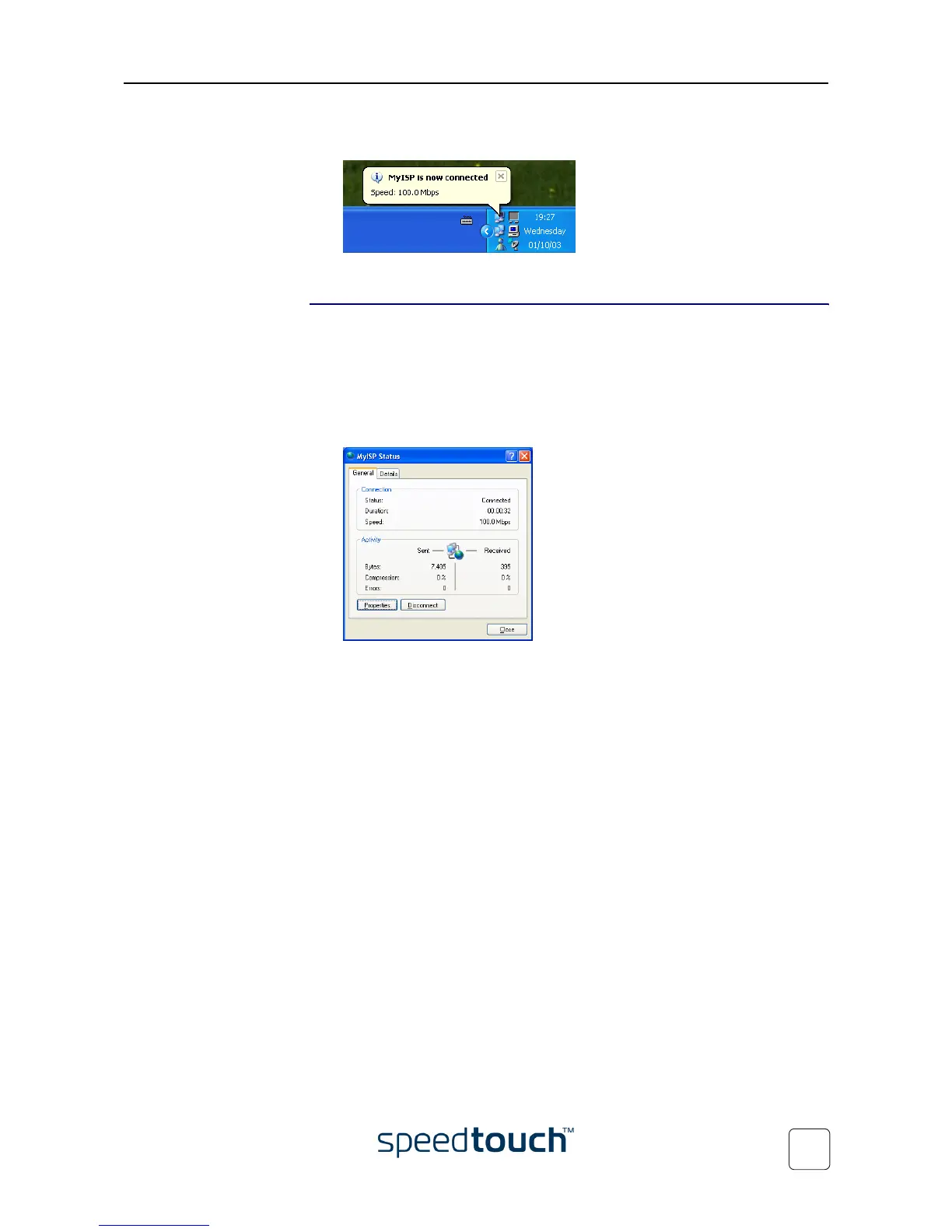
2 The MyISP Status window appears:
3 Click Disconnect.
The connection is released. As a result no Internet connectivity exists anymore.















 To Next Page