6 SpeedTouch™ NAPT Manager
E-DOC-CTC-20030814-0001 v1.0
72
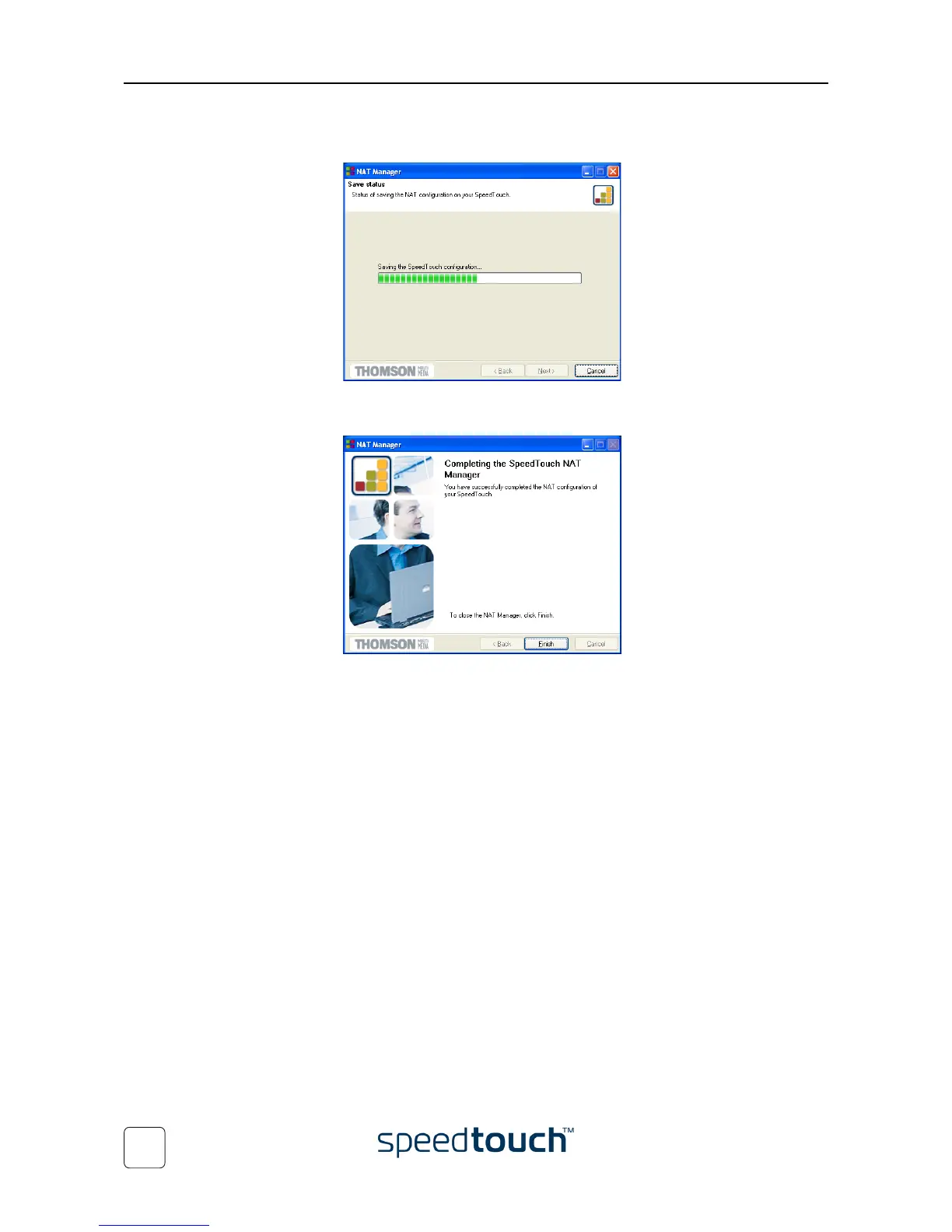
5 The NAPT Manager will update the SpeedTouch™ NAPT configuration. You can
follow the progress in following window:
6 As soon as the NAPT Manager completed the update of the SpeedTouch™ NAPT
configuration, following window will appear:
Click Finish to close the NAPT Manager.
Note The NAPT manager allows you to delete or modify configured NAPT
mappings via the same procedure.















 To Next Page