7 Support
E-DOC-CTC-20030814-0001 v1.0
75
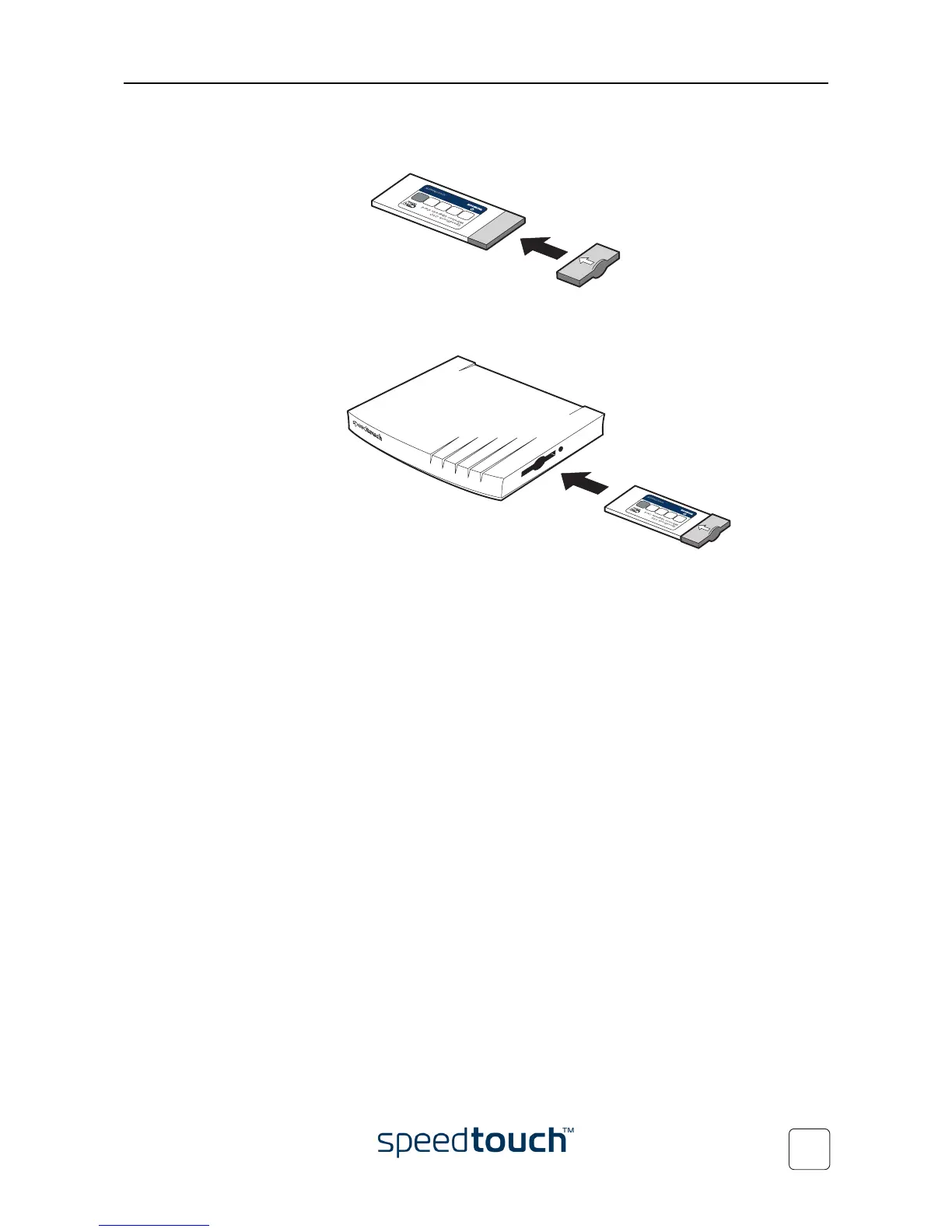
5 Put the cover cap over the back plastic part of the SpeedTouch™010 wireless
upgrade card as indicated below:
6 Holding the wireless upgrade card with the label facing up, insert the Speed-
Touch™010 wireless upgrade card completely into the slot:
Note The card should slide in easily with little resistance. If not, slowly pull
the card back out and check if the cover cap is correctly mounted.
Your SpeedTouch™545 is now ready for wireless connectivity. Proceed with
“4 Wireless Connectivity” on page 41 to connect the WLAN clients.















 To Next Page