7 Support
E-DOC-CTC-20030814-0001 v1.0
84
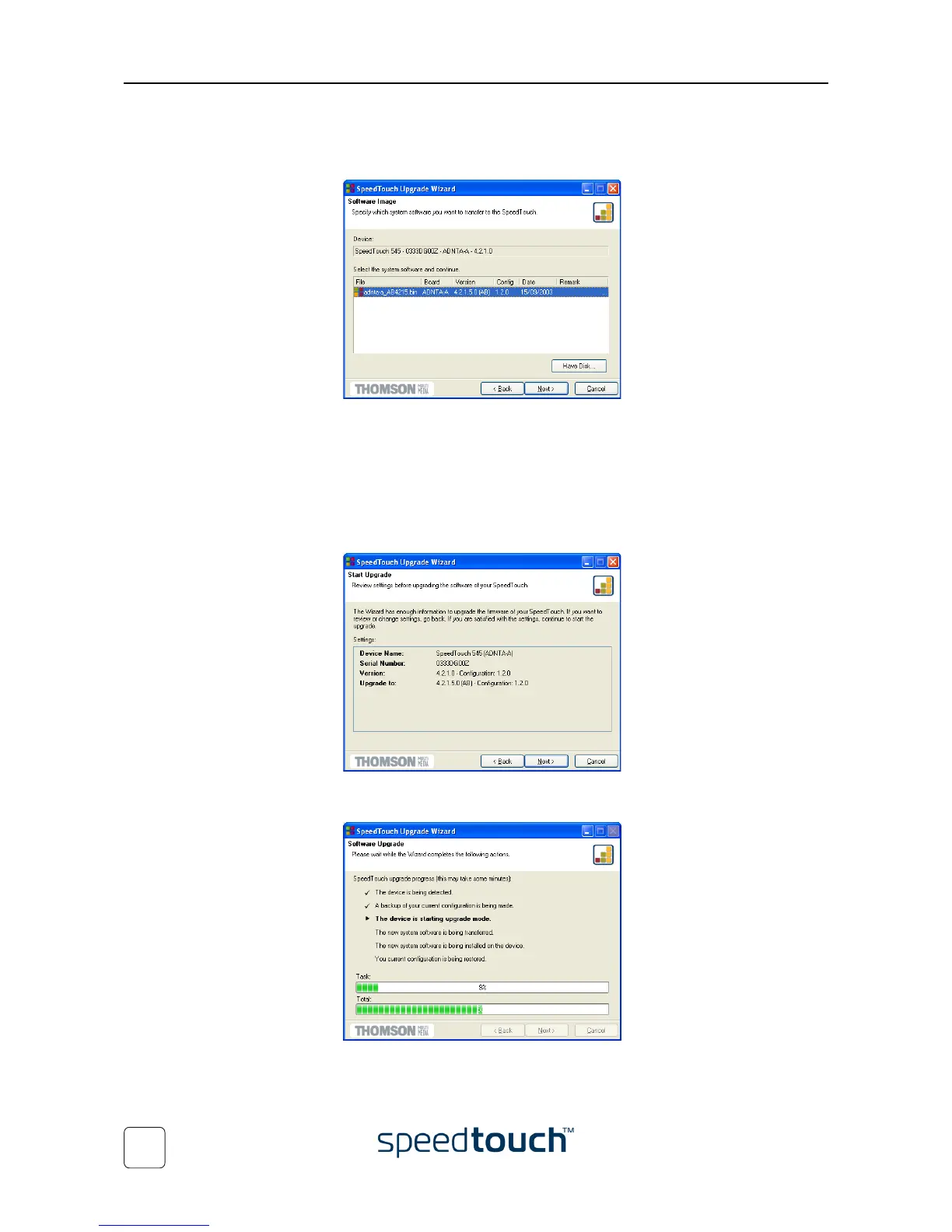
9 The following window shows the system software version currently active on the
SpeedTouch™ as well as one or more system software versions available on the
CD-ROM:
Select the appropriate system software version and click Next to continue.
Note If the Service Provider has included a separate disk with dedicated
upgrade system software, click Have Disk to navigate to the location of
the appropriate file.
In case of a system software downgrade you must specifically acknowledge your
decision before being able to proceed.
10 The following window allows you to overview your selection:
Click Next to continue.
11 You can follow the upgrade progress in following window:















 To Next Page