7 Support
E-DOC-CTC-20030814-0001 v1.0
90
Adding Internet
Gateway Device
Discovery and Control
Your MS Windows XP system is able to discover and control Internet Gateway Devices
(IGD), like the SpeedTouch™545 and SpeedTouch™570 on your local network. There-
fore it is recommended to add the IGD Discovery and Control client to your system.
Proceed as follows:
1 On the Start menu, click Control Panel.
2 The Control Panel window appears. Click Add or Remove Programs.
3 The Add or Remove Programs window appears. Click Add/Remove Windows Com-
ponents.
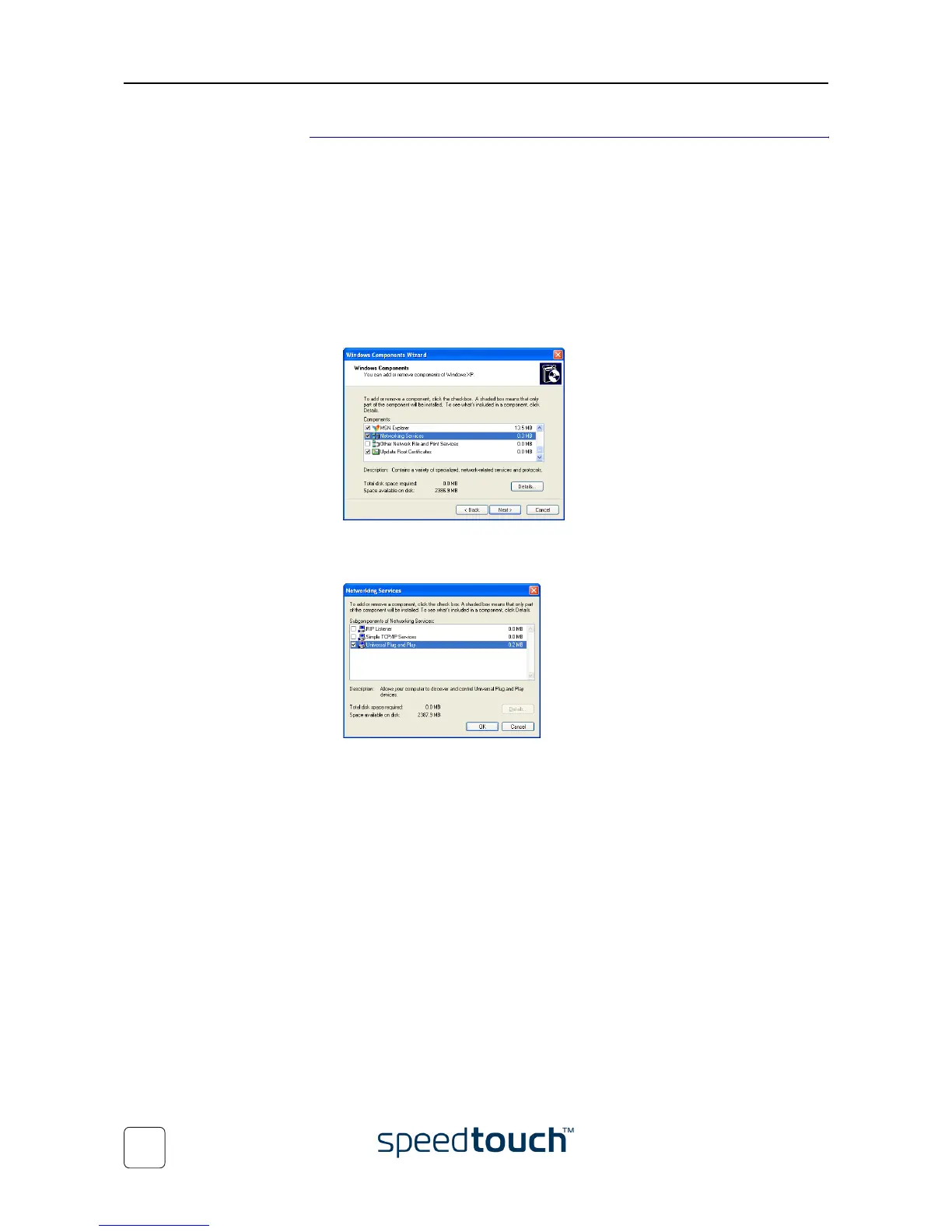
4 The Windows Components Wizard appears:
Select Networking Services in the Components list and click Details.
5 The Networking Services window appears:
Select Internet Gateway Device Discovery and Control Client and click OK.
6 Click Next to start the installation and follow the instructions in the Windows
Components Wizard.
7 At the end of the procedure the wizard prompts you that the installation was suc-
cesfull. Click Finish to quit.















 To Next Page