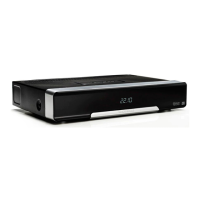
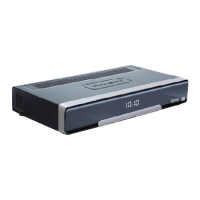
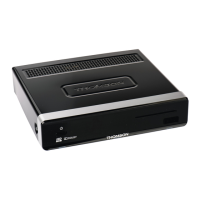
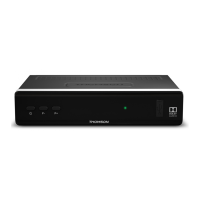
P6
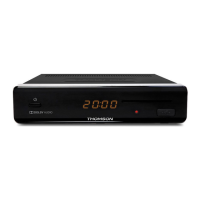
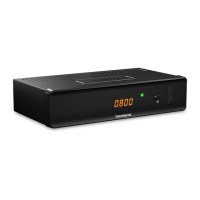
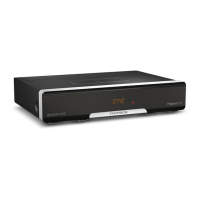
YOUR RECEIVER
8. TEXT Opens Teletext if available
9. AUDIO Opens the audio selection
10. RECALL Switches between the last viewed channels
11. 5 Searches backwards during playback. Each pressing increases the speed (x2
– x32)
12. 6 Searches forwards during playback. Each pressing increases the speed (x2 –
x32)
13. 7 Jumps to the previous file during playback
14. 8 Jumps to the next file during playback
15. 1 Starts/resumes the playback
16. 2 Freezes the playback of multimedia files.
17. 3 Stops playback of multimedia files.
18. 4 Starts recording the current programme
19. MENU Opens the main menu in viewing mode or to goes one step back in the
menu
20. EXIT Cancels the current process/exits from main menu to viewing mode
21. pq Switches to the next/previous channel in viewing mode, switches to the
next/previous page in channel list or moving the highlight up/down in the
menu.
22. OK Viewing mode: Displays the channel list. Menu: activation of the highlighted
item
23. tu Decreases/increases the volume level in viewing mode/navigates through
the menus/changing values of settings in a menu
24. EPG Displays the EPG (Electronic Programme Guide) in viewing mode
25.
Press once to display channel number/name and current/coming
information. Press twice to display detailed event information. Press three
times for transponder/signal strength information. Press again to get back to
viewing mode.
26. V+/V- Increases/decreases the volume level in TV mode
27. FAV To access your favourite channels. Toggles between available favourite
groups
28. GOTO In playback mode: opens the time banner for selection the moment where
to jump.
29. P+/P- Jumps 10 places up or down in channel list.
30. 0~9 Channel number and numeric value input
31. OPT No function
32. TV/RADIO Toggles between TV and radio mode


 To Next Page