TS 910 TRANSFER SWITCH
PM140 REV 0 12/02/09 34 Thomson Technology
18.7. TSC 9 OPERATING INSTRUCTIONS
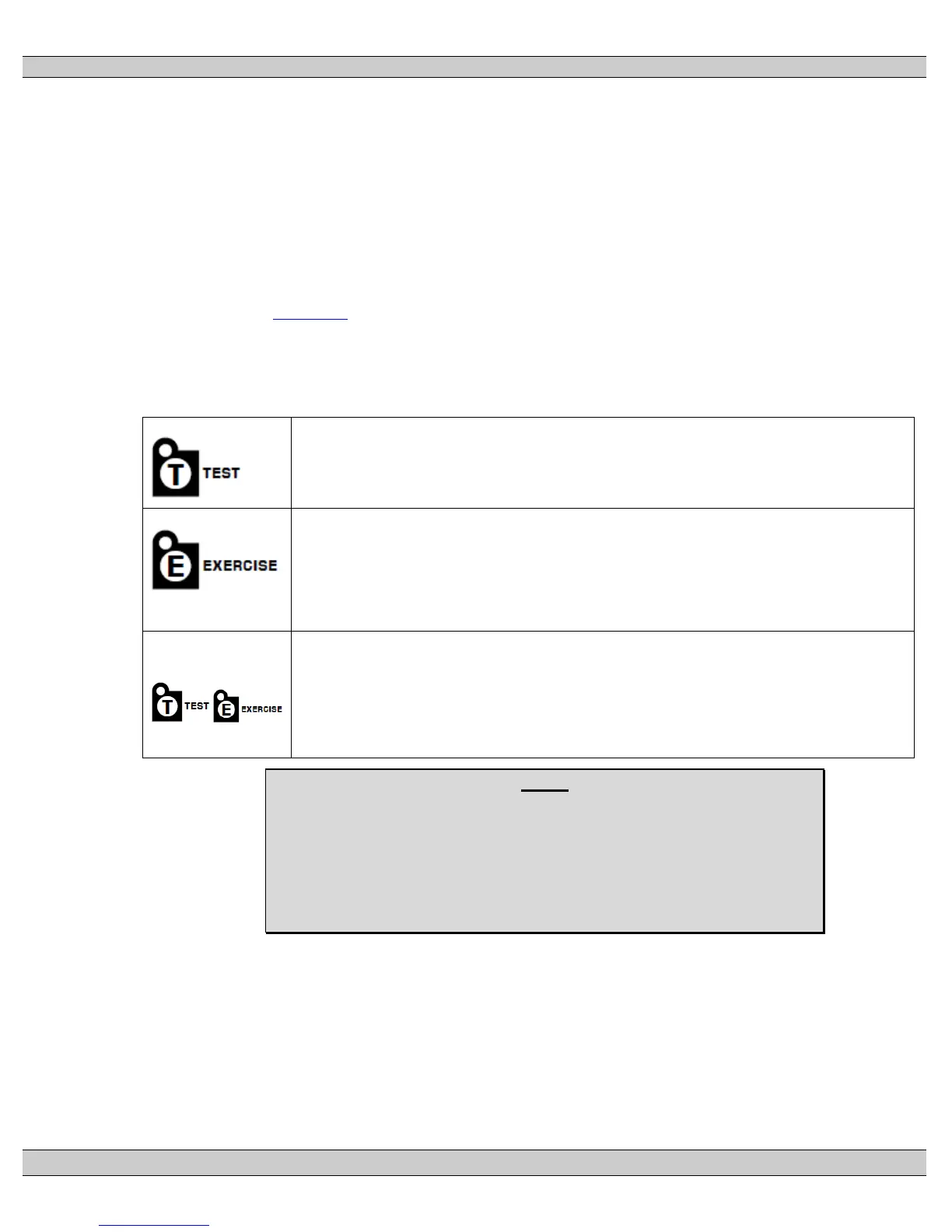
To operate the TSC 9 controller and associated transfer switch using the front faceplate
pushbuttons, refer to the following table:
18.7.1. AUTOMATIC SEQUENCE OF OPERATION
Refer to Section 5 GENERAL THEREOY OF OPERATION of this manual for
information on automatic operation.
18.7.2. TSC 9 Controller Operation Pushbuttons
TEST
To Load Test, press and hold the “T” pushbutton for 2 seconds until LED light above pushbutton
comes ON. The generator will start and transfer on load per Automatic Sequence.
To cancel Load Test, press and hold the “T” pushbutton for 2 seconds until LED light above
pushbutton goes OFF. The load will re-transfer back to the utility power per Automatic Sequence.
EXERCISE
To set Exercise mode and schedule, press and hold the “E” pushbutton for 2 seconds until LED light
above pushbutton starts flashing. The generator will start and operate off load (or ON Load if selected).
The generator will operate for 30 minutes then will automatically stop. Exercise LED will change from
flashing to continuously ON, indicating exercise clock schedule is enabled. The generator will
automatically start and exercise in 7, 14 or 28 day cycles as selected.
To cancel Exercise, press and hold the “E” pushbutton for 2 seconds until LED light above
pushbutton goes OFF.
TIMER BYPASS
LAMP TEST
ALARM RESET
TIMER BYPASS: Press and hold the “E” and “T” pushbutton together for 2 seconds to bypass any
active time delay.
LAMP TEST: Press and hold the “E” and “T” pushbutton together for 5 seconds to activate lamp test
function.
ALARM RESET: Press and hold the “E” and “T” pushbutton together for 10 seconds until alarm LED
goes out.
NOTE
Should the generator set fail while on load when in the TEST or
EXERCISE modes, the transfer switch shall automatically retransfer the
load back to the utility supply if within nominal limits. The utility return
timer will be bypassed in this condition.



 To Next Page