21
8. Configuring the Handbrake mode
By default, when unboxing the device, the TSS
Handbrake is configured in the Handbrake mode:
− The HANDBRAKE / SHIFTER selector is in the
position.
− The mechanical system is in the position.
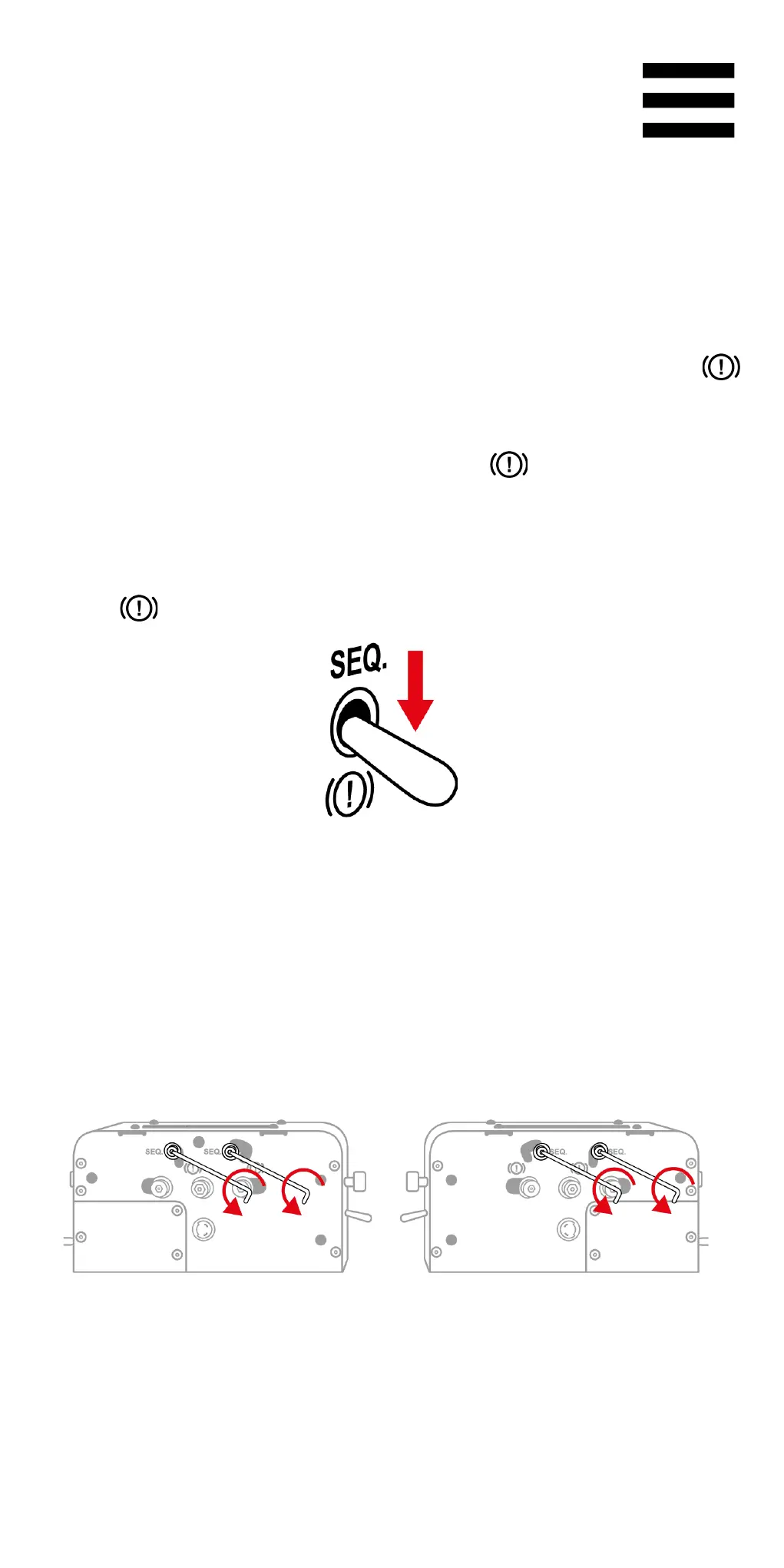
1. Lower the HANDBRAKE / SHIFTER selector in the
position.
2. Use the 3 mm Allen wrench to slightly unscrew the
mechanical system’s screws (two screws, located
to either side of the base).



 To Next Page
 Loading...