Rev E TR-220 90 008 088-1
2-35
2.15.3 Erasing the TCAS Scenario Memory
The TCAS memory can be restored to factory settings by the following procedures:
1. Place the UUT FUNCTION switch in the SETUP position.
2. Access the TCAS Scenario menu by toggling the AUTO/TEST/MANUAL switch.
3. Toggle the IDENT switch “UP’. The display shall revert to the Reset Scenario
menu.
4. Toggle the AUTO/TEST/MANUAL switch to the MANUAL position. This will
reset the operator-inserted scenarios and revert to the factory settings.
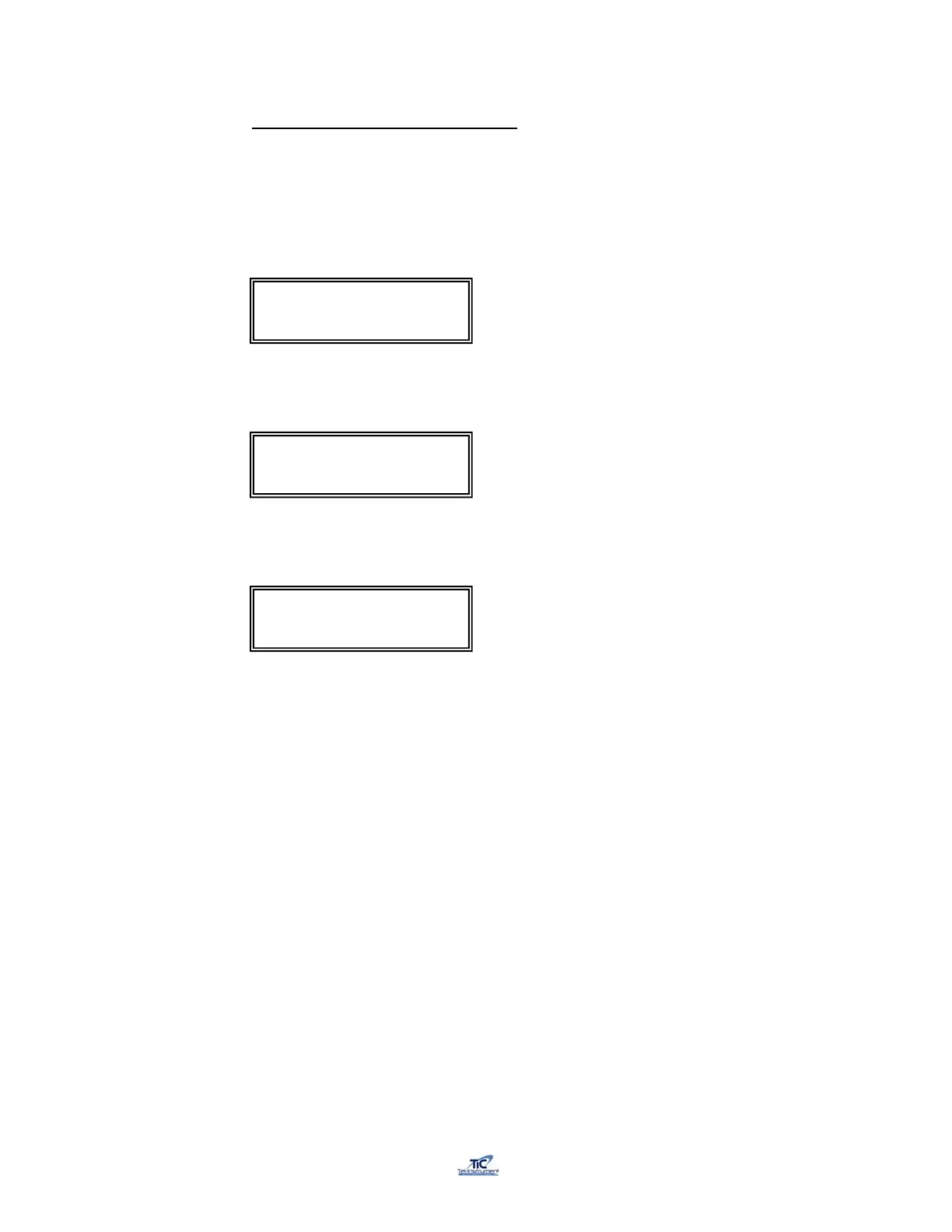
TCAS Scenario: 1
Chg:Up/Dn Cont: AUTO
Reset Scenarios: MAN
Cont Press AUTO
Default Scenarios
Reset



 To Next Page