Rev E TR-220 90 008 088-1
2-37
9. Select the intruder type, Mode S or ATCRBS using the ATCRBS/AIR-MODE
S/GND switch. For TCAS I select ATCRBS and for TCAS II select Mode S.
10. Toggle the AUTO/TEST/MANUAL switch to the AUTO position. The Test Set is
now simulating an intruder aircraft at the selected position. STP indicates that the
intruder is stopped at the initial position. Verify a display is annunciated on the
UUT TCAS display. The display will indicate ACQ for a ATCRBS TCAS system.
A Mode S TCAS system will initially show ACQ then change to indicate TRK
once the correct BIT is received.
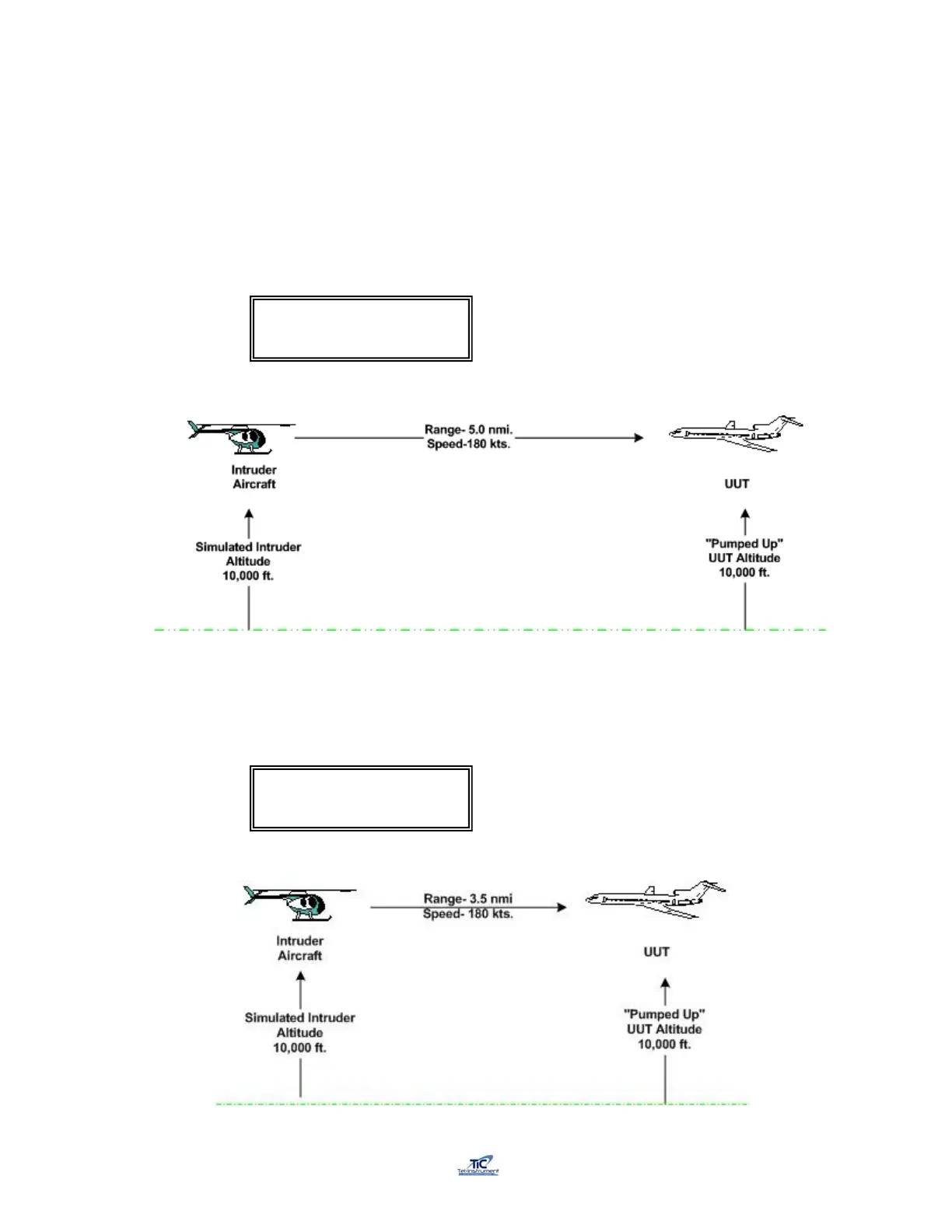
11. Toggle the TO/START-FROM/STOP switch to the TO position to commence the
intruder convergence on the UUT. The Test Set display will indicate the altitude,
range, velocity and climb rate (fpm) of the intruder simulation.
TRK 180 Kts 10000’ /
5.0nm 000fpm STP
TRK 180Kts 10000’ /
3.5 nm +000fpm TO



 To Next Page