Tinius Olsen MP1200 Extrusion Plastometer Page 11-1
Operation Manual # 02002215
11 Section 11 – Configuration Mode
CAUTION: Machines are shipped with factory settings already entered in the
Configuration Mode. DO NOT CHANGE ANY OF THESE SETTINGS WITHOUT A GOOD
UNDERSTANDING OF THE EFFECT THE CHANGE WILL HAVE ON THE TEMPERATURE
CONTROL CAPABILITY OF THE MP1200.
To begin, use a finger to press the CONFIGURATION button on the left side of the LCD display,
then enter the Program Access Code which is 835, then DONE.
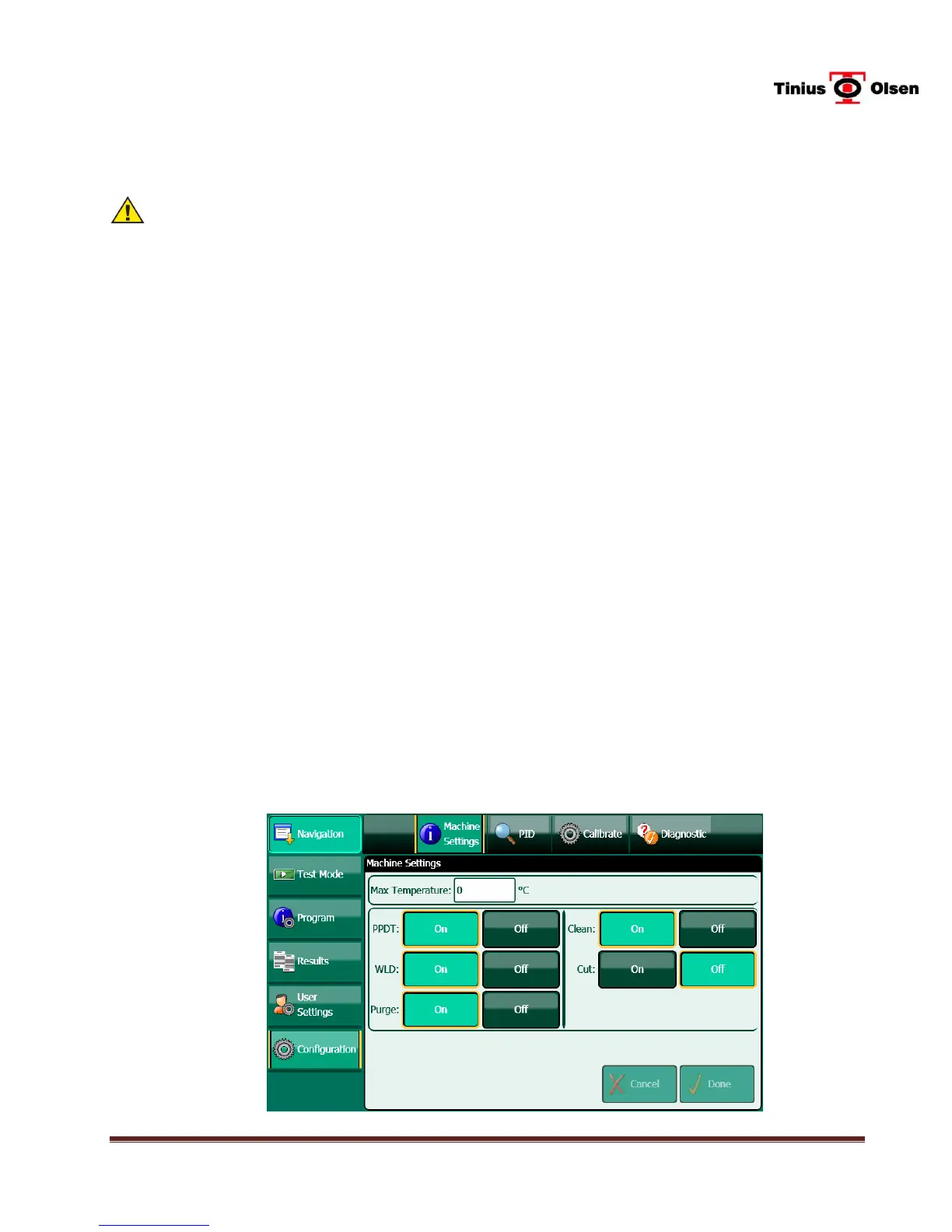
11.1 Machine Settings
11.1.1 Machine Name – Press the box next to Machine Name to bring up a keypad. Use to
keypad to enter a machine name or number (up to 17 characters), if desired. Press
the DONE key when finished.
11.1.2 Max Temperature – Press the box next to Max Temperature to bring up a keypad.
Use the keypad to enter the maximum temperature the machine will achieve. The
upper temperature limit of the MP1200 is 450
o
C. Press the DONE key when
finished.
11.1.3 PPDT On/Off - If the machine is equipped with a PPDT, press the ON button.
11.1.4 WLD On/Off – If the machine is a MP1200M, press the ON button.
11.1.5 Purge On/Off – If the MP1200M is equipped with a pneumatic purge attachment and
it is to be used, press the ON button.
11.1.6 Clean On/Off - If the MP1200M is equipped with a pneumatic cleaning- attachment
and it is to be used, press the ON button.
11.1.7 Cut On/Off- If the MP1200 is equipped with an automatic cutter attachment and it
is to be used, press the ON button.
Figure 9-1 Machine Settings Screen


 To Next Page