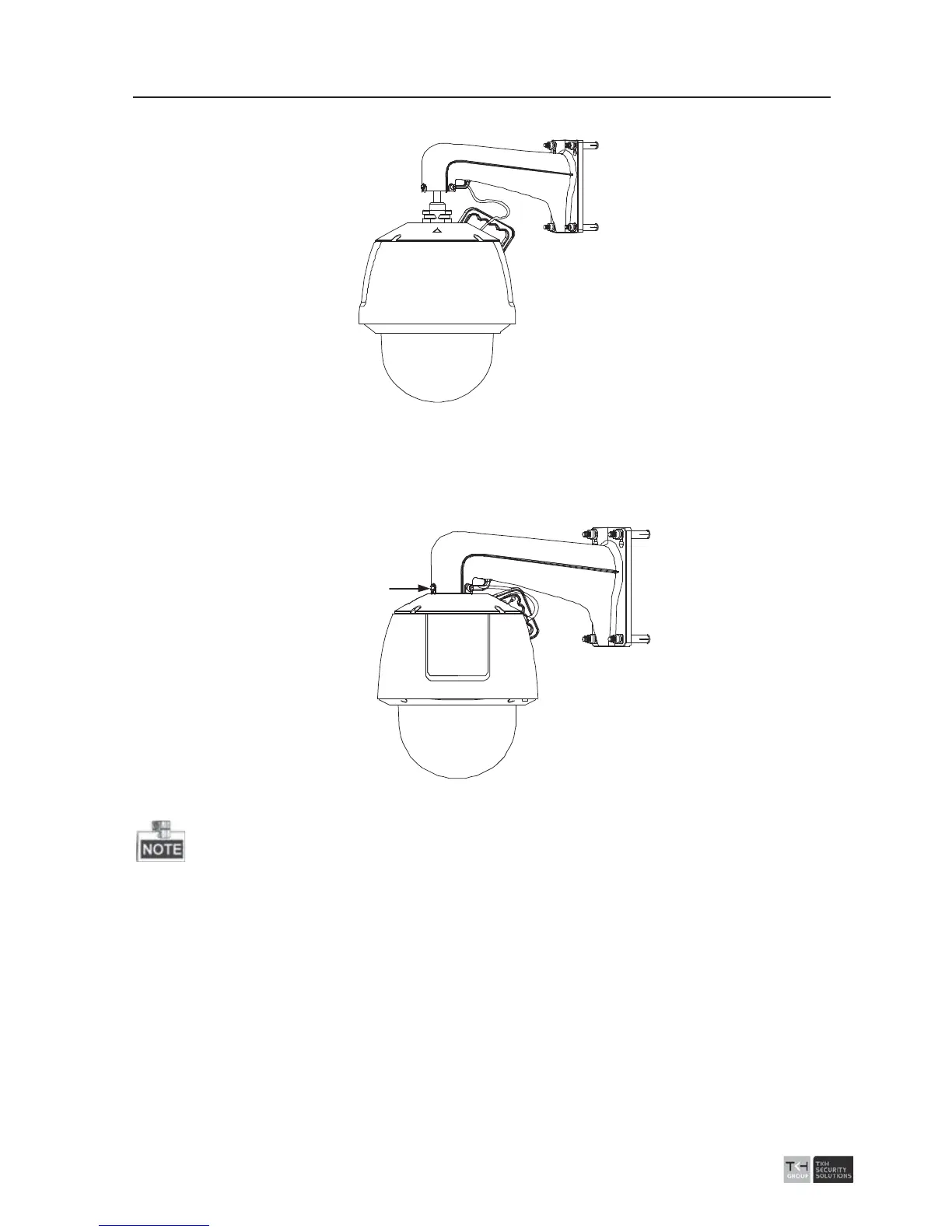
2). Connect the corresponding cables.
Figure
2-14 Hang the Safety Rope
3). Loosen the two lock screws on the bracket.
4). Install the speed dome to the bracket. Rotate the speed dome clockwise tightly.
5). Secure the two lock screws with the Allen wrench.
Lock Screw
Figure
2-15 Mount the Dome
z The bracket in Figure 2-7 is the recommended bracket for this series of speed dome,
and a pendent adapter is required if any other bracket is selected.



 To Next Page