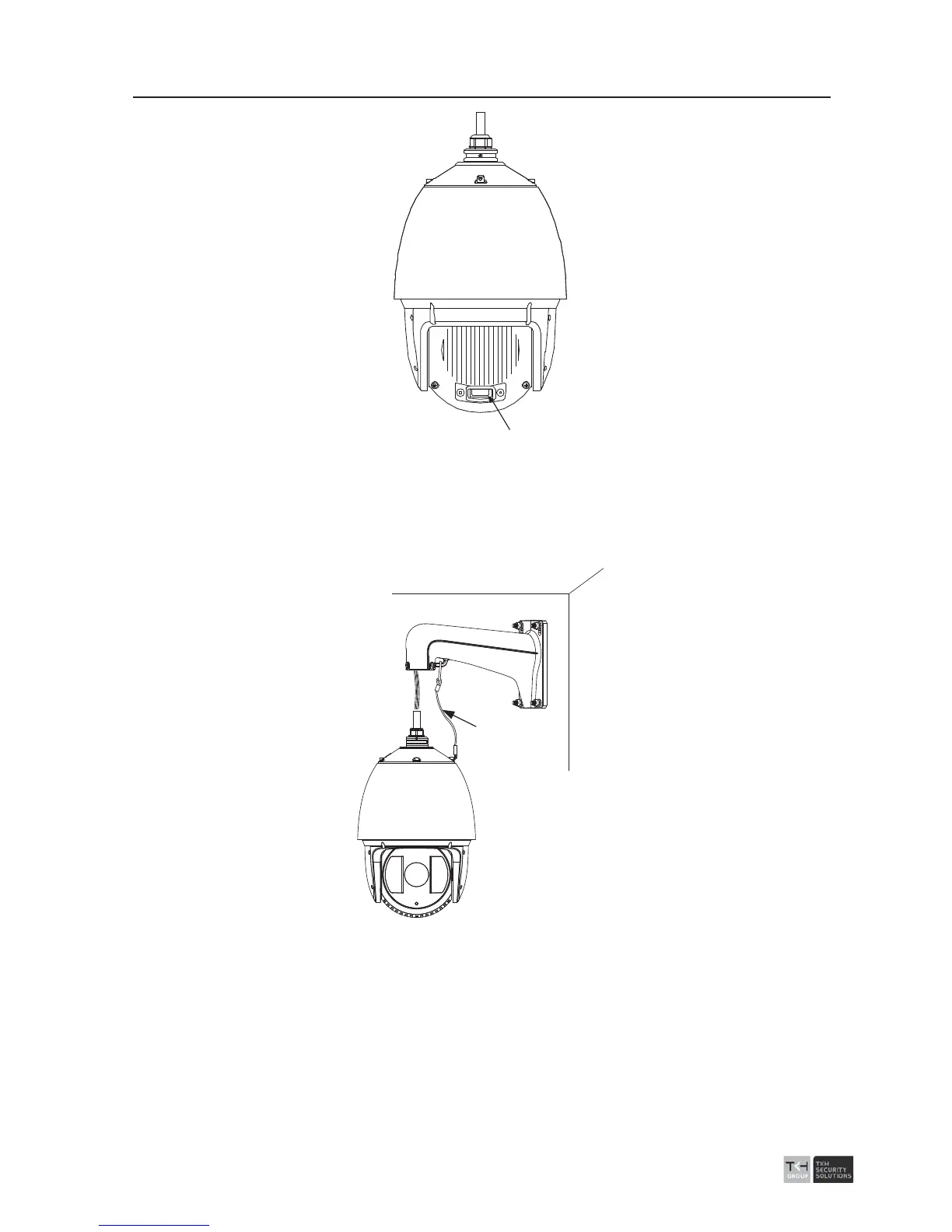
SD CARD
SD Card Slot
Figure 2-18 SD Card Slot
3. Refer to the steps 5-7 of the section 2.1.1 to install the bracket.
4. Hook the two ends of the safety rope to the back box of the speed dome and the
bracket respectively. Route the cables through the bracket as shown follows.
Safety Rope
Figure 2-19 Install the Safety Rope
5. Loosen the lock screws on the bracket.
6. Align the speed dome with bracket and rotate it counterclockwise or clockwise to the
bracket tightly as shown below.



 To Next Page