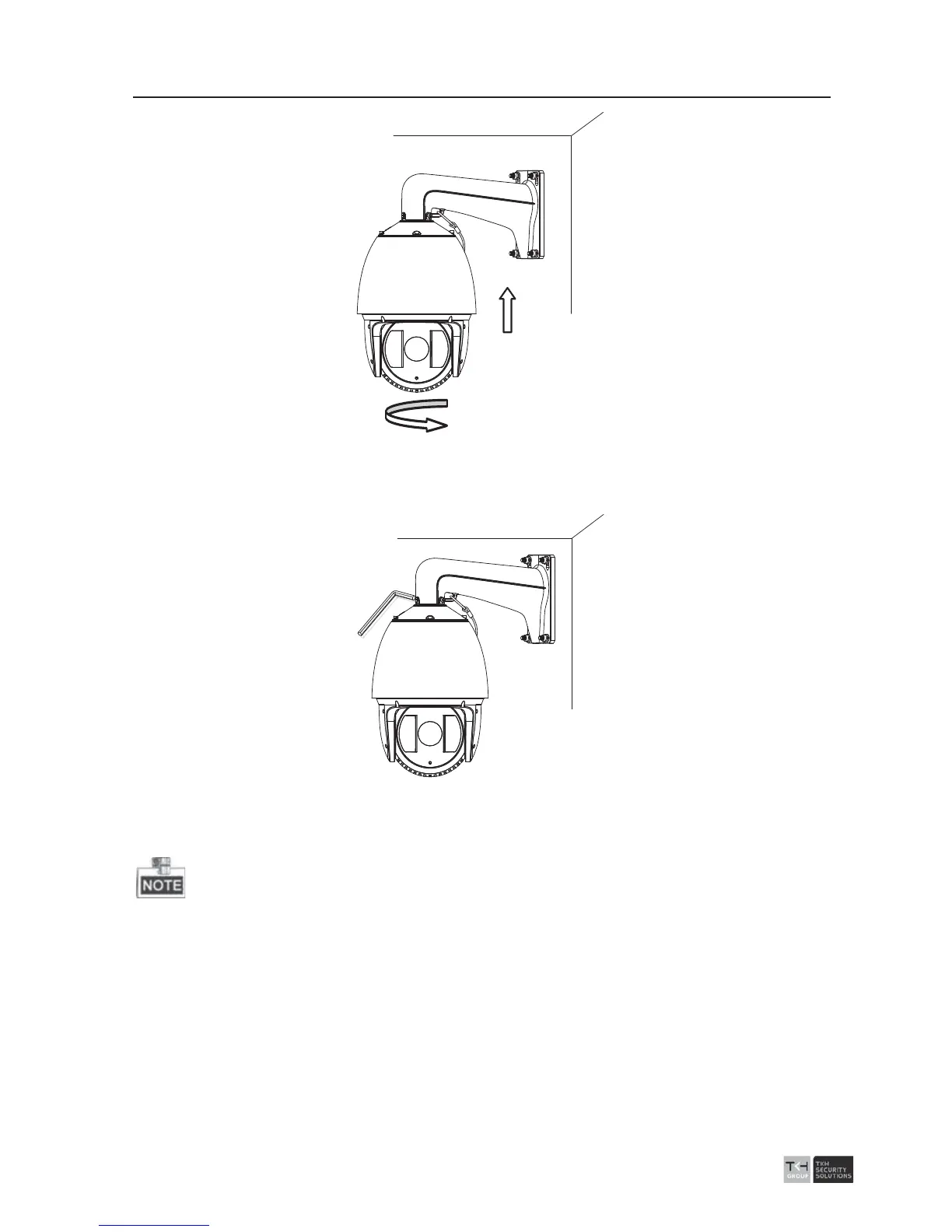
Figure 2-20 Install the Speed dome
7. Use L-wrench to tighten the lock screws to secure the speed dome and the bracket.
Figure
2-21 Secure the Speed dome
8. Remove the protective film of the IR or laser light after you finish installing.
z The br
acket in Figure 2-7 is the recommended bracket for this series of speed
dome, and a pendent adapter is required if any other bracket is selected. See
Figure 2-22.



 To Next Page