90
Setting your Remote Code
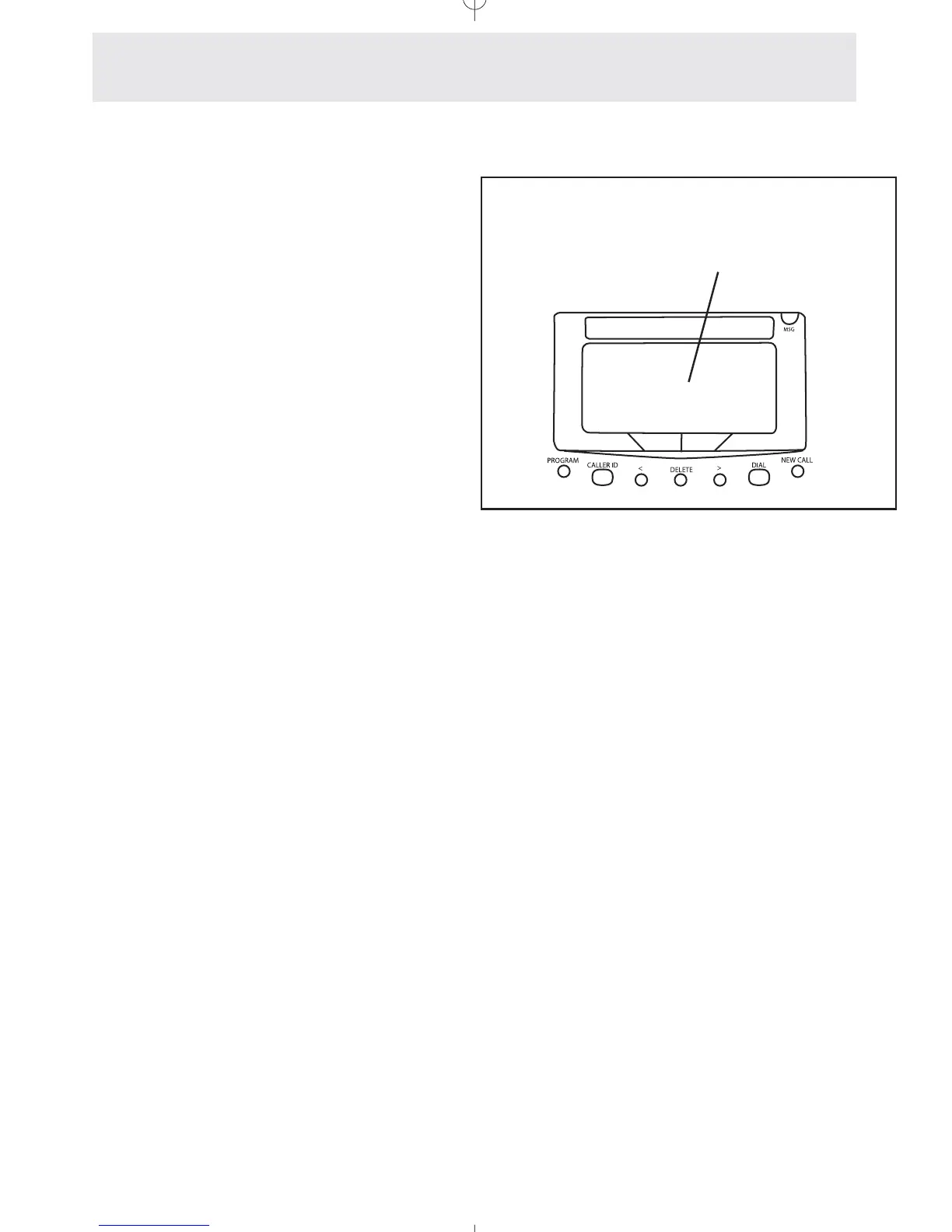
To set your remote code:
1
Press P.
- The display will read “Program...”
2 Press the soft key under ANSW.
3 Press the soft key under NEXT
repeatedly, until ”Remote
Code:****” appears in the display.
4 Press the soft key under CHANGE if
you wish to change the Remote
Code of this telephone, and then
enter a 4-digit number.
5 Press P to exit.
Follow the instructions at left for setting the
Remote Code at your telephone.
If you ever forget your code, simply set a new
one at your telephone. Until you set your
Remote Code, the code will be the one set at the
factory, which is “1234”.
Use the Remote Code to
access your answering
system remotely
Answering System
Remote Operation
Remote Code:****
BACK CHANGE NEXT



 To Next Page