Step 4: Install Wall Mounted Phones (Continued)
7
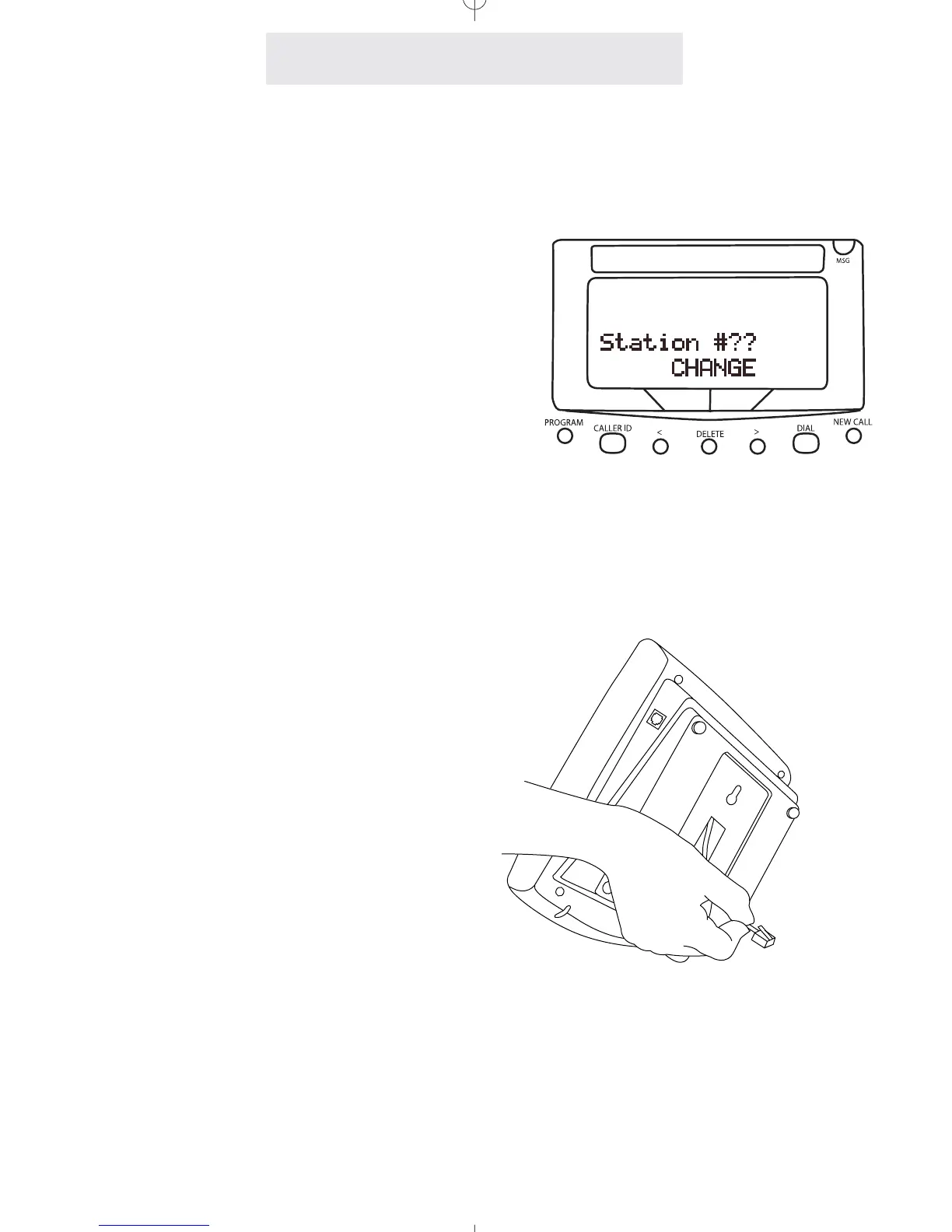
5 Assign a Station Number
Refer to page 8 for detailed instructions on
assigning a station number.
6 Install Batteries (Optional)
It is not necessary for you to install batteries in
your Epic telephone for it to function normally.
In fact, batteries are not even needed to pre-
serve your memory dial numbers in the event
of a power failure. This is because all memory
dial numbers are stored in a static memory
which retains its contents even with no electri-
cal power. The only purpose of having batter-
ies installed is so that the telephone itself can
function on line 1 only for up to twelve hours in
the event of a power failure. You may wish to
install batteries in at least one Epic phone for
emergency operation, or have another stan-
dard phone available. If you wish to install bat-
teries, refer to page 68 for detailed instructions.
7 Attach Telephone to Wall
Hold the telephone close to the wall and con-
nect the short telephone line cord to the jack.
Then mount the telephone to the wall plate,
sliding it down firmly so that it locks securely in
place.
8 Verify Proper Installation
IMPORTANT: Please remember to perform the
procedure on page 9, after you assign each
station number, to verify that each telephone is
properly installed.
Installing Your System



 To Next Page