78
Setting the Auto Attendant Day and Night Times
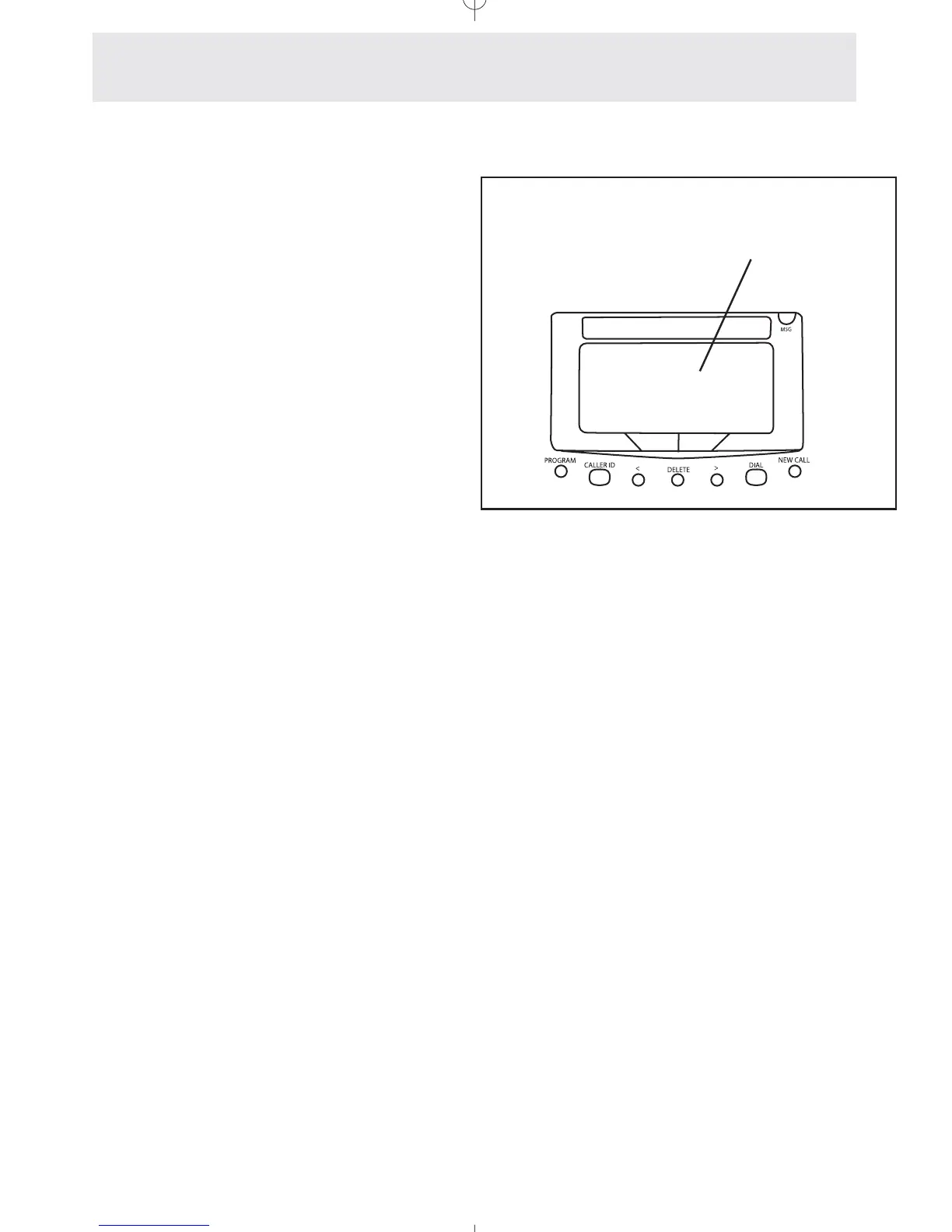
To set the Auto Attendant Day
and Night Times:
1
Press P.
- The display will read “Program...”
2 Press the soft key under ANSW.
3 Press the soft key under NEXT
repeatedly, until ”Night Timer
Set” appears in the display, then
press the soft key under ENTER.
4 Press the soft key under CHANGE if
you wish to change the Start of the
Auto Attendant night timer, then
enter the desired start time as
instructed in the display.
5 Press the soft key under NEXT.
6 Press the soft key under CHANGE if
you wish to change the End of the
Auto Attendant night timer, then
enter the desired start time as
instructed in the display.
7 Press P to exit.
Your telephone is factory-set to start its night
timer at 5:00PM and end its night timer at
9:00AM. This means that the Auto Attendant will
play the AA Night OGM between 5:00PM and
9:00AM. The rest of the time it will play the AA
Day OGM.
If you would like, you may set the Night Timer to
whatever times you choose.
Note: If you do not want the AA Night OGM to
play at any time on one or more of your lines,
you may turn it off on a per line basis (See
Setting Night Message On/Off by Line, page 87).
If you wish you may change the
Night Timer from its factory setting.
Answering System
Setting Up and Operating a Telephone as an Auto Attendant
Night Timer Set
BACK ENTER NEXT



 To Next Page