74
Setting your Telephone as an Auto Attendant
To set your telephone as an
Auto Attendant:
1
Press P.
- The display will read
“Program...”
2 Press the soft key under ANSW.
The display will show the current
Answering System setting.
3 Press the soft key under CHANGE
repeatedly, until “Ans System:AA”
is displayed.
4 Press P to exit.
In order to set your phone as an Auto Attendant
for your system, you must set your answering
system at your telephone to AA (Auto Attendant).
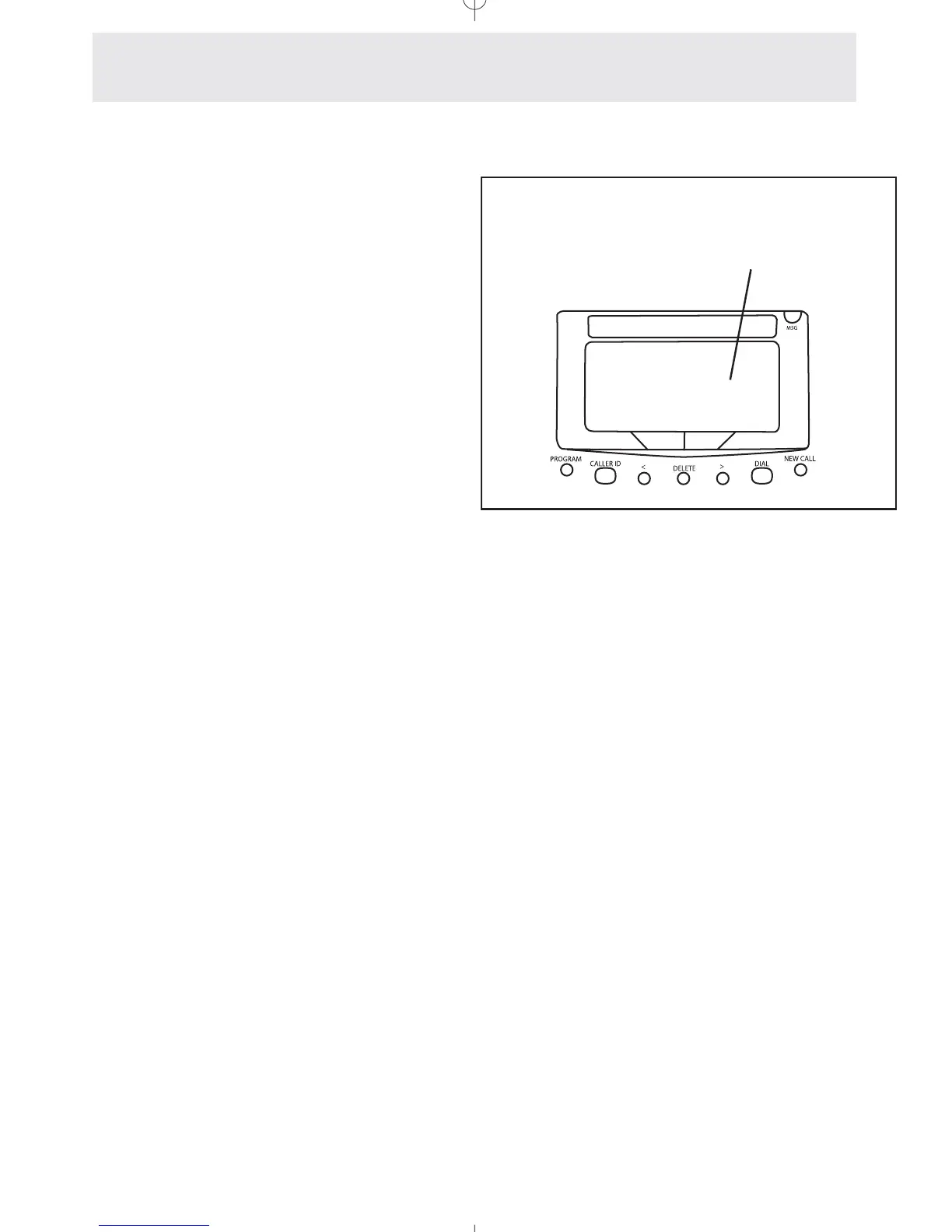
Set your answering system
to “AA” to set this phone as
an auto attendant
Answering System
Setting Up and Operating a Telephone as an Auto Attendant
Ans System: AA
CHANGE NEXT



 To Next Page