68
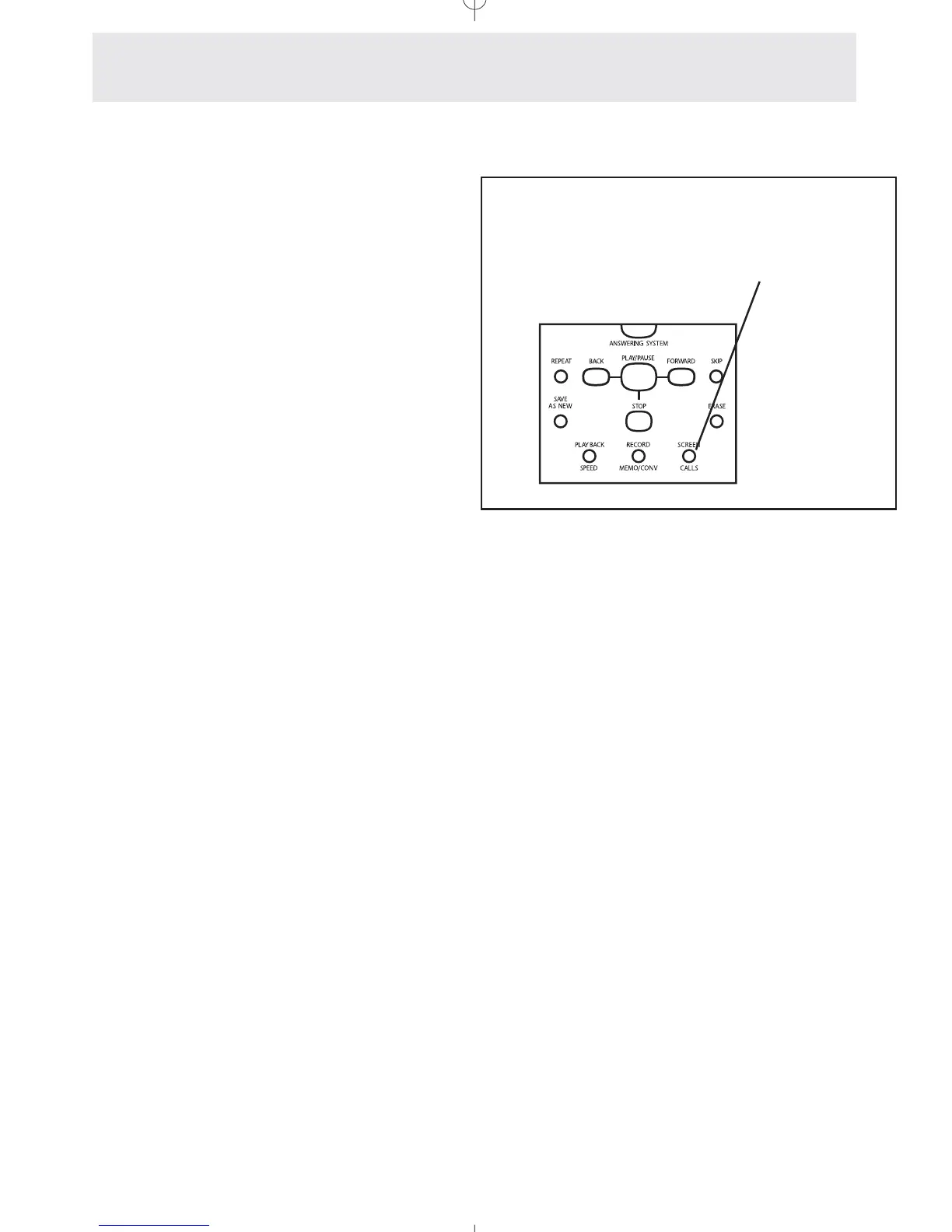
Screening Calls
To turn Call Screening on/off:
1
Press b to turn on the
Call Screening feature.
- The SCREEN CALLS indicator will
turn ON.
2 Press b again at any
time to cancel the Call Screening
feature.
- The SCREEN CALLS indicator will
turn OFF.
The Call Screening feature allows you to listen to
messages over the speakerphone as they are
being recorded at your phone. If you wish to take
the call, simply press the corresponding L
button.
Use the b button
to screen your calls
Answering System
Setting Up and Operating Your Telephone’s Answering System



 To Next Page