Using Mute
Operating Your System
To turn mute on/off during a
call:
1
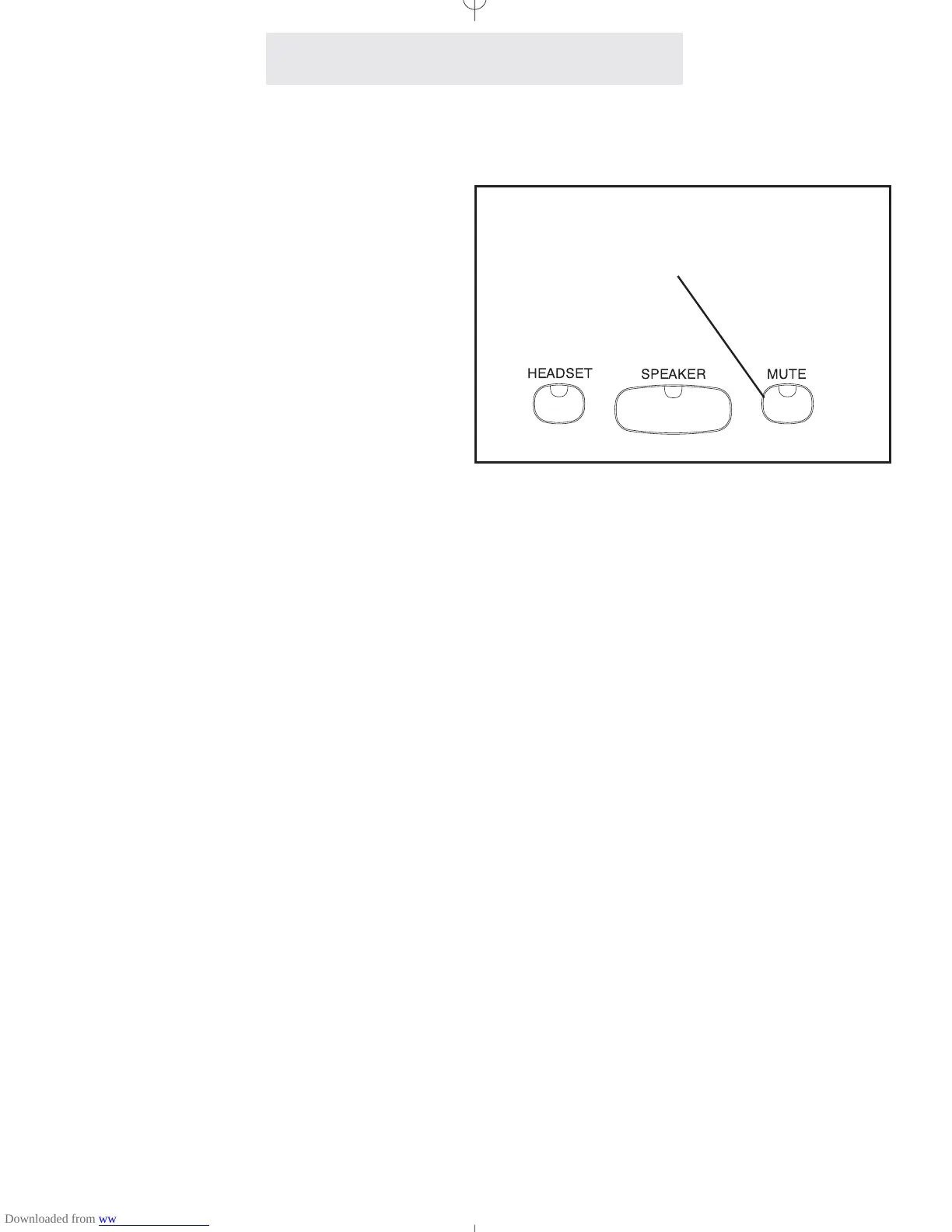
Press MUTE.
- The MUTE indicator turns ON.
2 Press MUTE again to cancel MUTE.
- The MUTE indicator turns OFF.
The Mute feature allows you to turn off your tele-
phone’s microphone so that the other party can-
not hear you.
The Mute feature works whether you are using
the handset or the speakerphone. It silences
only your voice; you will still be able to hear the
other party.
The Mute feature automatically cancels when
you hang up, switch between lines or switch from
speakerphone to handset during a call.
36
Press MUTE to turn off your microphone
so you cannot be heard



 To Next Page