Operating Your System
39
The Call Privacy feature prevents people at
other stations from joining or listening to your
conversation unless you conference them to the
line or release the call privacy during the call.
When you use a telephone line, Call Privacy will
automatically be on or off, depending on the sys-
tem setting which was set at Station #11. (See
page 18.)
If you release Call Privacy during a call, this new
setting will remain for the length of the call, and
the setting will automatically return to the system
setting when you hang up.
Note: Call Privacy is always on for intercom
calls.
Releasing Call Privacy
To release call privacy during
a call:
If your system is set to have call priva-
cy normally ON, it will automatically be
on during each call.
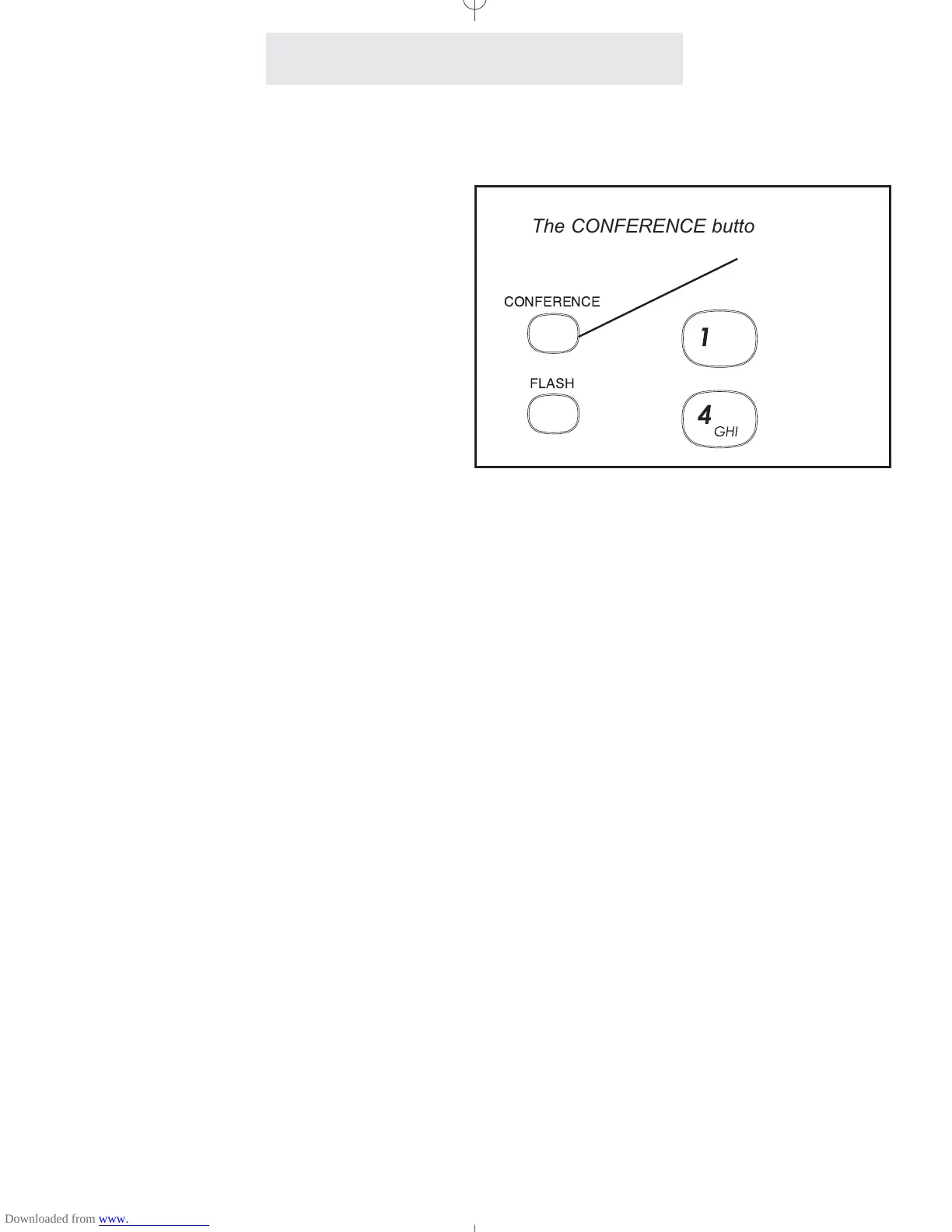
1 Press the CONFERENCE button
any time you wish to turn the call
privacy OFF during a particular call.
“Privacy Released” will appear in
the display to indicate that call priva-
cy is temporarily off.



 To Next Page