83
Choosing the Zero-Out Action
To choose the Zero-Out
Action:
1
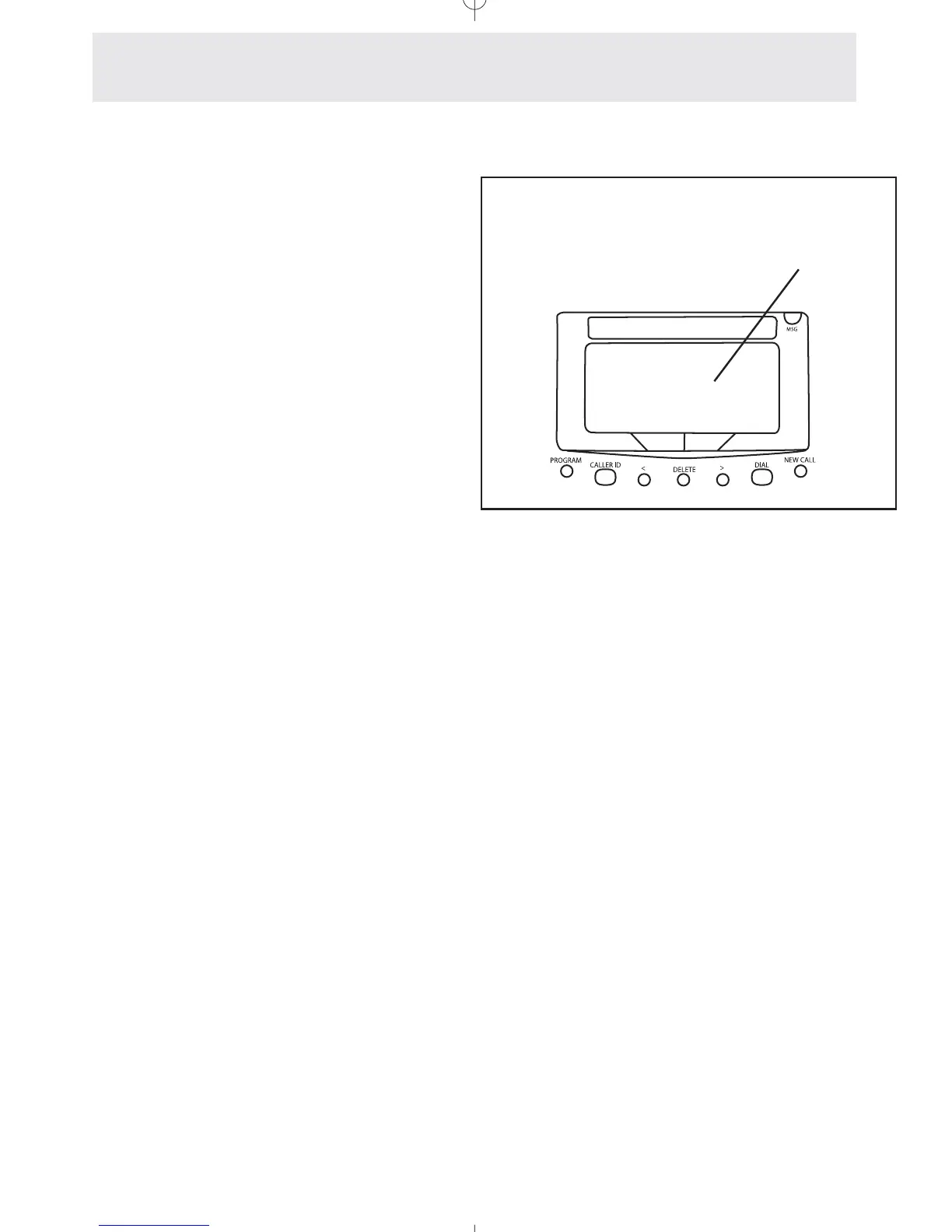
Press P.
- The display will read
“Program...”
2 Press the soft key under ANSW.
3 Press the soft key under NEXT until
“Advanced Setting” appears in
the display, and then press the soft
key under ENTER.
- The display will read “AA OGM 2-8
Setup.”
4 Press the soft key under NEXT
repeatedly, until ”Zero-Out
Action” appears in the display, and
then press the soft key under
ENTER.
5 Press the soft key under CHANGE
repeatedly, until the desired Zero-
Out Action is displayed.
The choices are:
AA Zero-Out OGM (factory setting)
RING STN #11 through #26
GLOBAL RING #30 through #38
DISALLOW
6 Press P to exit.
When the caller dials “0” during an Auto
Attendant message, the factory setting is that it
plays the Zero-Out OGM. However, you may
choose a different Zero-Out action if you wish.
You may set the phone to transfer to a particular
extension, ring all the phones with a particular
distinctive ring (so you know the caller has dialed
“0”), or even disallow the caller to zero-out.
You may decide exactly what happens
when callers dial “0” at the auto attendant
Answering System
Advanced Auto Attendant Features
Zero Out Action
BACK ENTER NEXT



 To Next Page