10
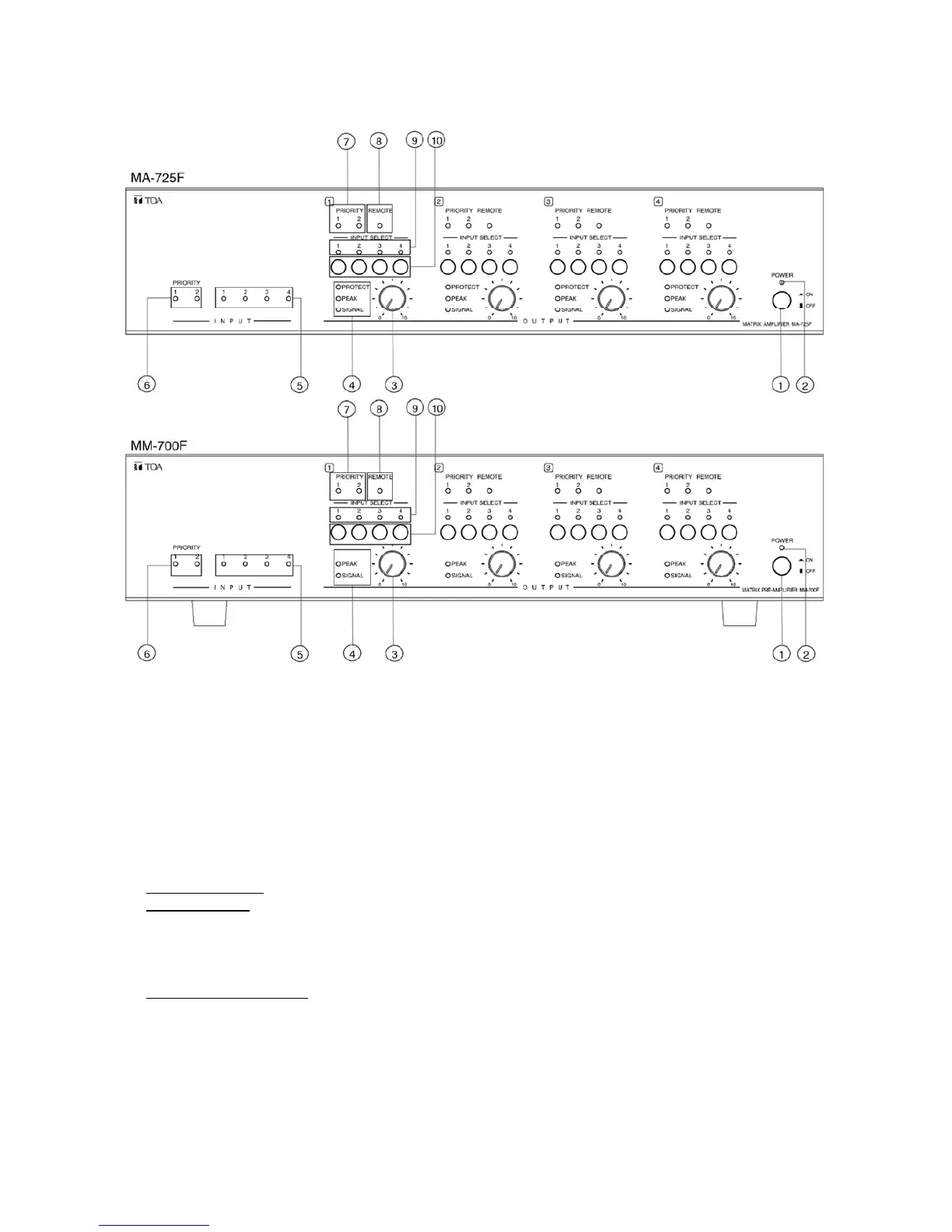
7. NOMENCLATURE AND FUNCTIONS
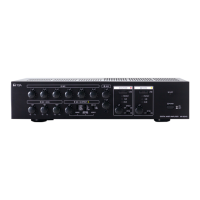
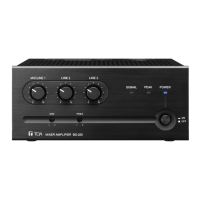
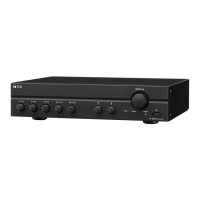
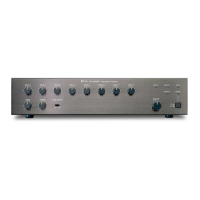
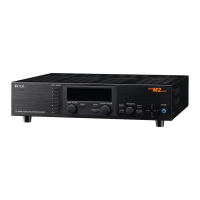
[Front]
1 POWER SIWITCH [ON /OFF]
Press this switch to turn on the amplifier, press the switch again to turn off the amplifier.
2. POWER INDICATOR [POWER] (Blue)
During the power on process the indicator flashes, after amplifier is ready, the indicator lights.
3. CH1 OUTPUT LEVEL CONTROL
Adjust CH1 output level
Note: The functionality of CH2, CH3, CH4 is the same as CH1.
4. CH1 SIGNAL, PEAK, PROTECT INDICATOR (Green, Red, Red)
SIGNAL Indicator: When output level exceeds -36 dBV, the SIGNAL indicator lights.
PEAK Indicator: Lights red when an output signal clips (distortion occurs).
Note:
When the Peak indicator lights, turn the output level control (3) counterclockwise until its light
extinguishes or decrease the input signal level of the connected external device. Operating the
unit while the Peak indicator remains lights may cause the protection circuitry to be activated.
PROTECT Indicator (*): Lights or blinks when the protection circuitry is activated. (See p. 27;
Protection Operation List.) When the power is switched on, this indicator lights for about 2 seconds and
then extinguishes.
Note: The functionality of CH2, CH3, CH4 is the same as CH1.
5. LINE 1, LINE 2, LINE 3, LINE 4 INPUT SIGNAL INDICATOR (Green)
When LINE 1, LINE 2, LINE 3, LINE 4 input signal is exceed -47dBV, the indicator lights.



 To Next Page