EasyManua.ls Logo

Toa MX-6224D - User Manual

Toa MX-6224D
60 pages
Print Icon
To Next Page IconTo Next Page
Loading...
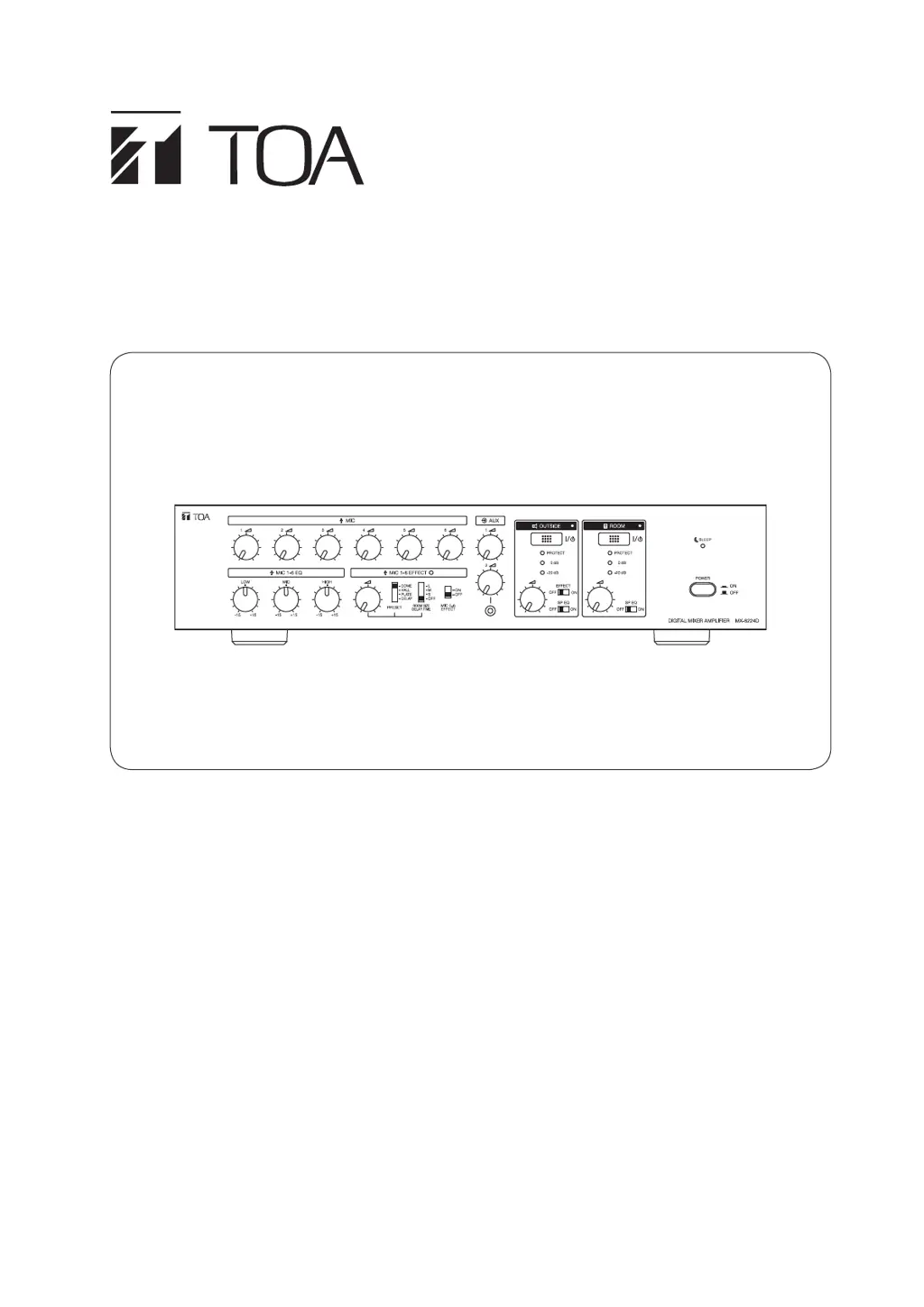
OPERATING INSTRUCTIONS
DIGITAL MIXER AMPLIFIER 2x240W
REMOTE CONTROLLER
MX-6224D
RC-03
MX-6224D
Thank you for purchasing TOA's Digital Mixer Amplier 2x240W and Remote Controller.
Please carefully follow the instructions in this manual to ensure long, trouble-free use of your equipment.
133-02-00236-02

Questions and Answers

  • M
    Ms. Megan SmithAug 12, 2025
    Why is there no sound coming from my Toa Amplifier?
    • S
      Steven SanchezAug 12, 2025
      Several factors could cause a lack of sound output from your Toa Amplifier. First, ensure the AC power cord is securely connected and the power switch is set to 'ON'. Check that either the 'Outside Zone' or 'Room Zone' output switch is activated. Also, verify that the volume controls are not set to the minimum. If using a microphone requiring phantom power, make sure the phantom power switch is set to 'ON', and if using MIC 2-6, connect the microphone to the XLR jack, as phantom power is not supplied to the phone jack. Overheating can also cause this issue, so remove any obstructions from the vent or adjust the amplifier volume if the speaker output is excessively loud. Finally, check for and fix any short circuits in the speaker wires.
  • G
    Gregory ClarkAug 19, 2025
    What to do if I cannot use the effector on my Toa MX-6224D?
    • I
      iwilsonAug 19, 2025
      If you're unable to use the effector on your Toa Amplifier, check these settings: * Ensure the 'Effect Room Size/Delay time' selection switch is not set to 'OFF'. Choose another mode. * Make sure the effect control is set to an appropriate level, not the minimum. * If using a remote controller, verify that the effect switch on the remote controller is set to 'ON'. * If you want the sound effect to apply to the outside zone, confirm that the 'Outside Zone' output effect switch is set to 'ON'.
  • B
    Bridget StevensAug 27, 2025
    Why is the sound output from my Toa Amplifier intermittent?
    • K
      Kelly OlsenAug 27, 2025
      Intermittent sound output from your Toa Amplifier can occur if a low-impedance speaker is connected to the speaker terminals. To resolve this, connect a speaker with a higher impedance than the specified rating.
  • K
    Kristi JensenSep 4, 2025
    What to do if my Toa Amplifier won't turn off with the remote?
    • K
      kevincraigSep 4, 2025
      If your Toa Amplifier isn't turning off with the remote, it might be because both the 'Outside Zone' and 'Room Zone' output switches are set to 'ON'. To turn the unit off with the remote, set both of these output switches to 'OFF'.

Toa MX-6224D Specifications

General IconGeneral
Power Output240 W
Frequency Response50 Hz - 20 kHz
Total Harmonic Distortion0.5 % (at 1 kHz, rated power)
Signal-to-Noise Ratio80dB (line)
Power SourceAC
InputLine
OutputLine
Tone ControlBass, Treble
ControlVolume, Tone, Master
IndicatorPower, Signal, Clip
Operating Temperature0°C to 40°C
Finishblack
AccessoriesPower cord
Input Impedance10 kΩ (LINE)

Related product manuals