23
10.3 Priority Mix
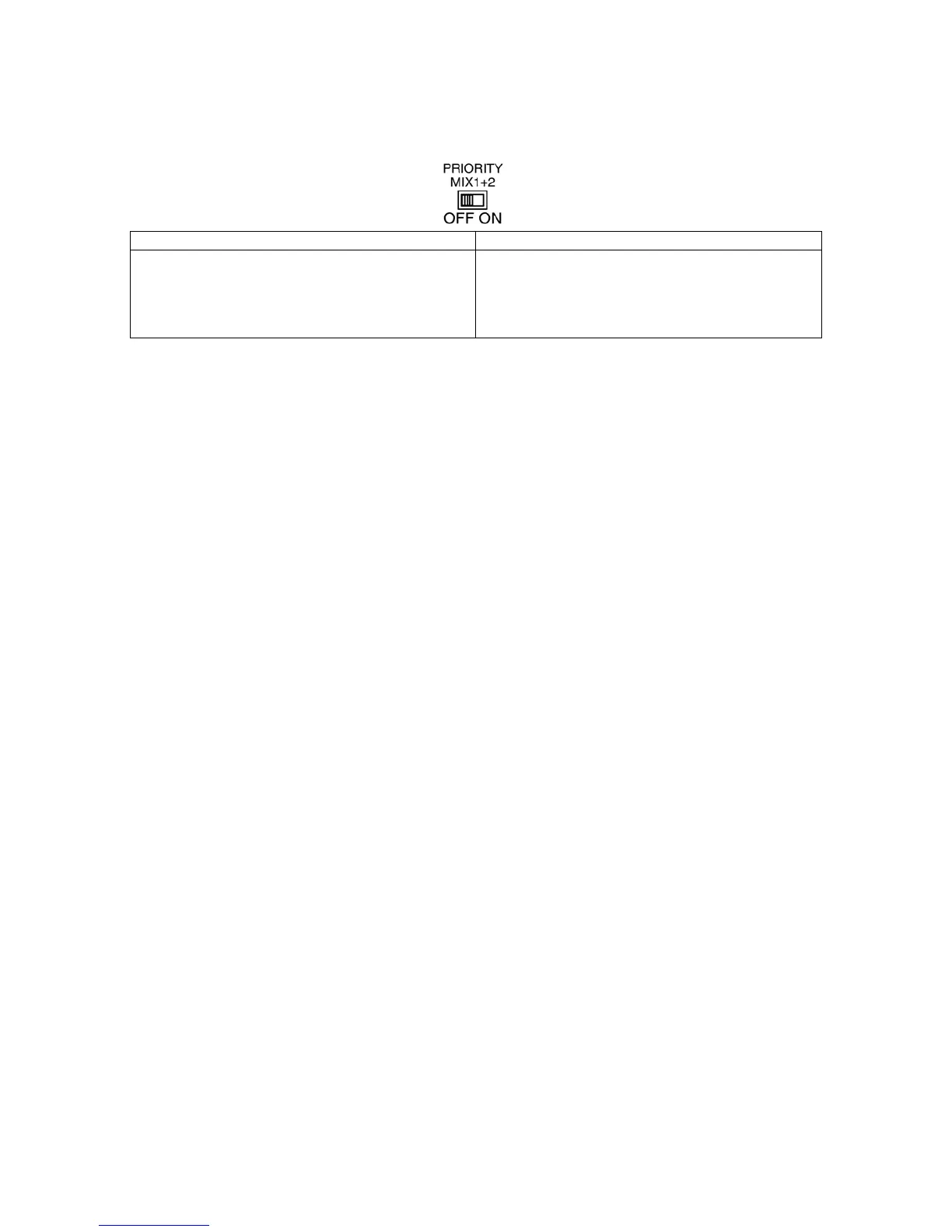
Step 1. Set the PRIORITY MIX 1+2 switch on
ON (Right) OFF (Left)
PRIORITY 1 and PRIORITY 2 will be mixed and output to CH1,
CH2, CH3, CH4 when mute activated. The PRIORITY
FUNCTIONAL DIP SWITCH (20), MUTE SENSE control (18),
HOLD TIME control (19) will be followed by PRIORITY 1’s
setting
The PRIORITY 1 has the higher priority level than PRIORITY 2.
When There is mute function activated. Unit will output
PRIORITY 1’s input first.
Step 2. Assign the PAGE CH:
This operation is same as 10.1 Step 1.
Note: When PRIORITY MIX 1+2 is on, the paging channel only need to set from Priority 1’s
PRIORITY FUNCTIONAL DIP SWITCH, set from Priority 2’s PRIORITY FUNCTIONAL DIP
SWITCH won’t affect the setting.
Step 3. Set PRIORITY 1+2 auto mute trigger threshold:
Adjust the MUTE SENSE CONTROL to set the auto mute trigger threshold, rotate clockwise
will increase the sensitivity, rotate counter-clockwise will decrease the sensitivity.
Note: When PRIORITY MIX 1+2 is on, the auto mute trigger threshold is control only from on
Priority 1’s MUTE SENSE CONTROL, adjust from Priority 2’s MUTE SENSE CONTROL
won’t affect the setting.
Step 4. PRIORITY 1+2 signal trigger the Auto Mute:
When the PRIORITY 1 + PRIORITY 2 signal level exceeds the mute trigger threshold, the
LINE 1, LINE 2, LINE 3, LINE 4 to assigned page channel’s output will be mute and route
PRIORITY 1 + PRIORITY 2 signal to output.
Step 5. Release Mute
When the PRIORITY 1 + PRIORITY 2 signal level is below than the mute trigger threshold,
depends on the setting of the HOLD TIME CONTROL, the signal will start to fade in after the
hold time interval is time out.
Note: When PRIORITY MIX 1+2 is on, the hold time is control only from on Priority 1’s HOLD
TIME CONTROL, adjust from Priority 2’s HOLD TIME CONTROL won’t affect the setting.
11. OPERATION
11.1 Input Selection Function
Use the INPUT SELECT SWITCH on the front panel or connect the WP-700 remote module to
REMOTE TERMINAL to select the LINE 1, LINE 2, LINE 3, LINE 4 signal source to CH1, CH2, CH3,
CH4 outputs.
11.1.1 INPUT SELECT SWITCH [Front]
Step 1. Connect different music source (CD players, mp3 players, tape recorders…) to LINE 1,
LINE 2, LINE 3, LINE 4 respectively.
Step 2. Push INPUT SELECT SWITCH on each output channel (CH1, CH2, CH3, CH4) to
route LINE in signal to outputs. Push the selected LINE source again can cancel the
routing (mute).



 To Next Page