29
29
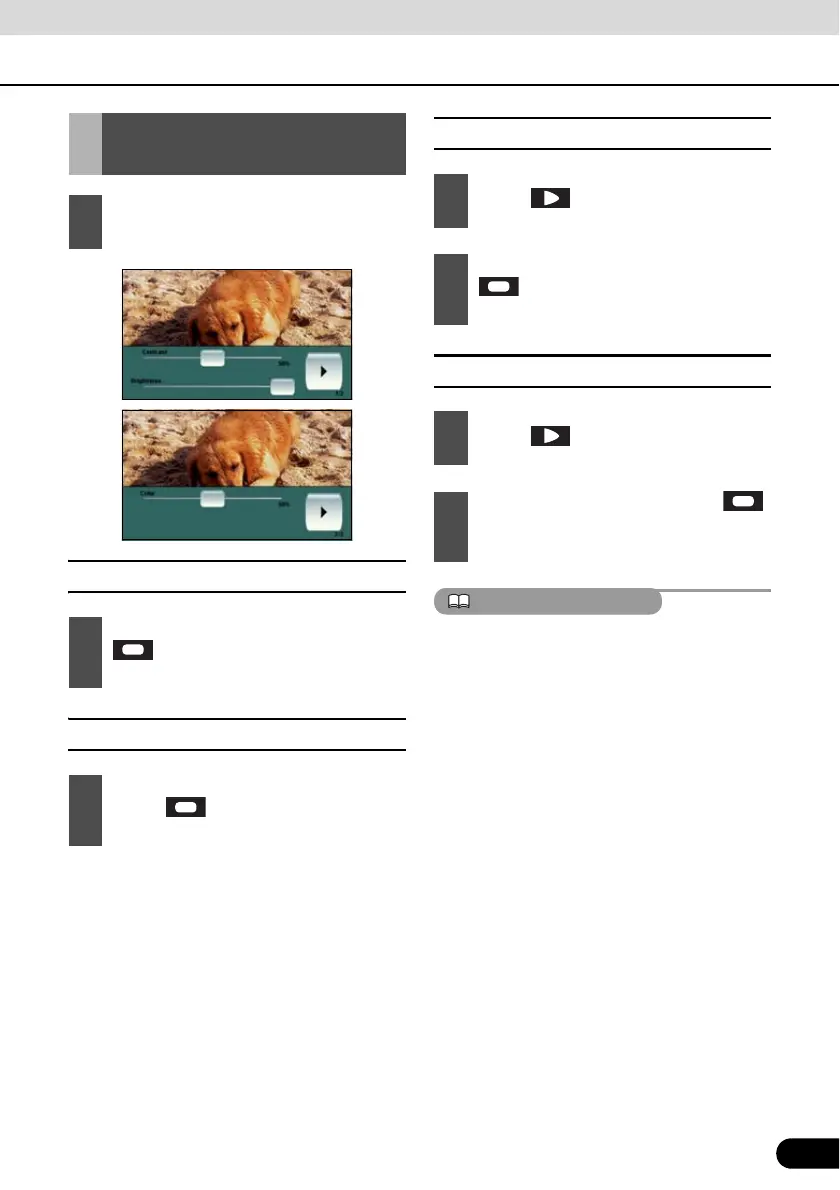
■ Contrast
■ Brightness
■ Color
■ Tint (only for NTSC)
If no adjustments are made for 6 seconds, the
image quality adjustment screen will be
canceled.
Picture Quality
Adjustment
1
Hold down the [CTRL] button during
DVD or VTR image display.
1
Adjust the contract of image by sliding
from the left end position (0%) to
the right end position (100%).
1
Adjust the brightness of image by
sliding from the left end position
(0%) to the right end position (100%).
1
Touch .
2
Adjust the color of image by sliding
from the left end position (0%) to
the right end position (100%).
1
Touch .
2
Adjust the tint of image by sliding
from the left end position (0%) to the
right end position (100%).



 To Next Page