76
76
Using the DivX Player
Visual operations
Insert a disc containing a DivX file into the
disc slot, and it will start playing.
● The disc starts to play.
● If the operation switches (touch switches)
are not being displayed, touch the screen.
■ Playing a Video
■ Fast Forward/Rewind
You can fast forward or rewind through the
file being played.
● To the right:
Fast forwards a video.
To the left:
Rewinds a video.
When a beep sounds, the fast forward (or
rewind) mode starts and the video is fast
forwarded (or rewound) until you remove
your finger from the switch.
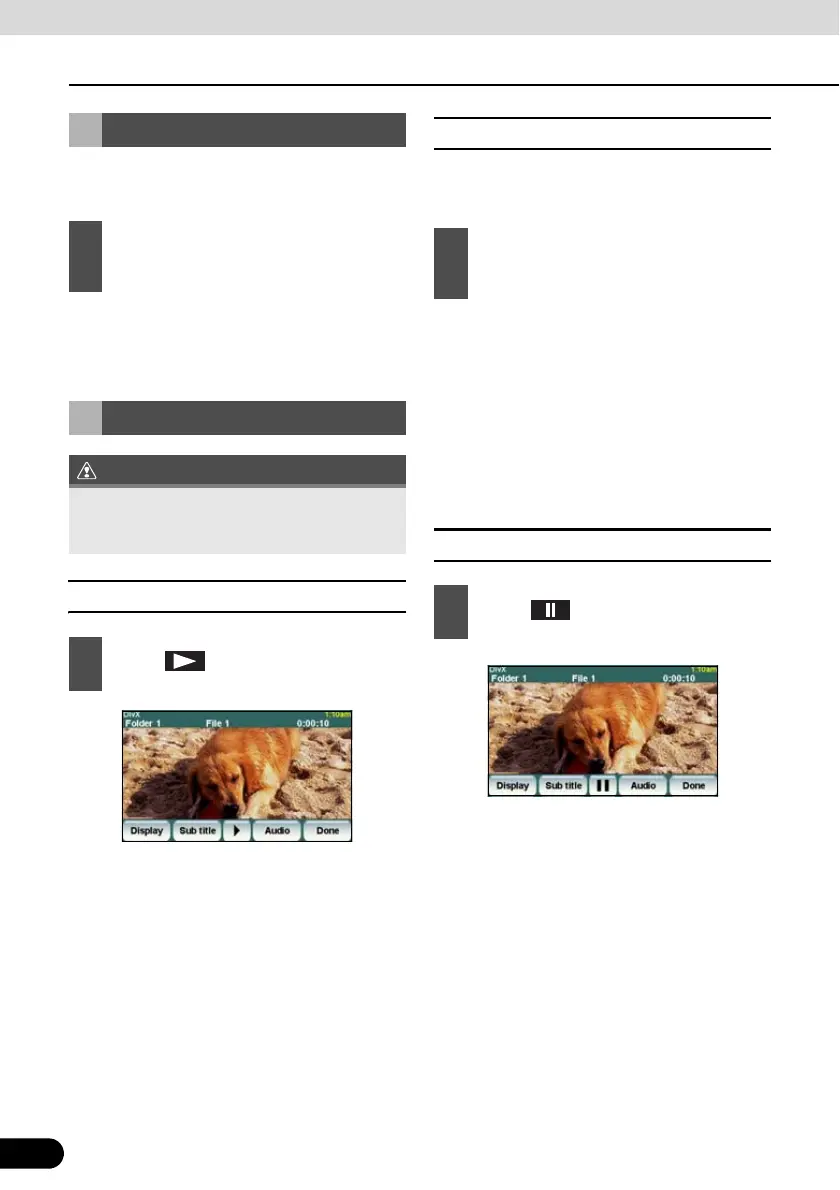
■ Pausing a Video
Watching a DivX Video
1
Press the [SRC] button repeatedly
until “DivX” is displayed on the sub-
display.
Video Operations
The touch buttons and other operation icons
are shown approximately 6 seconds.
Touching the screen will display them again.
1
Touch .
1
Hold down the [SELECT (Right)] or
[SELECT (Left)] button for 1 or more
seconds.
1
Touch .



 To Next Page