64
64
Using the DVD Player
Visual operations
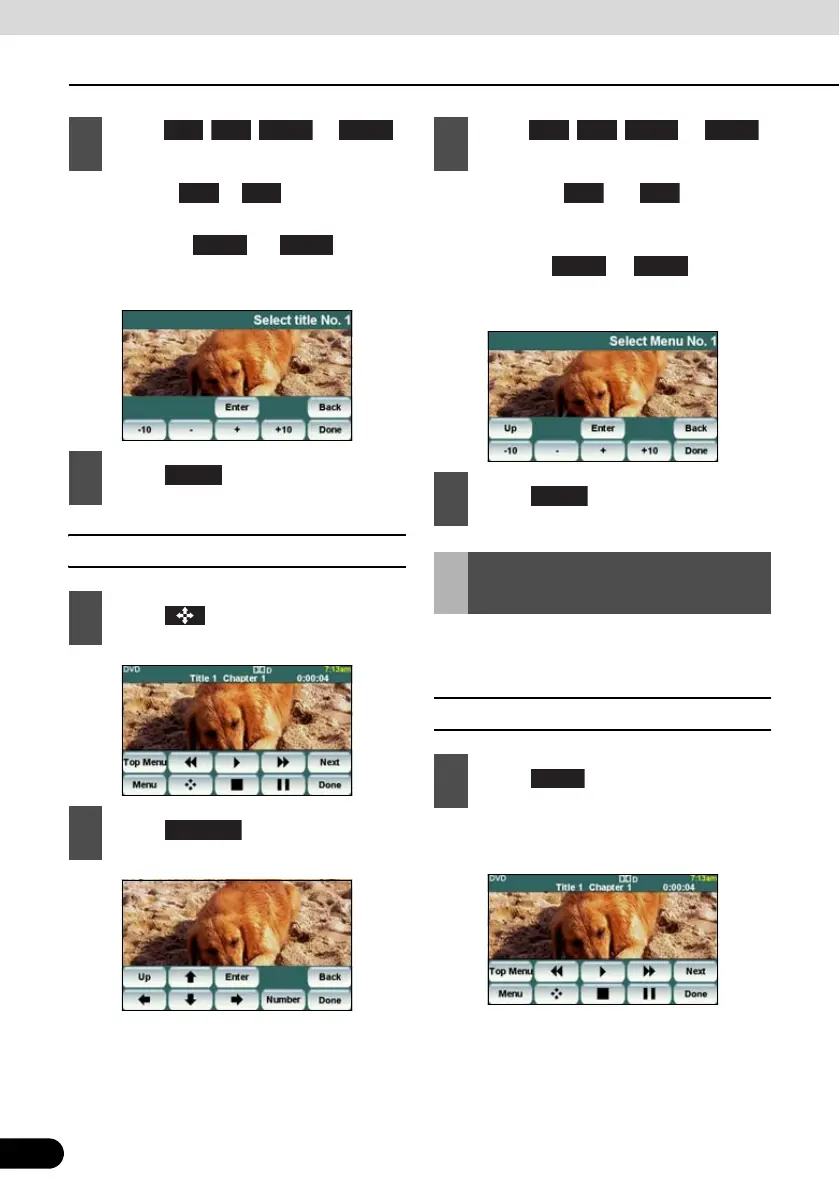
● If you touch or , the title number
is decremented or incremented by 1.
● If you touch or , the title
number is decremented or incremented by
10.
■ Finding by chapter number
● If you touch or , the menu
number is decremented or incremented by
1.
● If you touch or , the menu
number is decremented or incremented by
10.
You can change or hide the touch switch
display while playing.
■ Hiding the Touch Switch
● Touching the screen will display the touch
switches again.
2
Touch , , , or ,
and enter the title number.
3
Touch .
1
Touch .
2
Touch .
− +
+10
Enter
3
Touch , , , or ,
and enter the menu number.
4
Touch .
Changing the Touch
Switch Display
1
Touch .
− + −10
+10



 To Next Page