62
62
Using the DVD Player
Visual operations
■ Playing a Video
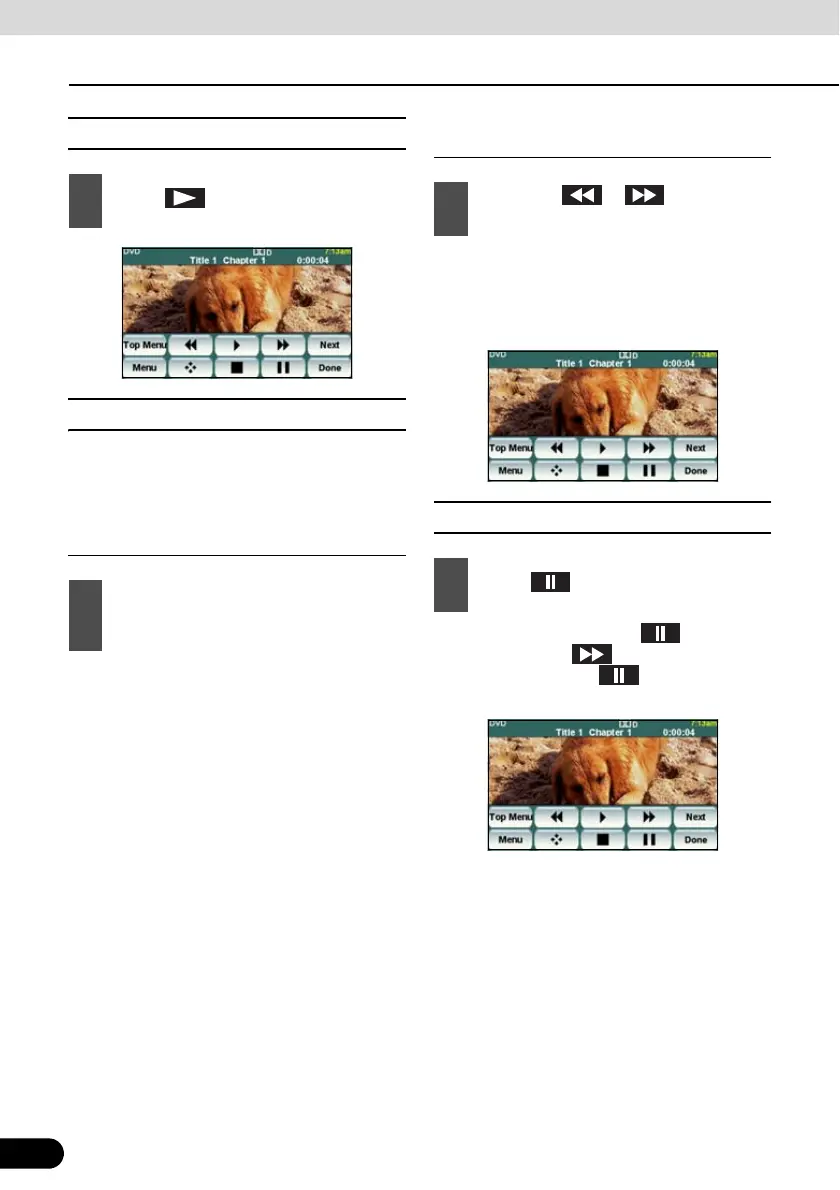
■ Fast Forward/Rewind
It is possible to fast forward or rewind through
the video being played.
Fast Forwarding or Rewinding Using
Panel Switch
● To the right:
Fast forwards a video.
To the left:
Rewinds a video.
When a beep sounds, the fast forward (or
rewind) mode starts and the video is fast
forwarded (or rewound) until you remove
your finger from the switch.
Fast Forwarding or Rewinding Using
Touch Switches
● When a beep sounds, the fast forward (or
rewind) mode starts and the video is fast
forwarded (or rewound) until you remove
your finger from the switch.
■ Pausing a Video
● When video is paused ( ) and when
you short touch , the Slow Play starts.
When you touch , the frame-by-
frame play starts.
1
Touch .
1
Hold down the [SELECT (Right)] or
[SELECT (Left)] button for 1 or more
seconds.
1
Hold down or for 1 or more
seconds.
1
Touch .



 To Next Page