43
43
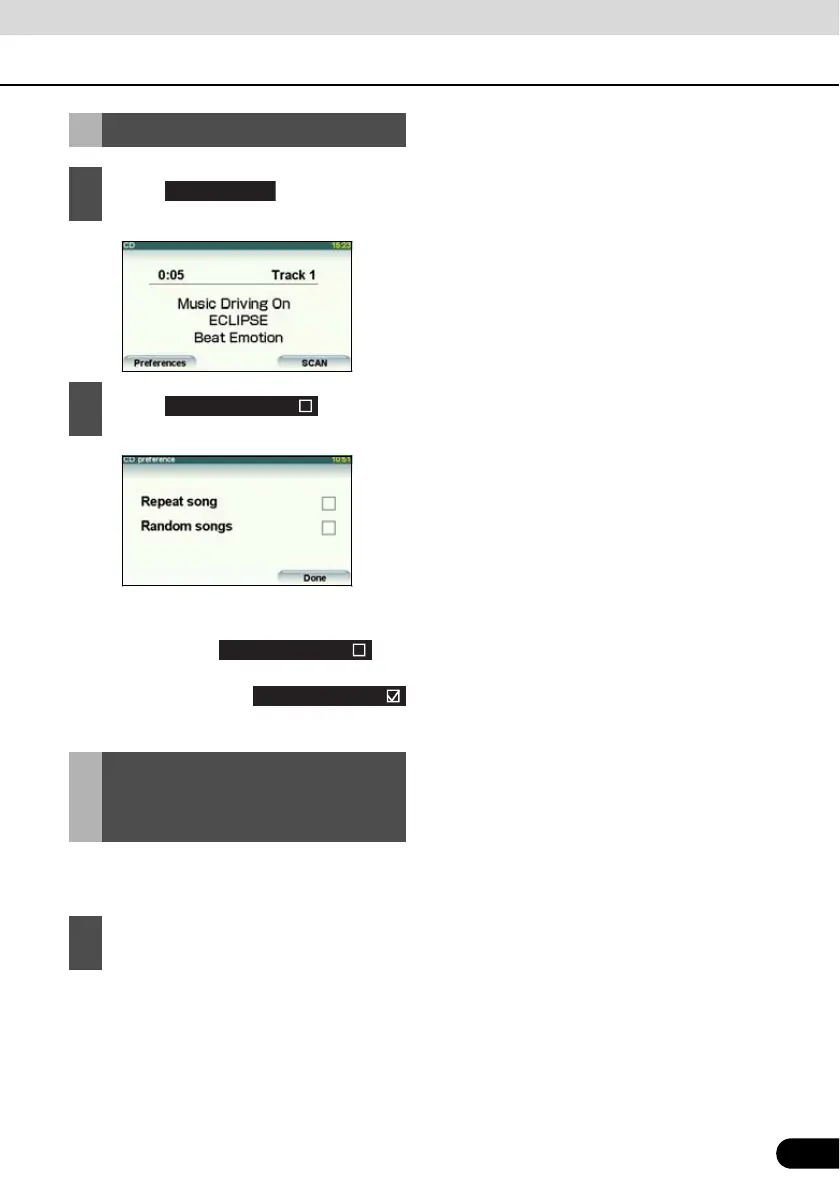
● All titles of the CD are played in random
order.
● When you touch , the
random play continues until you cancel it.
When you touch
again, the random play is canceled.
The current track number and the elapsed
time can be shown on the sub-display.
● The display changes as follows each time
you press the [TP/TEXT] button.
Track No. J Elapsed time J Track No. J
...
Random Play
1
Touch .
2
Touch .
Displaying the song
information on the sub-
display
1
Hold down the [TP/TEXT] button for 1
or more seconds.
Random songs



 To Next Page