84
84
Using the iPod Player
How to operate portable audio devices
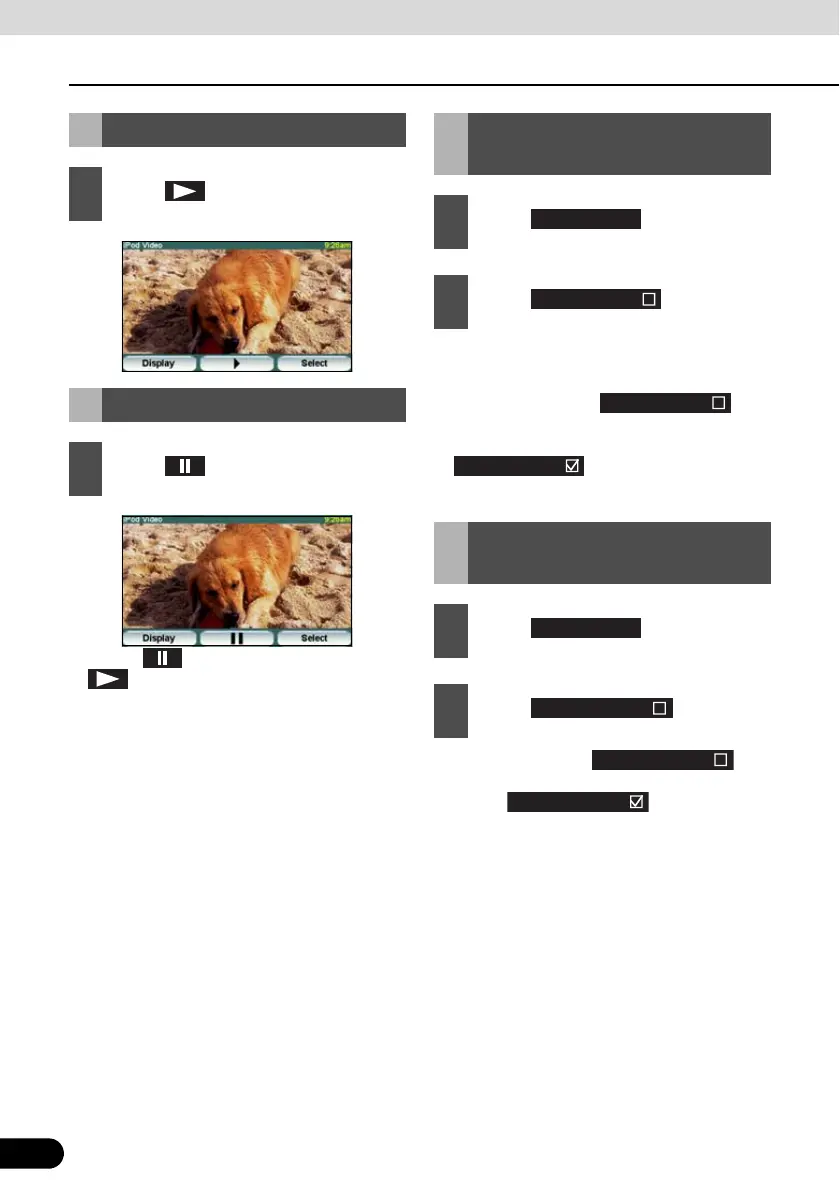
● Touch to pause the display. Touch
to resume playing.
● This repeatedly plays the currently played
music file.
● Once you touch , the
selected music file will be repeated until
the repeat function is released. Touch
again to cancel the
repeat play.
● Once you touch , the
random play continues until you cancel it.
Touch again to cancel
the random play.
Playing
1
Touch .
Pausing
1
Touch .
Repeatedly Playing the
Same Music File
1
Touch .
2
Touch .
Random Play of Music
Files
1
Touch .
2
Touch .
Repeat song
Preferences
Shuffle songs



 To Next Page