75
Visual operations
75
Using the DivX Player
■ About DivX
● DivX is a highly evaluated media technology developed by DivX Inc. DivX can compress
media data at a high compression ratio to create compact files while maintaining high
quality. The DivX file can store a menu, subtitles and sub-audio tracks. You can find
various DivX media files in the DivX.com website. The files as well as DivX tools can be
downloaded, which will help you create original contents.
■ About DivX Certified
● “DivX Certified” products have been tested by the DivX creators and certified to play files
of any DivX version (including DivX 6). A portable video or HD video with the DivX
Certified logo attached are compliant with the DivX Profiles certification.
● DivX, DivX Certified, and associated logos are trademarks of DivX, Inc. and are used under
license from DivX, Inc.
● This receiver can play a DivX-format file disc. However, it cannot play a video file stored in
a USB memory.
● For safety purposes, only the audio from the DivX can be played while the vehicle is running.
You can watch a DivX video only when you have stopped your vehicle and applied the parking
brake to secure safety while the engine switch or ACC is turned on. (If the source is switched to the
DivX player while the car is moving, only the audio function becomes active.)
To ensure driving safety, you cannot watch a video while driving.
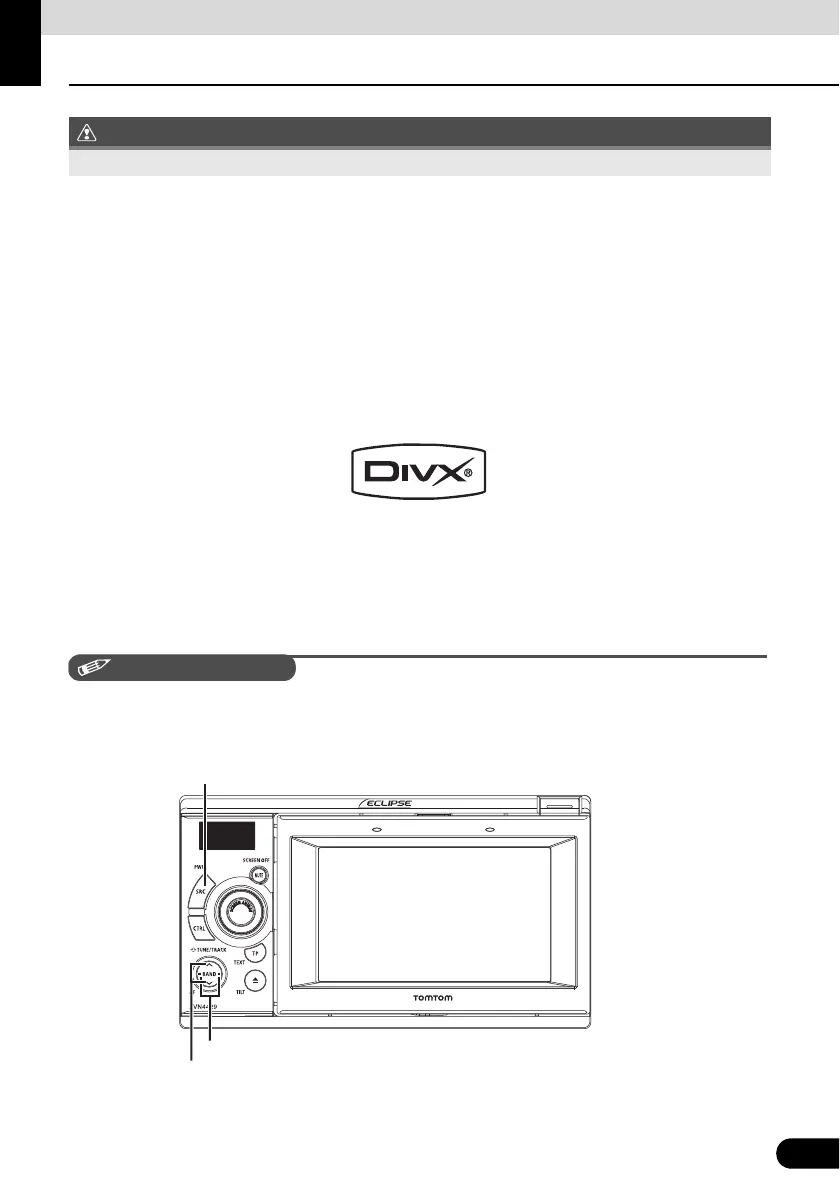
Track selection (start point) / Fast-forward (rewind) button
Folder selection button
SRC



 To Next Page